








Key features
Full solution
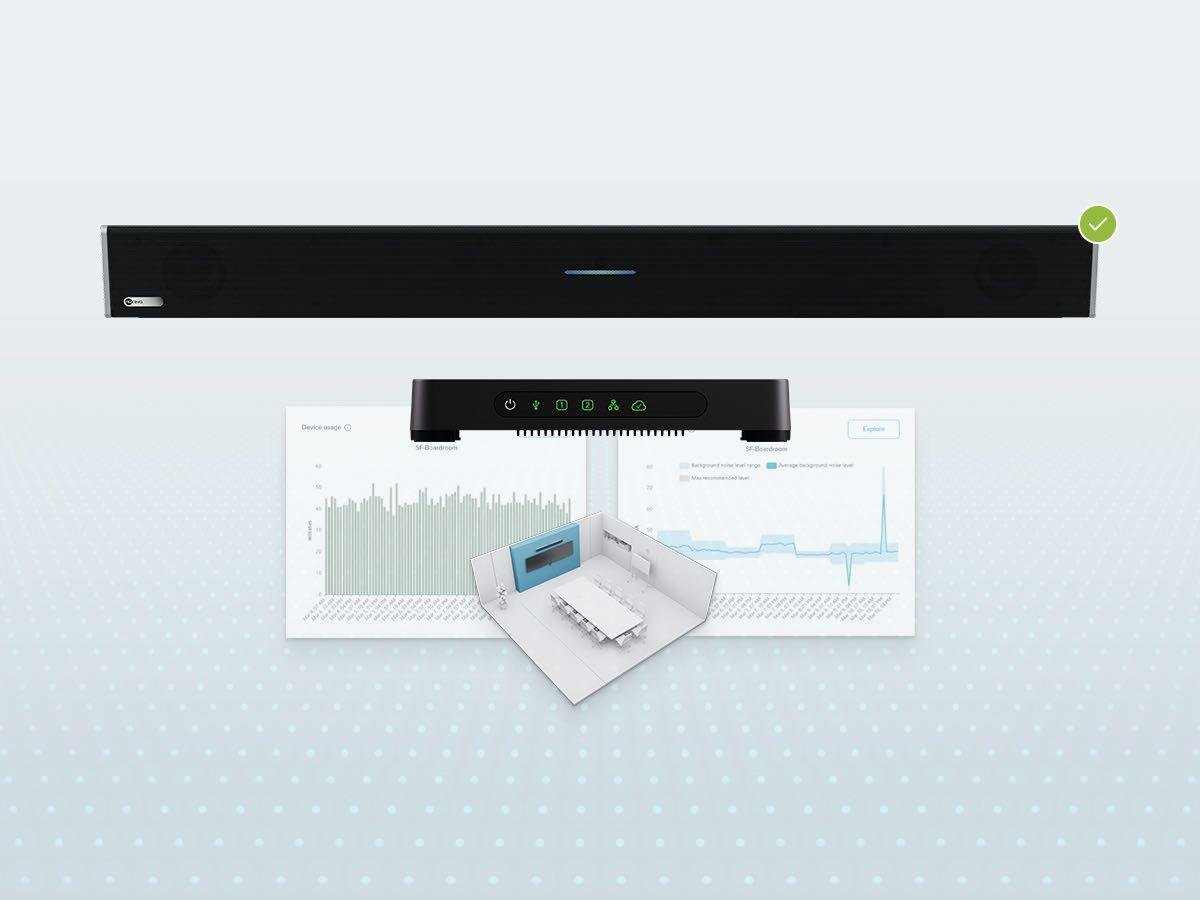
Avoid escalating costs with a comprehensive solution that gives you everything required for great audio conferencing. It’s all included. There’s no need to purchase software, separate DSPs or other components.
Easy installation
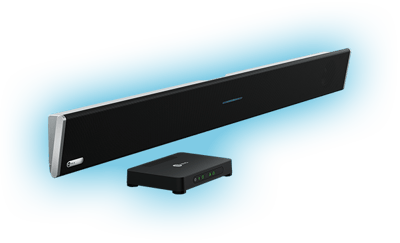
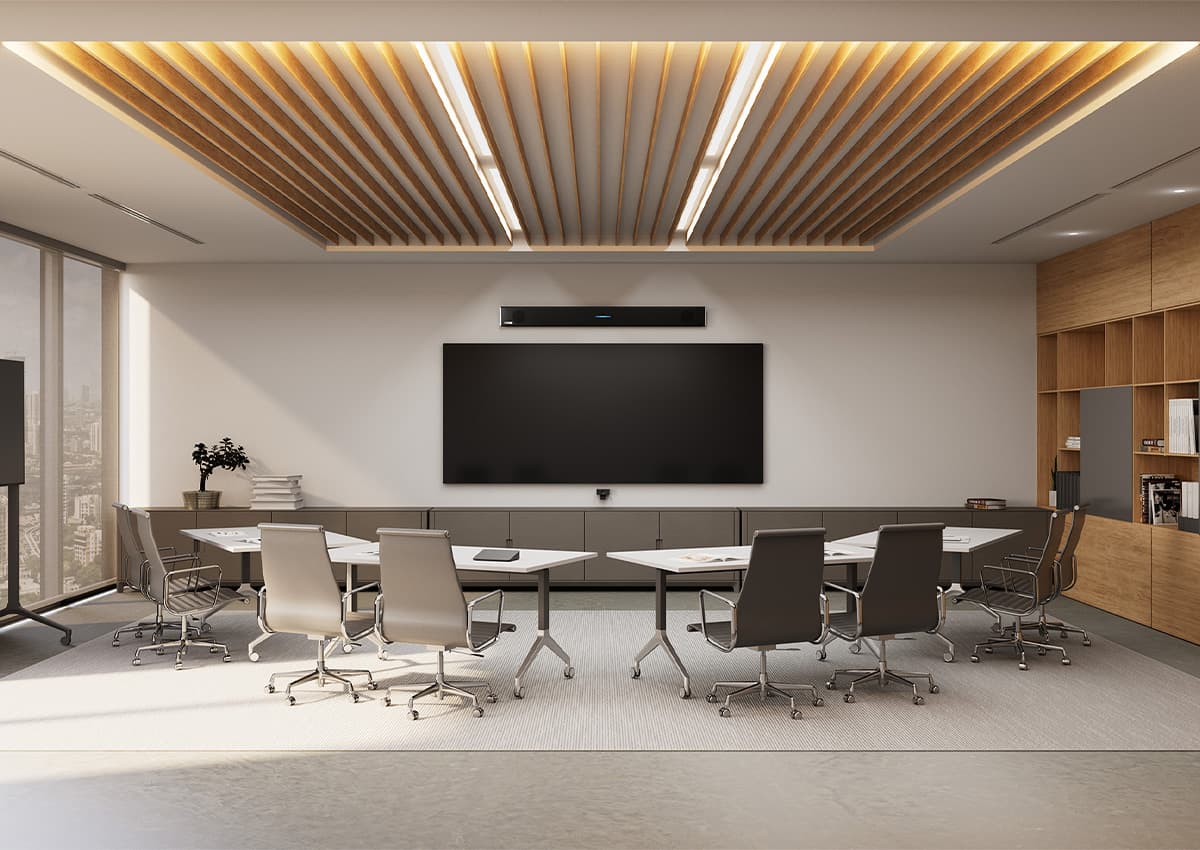
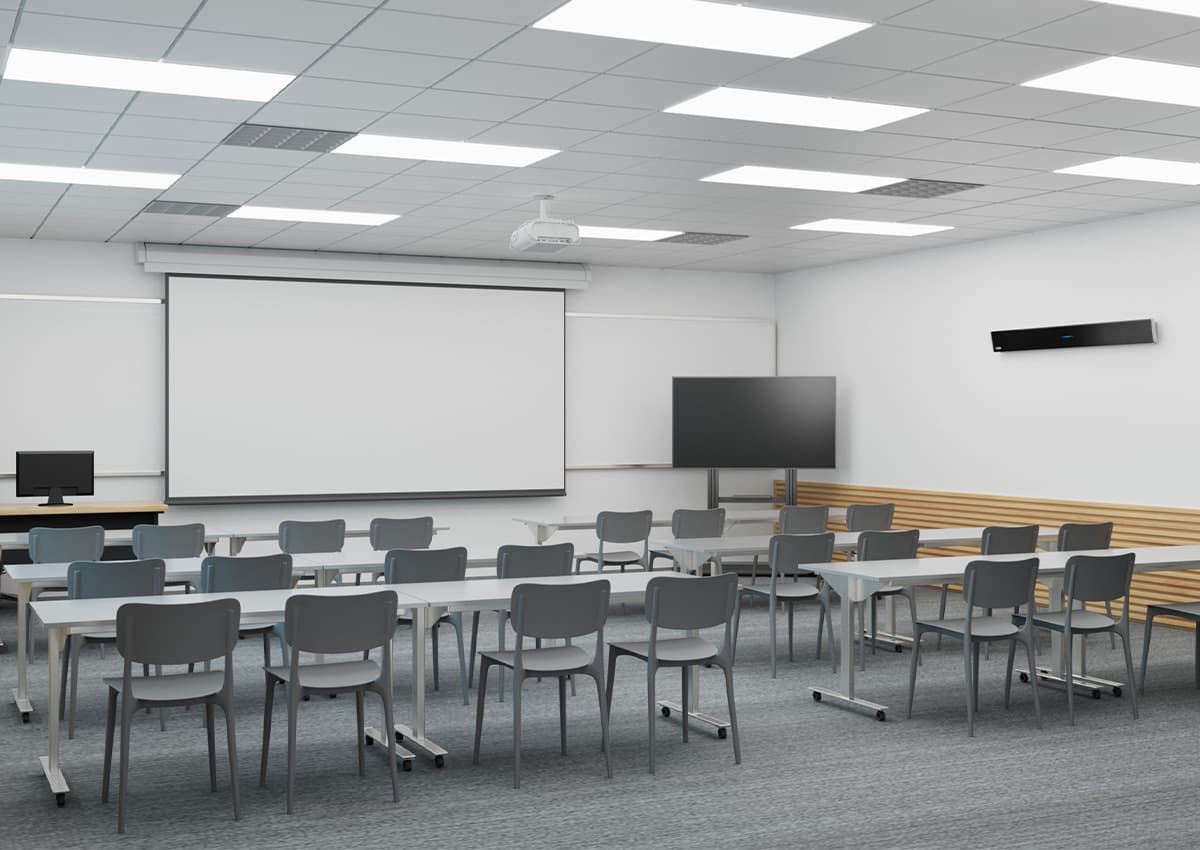
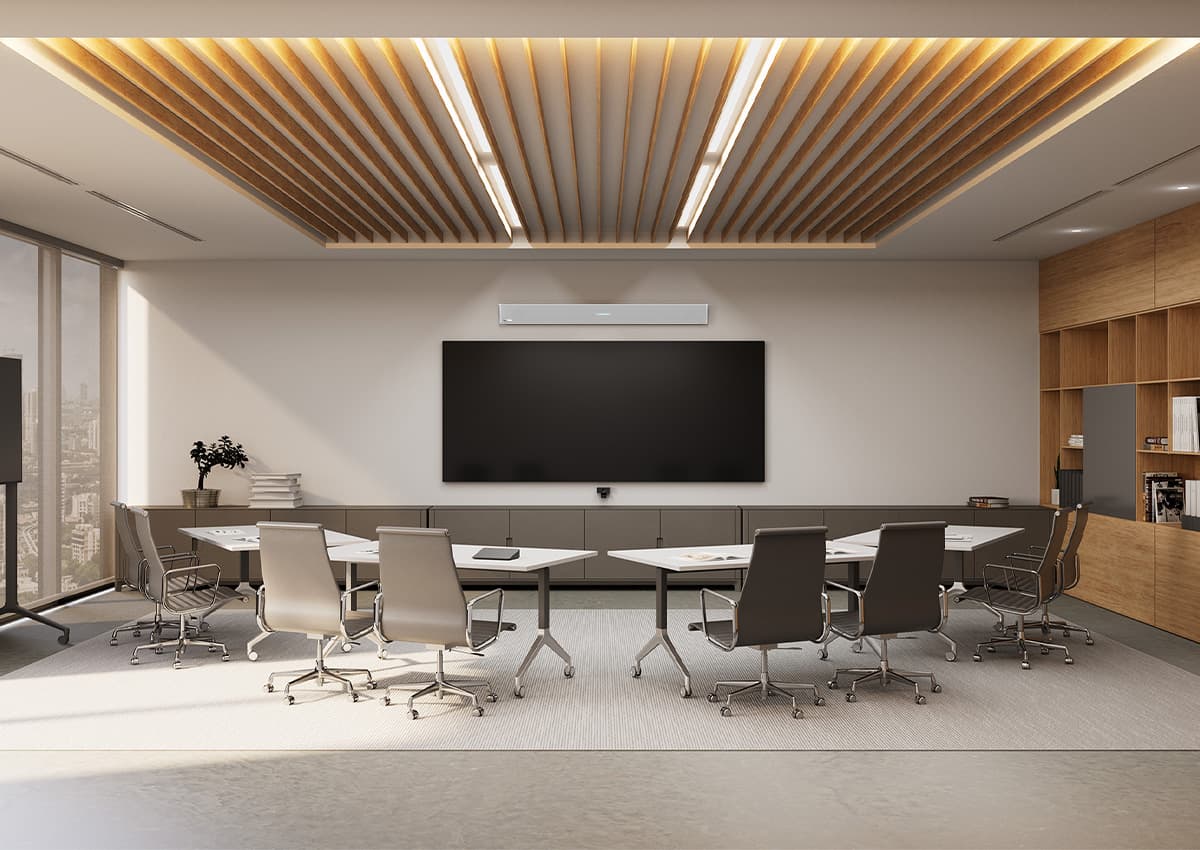
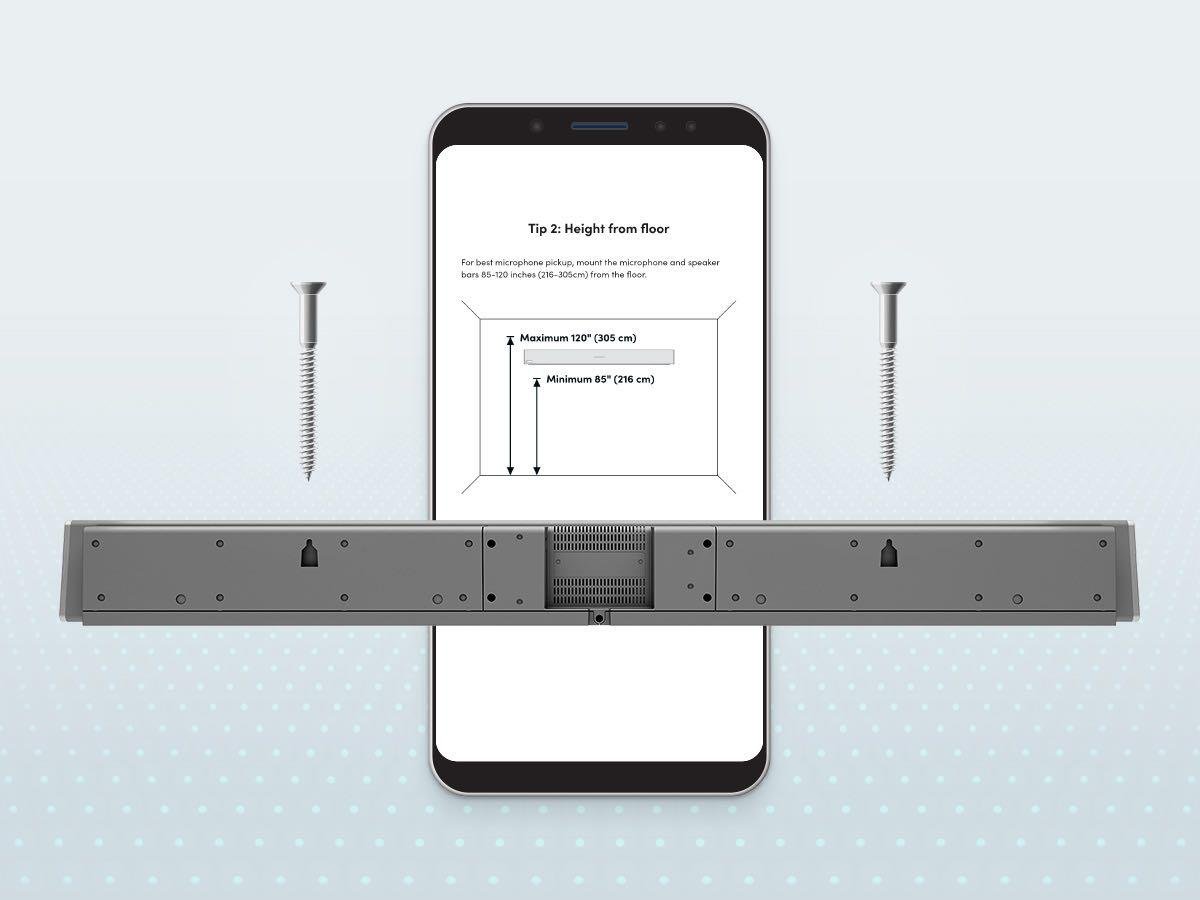
Install the HDL310 on a wall or display in as little as 30 minutes — no specialized skills or tools required. You won’t need to take a room offline or deal with any unwelcome surprises in your ceilings.
Speaker options
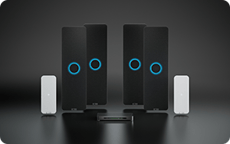
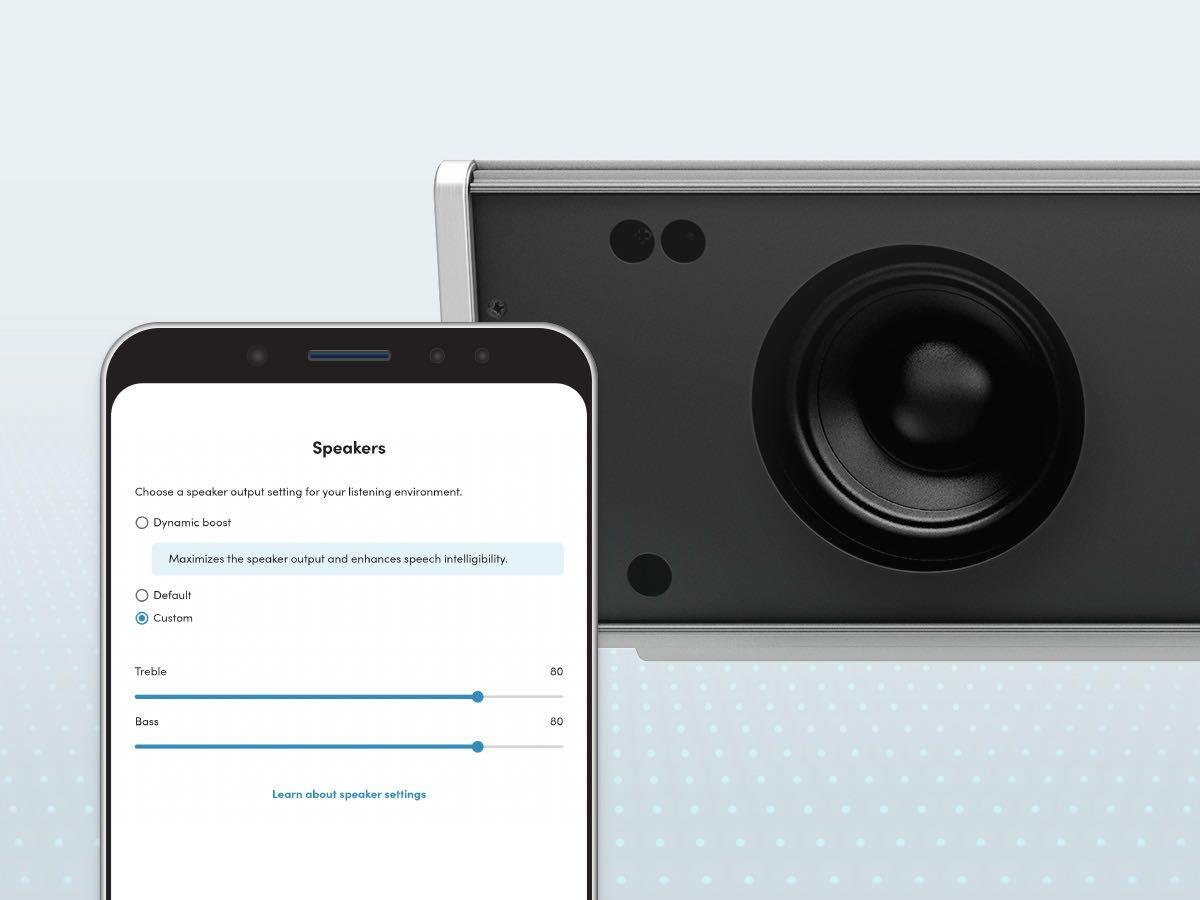
Turn on dynamic boost for stronger speaker output in noisier spaces. This feature tunes EQ to optimize the in-room listening experience, improving intelligibility of voices and recorded media. Or pair the HDL310 with speakers of your choice.
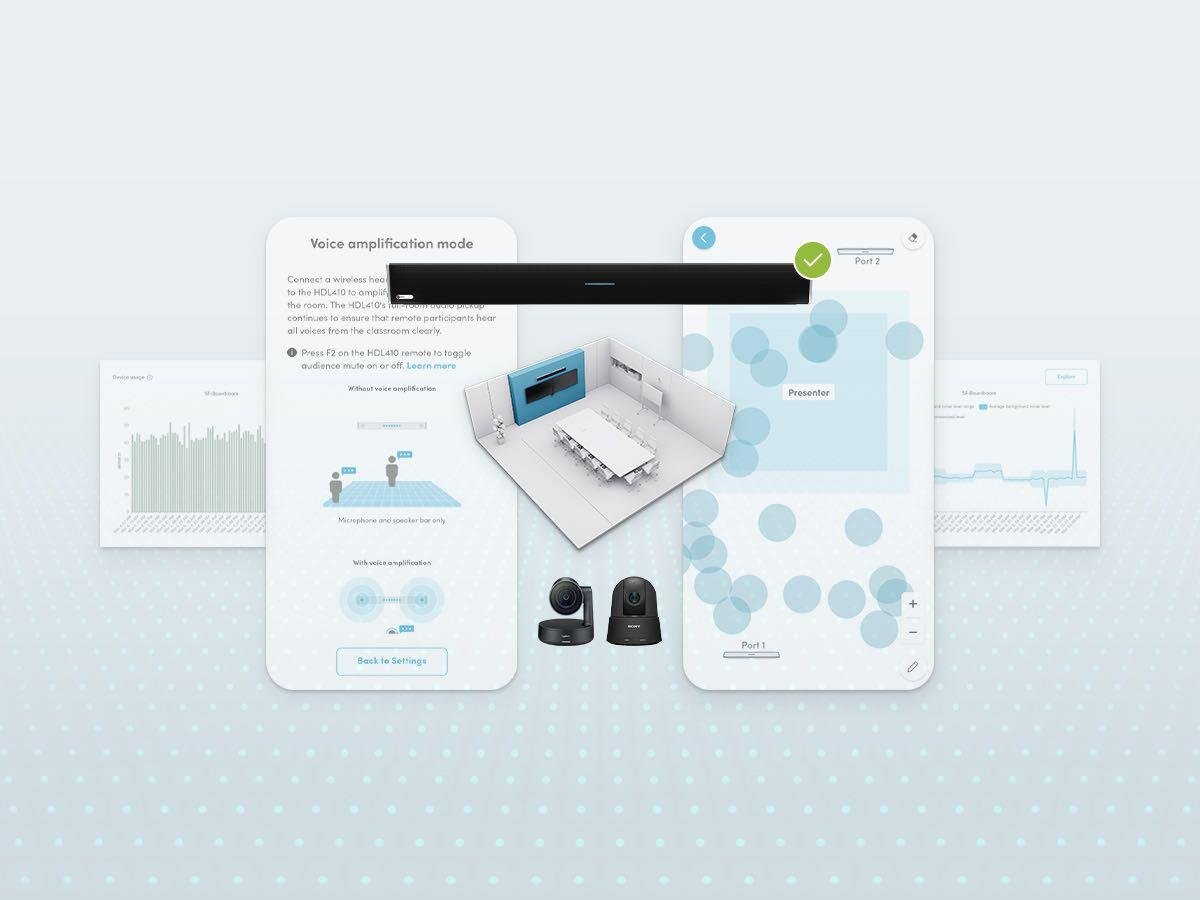
Management tools
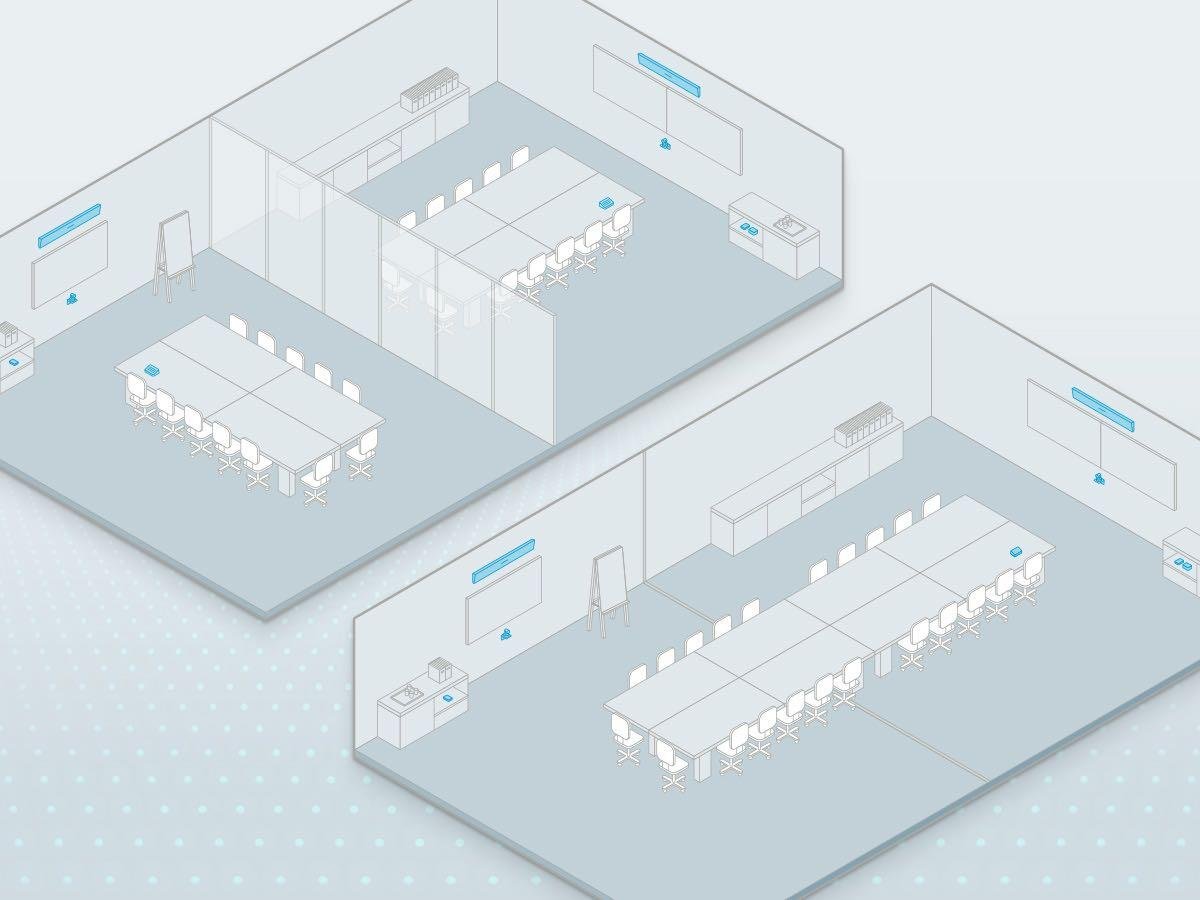
Use our software and services to make everything easier — with fleet management and monitoring tools, a handy setup app, versatile APIs and a service plan. And everything comes at no extra charge.
Certifications and integrations

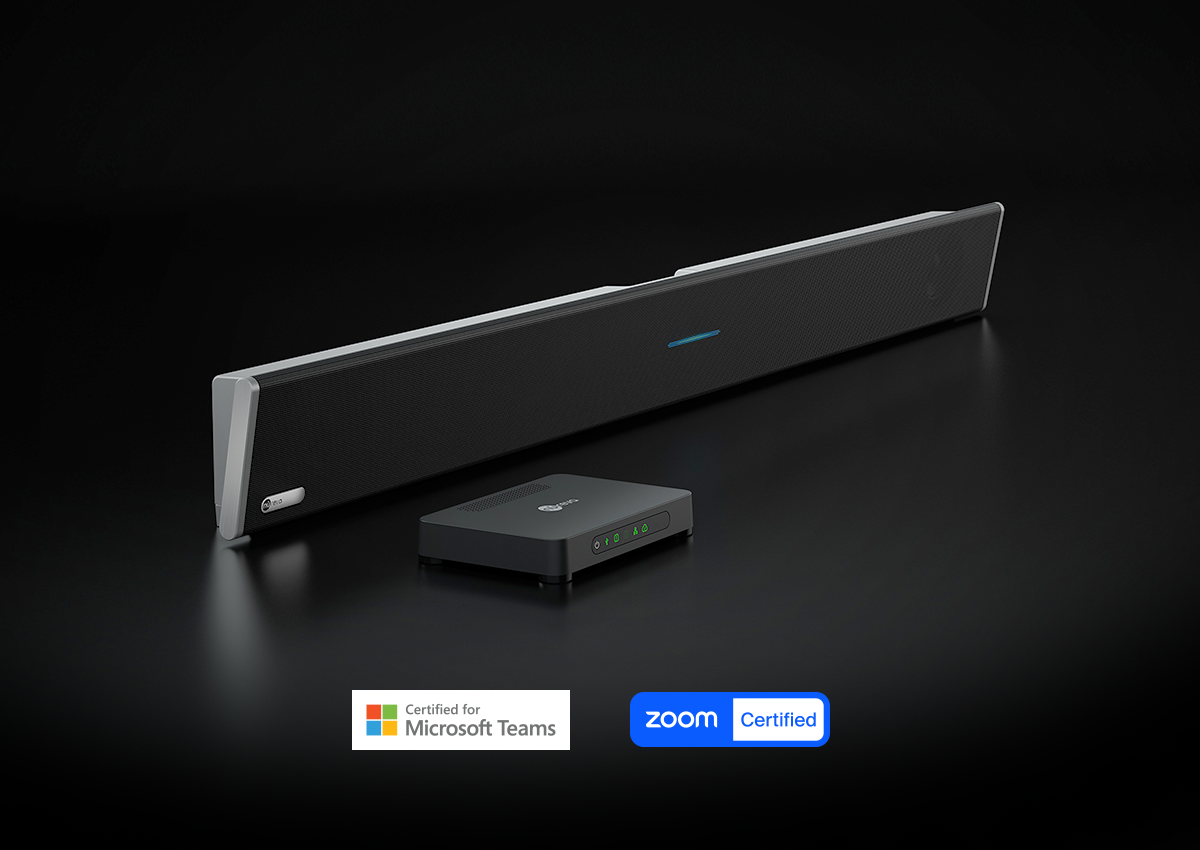
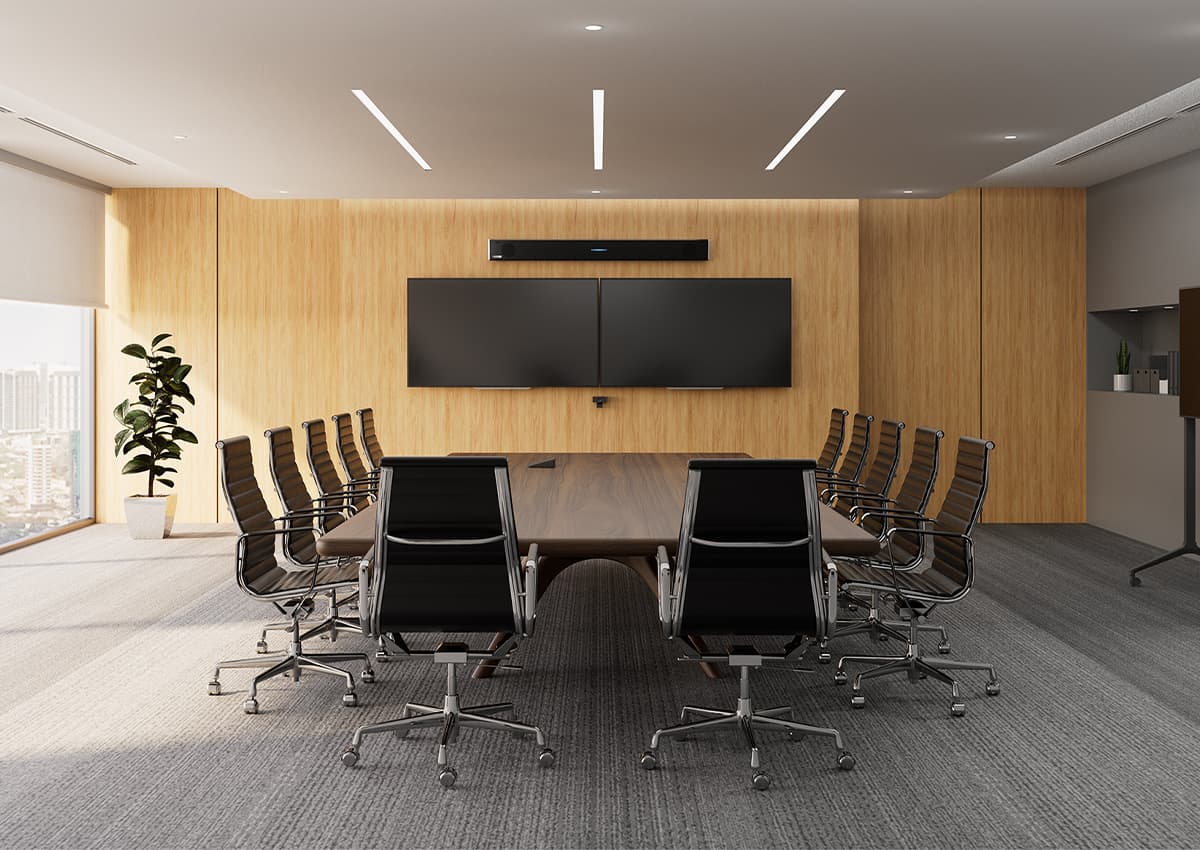
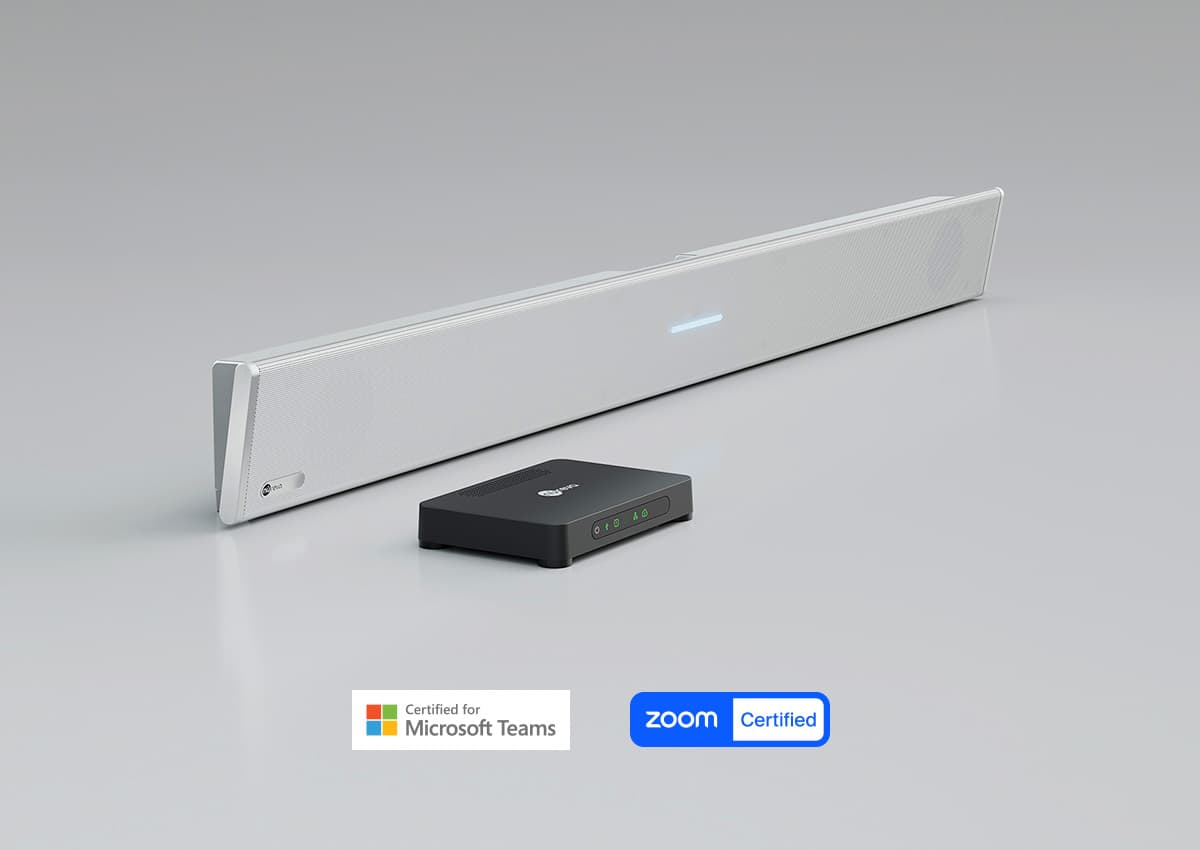
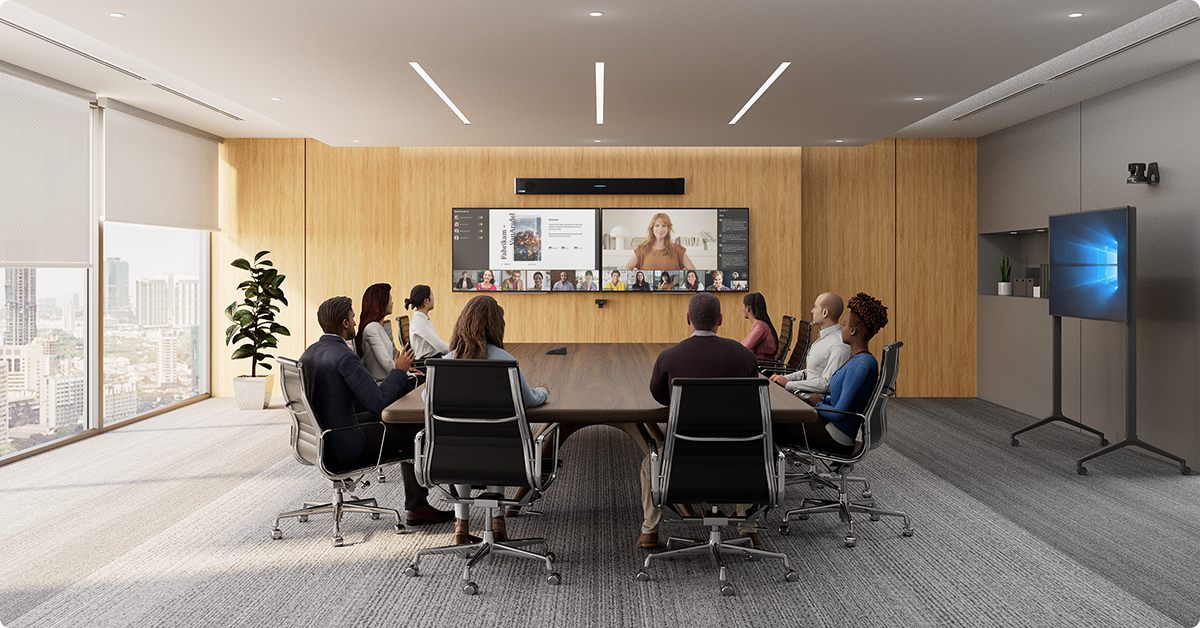
The HDL310 is the only microphone and speaker bar solution certified for large Teams Rooms and Zoom Rooms. It also integrates with many room peripherals, such as cameras, displays and controllers.



Software and services
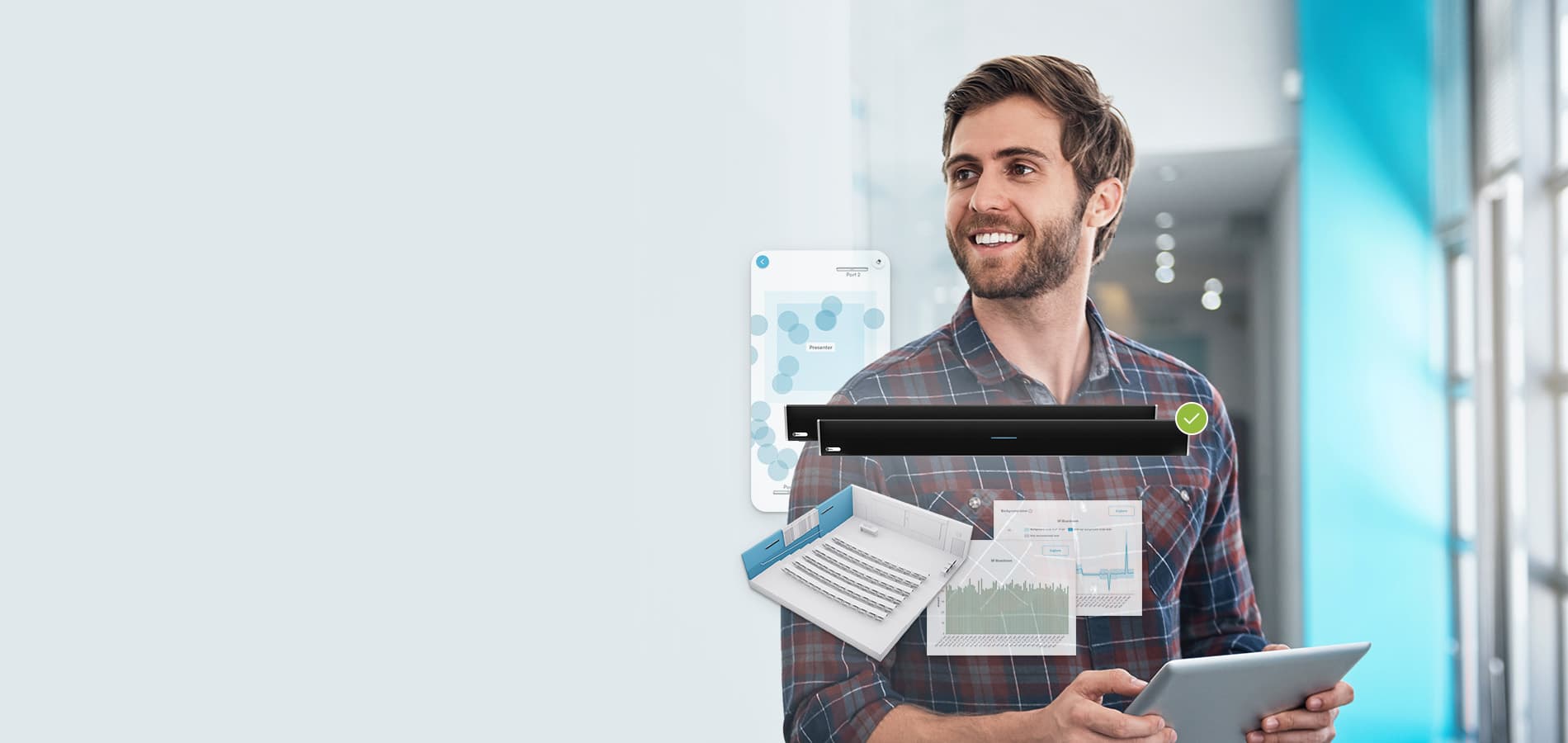
Your HDL310 includes software and services designed to keep your rooms running smoothly. You get cloud-based management and monitoring, an intuitive setup app, developer APIs and a 2-year subscription to our service plan.
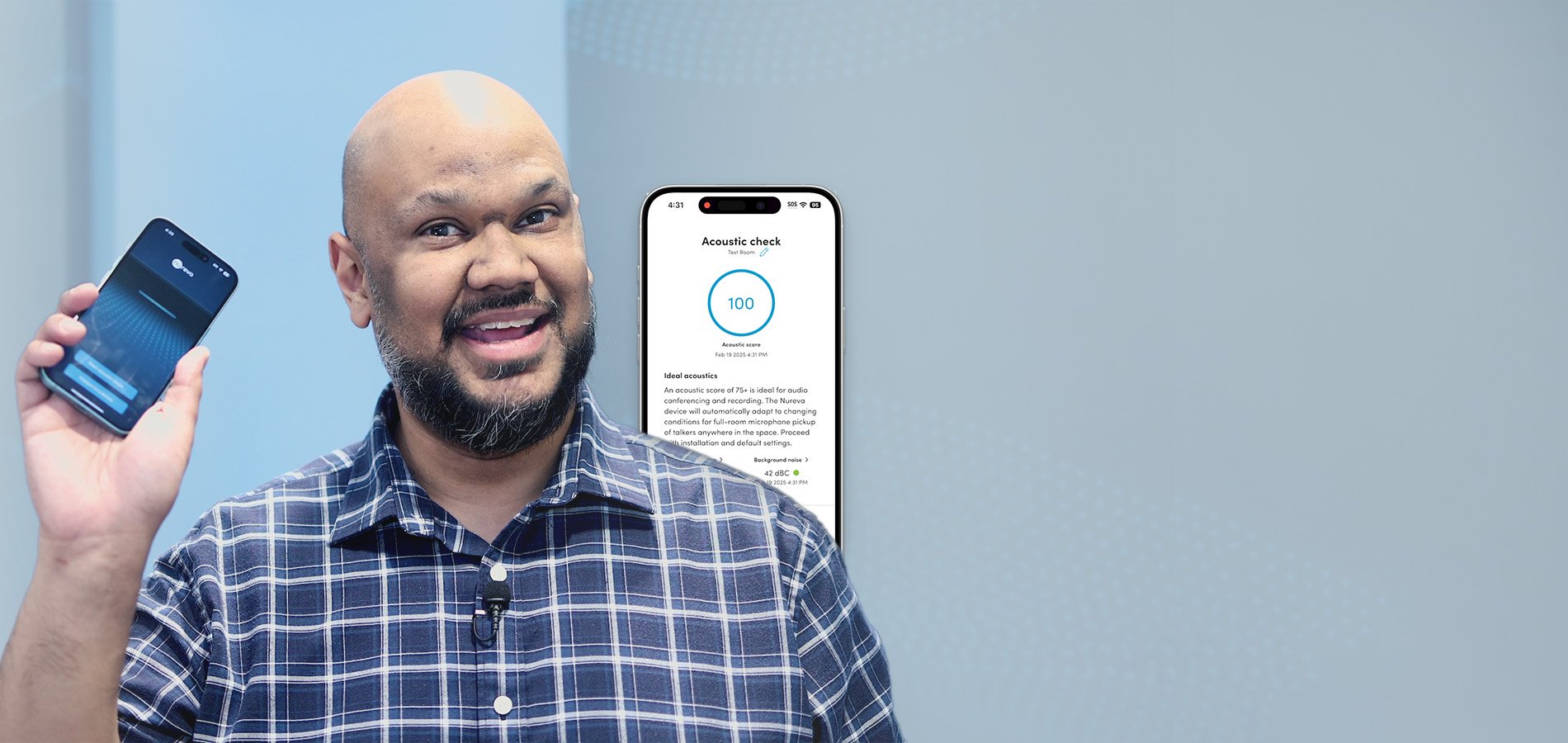
Acoustic check
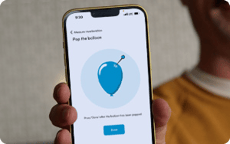
Get your room’s audio report card
Want to know the acoustic characteristics of your spaces? Want it to be easy — with no technician required?
Available with the Nureva® App, our free acoustic check feature lets you use your iPhone® or iPad® to measure background noise and reverberation in any space.
Specifications
HDL310
Technology features
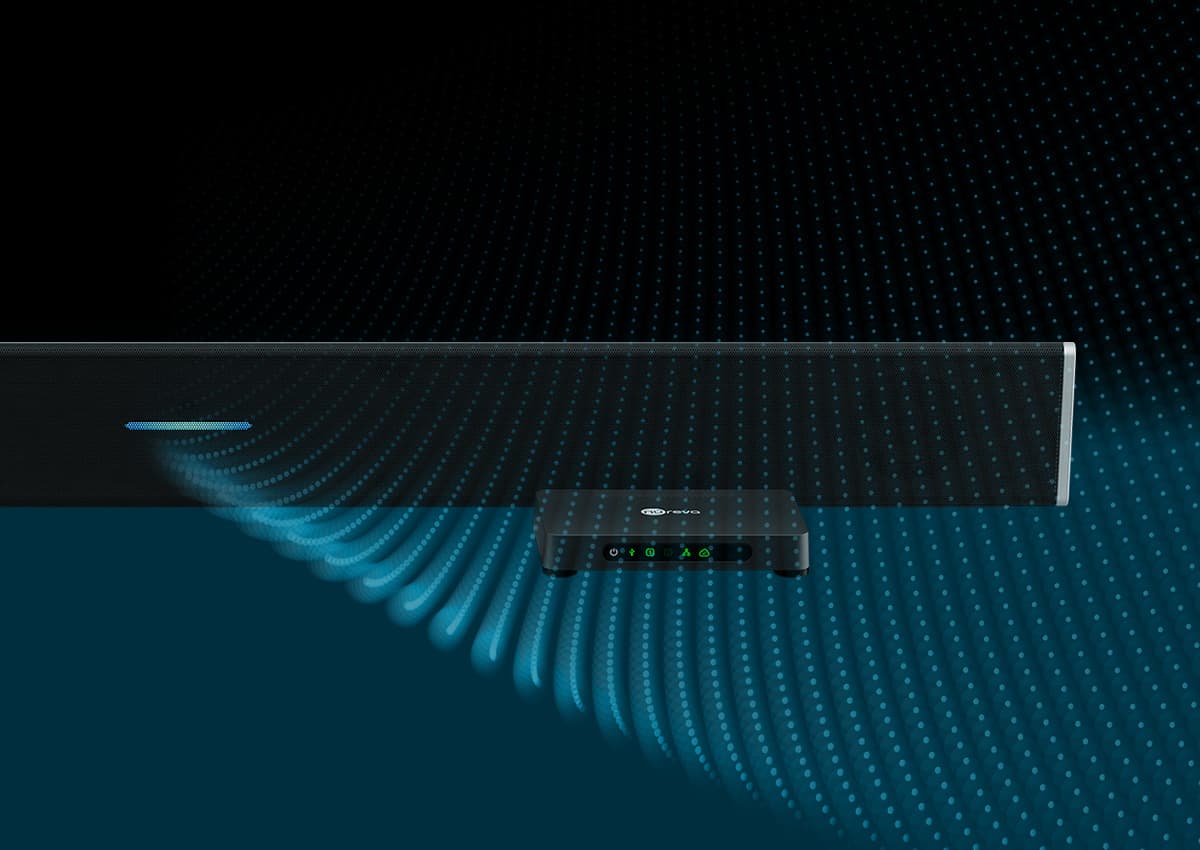
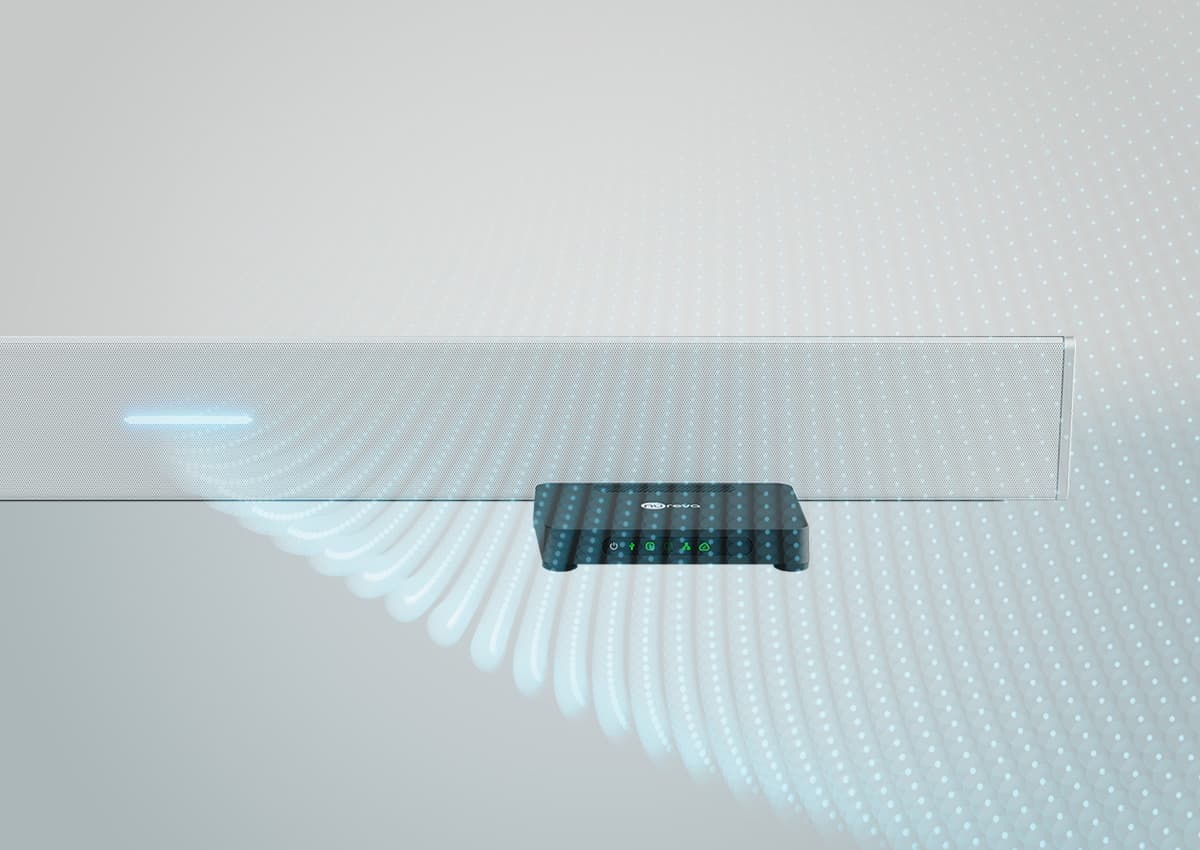
Advanced Microphone Mist technology processing platform
Continuous autocalibration
Position-based gain control
Acoustic echo cancellation
Built-in sound masking
Plug and play, no software or drivers required
Single Ethernet cable to mic and speaker bar
Primary audio source for video playback
Integrated, multicolor status LED
Microphones
12 low-noise omnidirectional MEMS
Frequency response at 94 dB SPL 100 Hz to 7 kHz
Total harmonic distortion (THD) 0.25% (typical)
Speakers
2 x 20 W 4" aluminum cone
Total harmonic distortion (THD) 0.25% (typical)
CONNECT MODULE
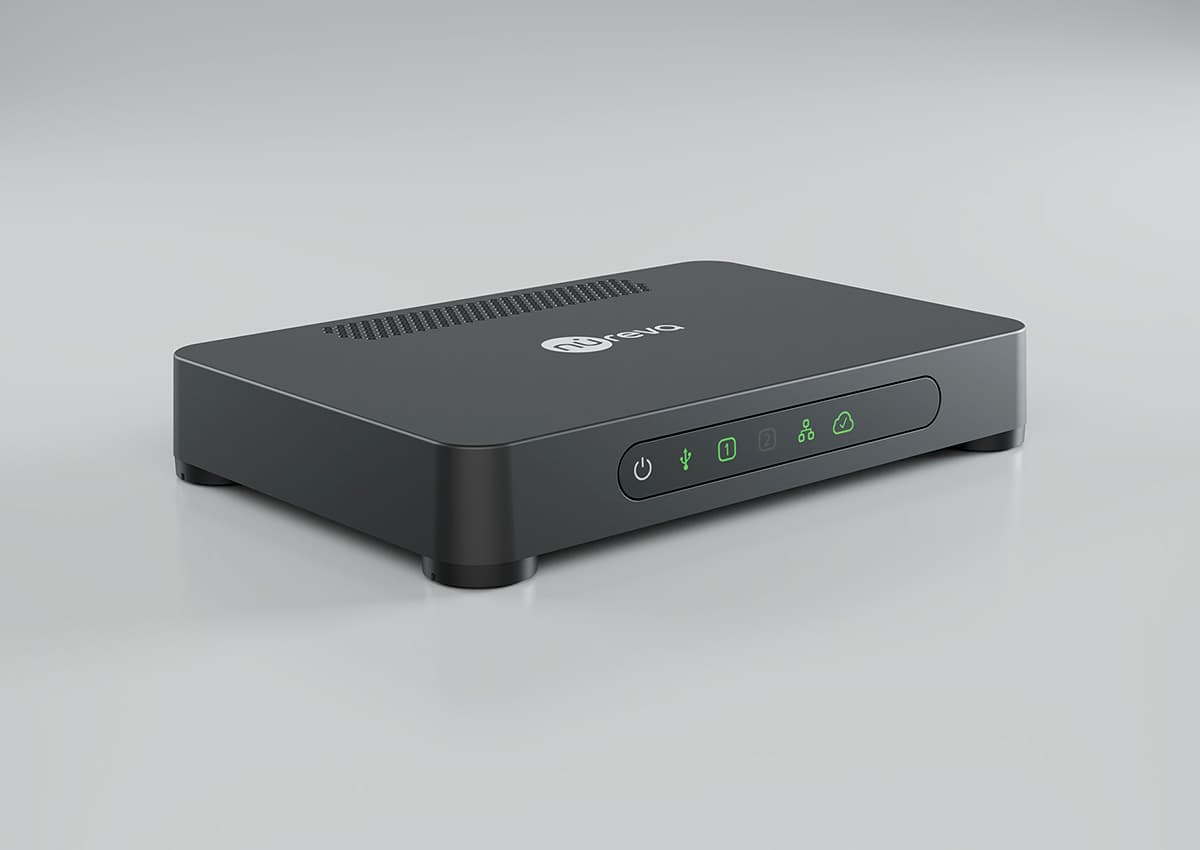
USB 2.0 interface to computer or collaboration hub, type B
Auxiliary out — 3.5 mm single-ended stereo jack
Auxiliary in — 3.5 mm single-ended stereo jack
2 connections to microphone and speaker bar RJ45
Console Direct RJ45 for connecting to network
Input jack for power supply
INTEROPERABILITY

Certified for Microsoft Teams and Zoom. Plug and play compatibility with other UC&C platforms including Google MeetTM, GoTo Meeting, Cisco Webex®, BlueJeans, Lifesize®, RingCentral MeetingsTM and more
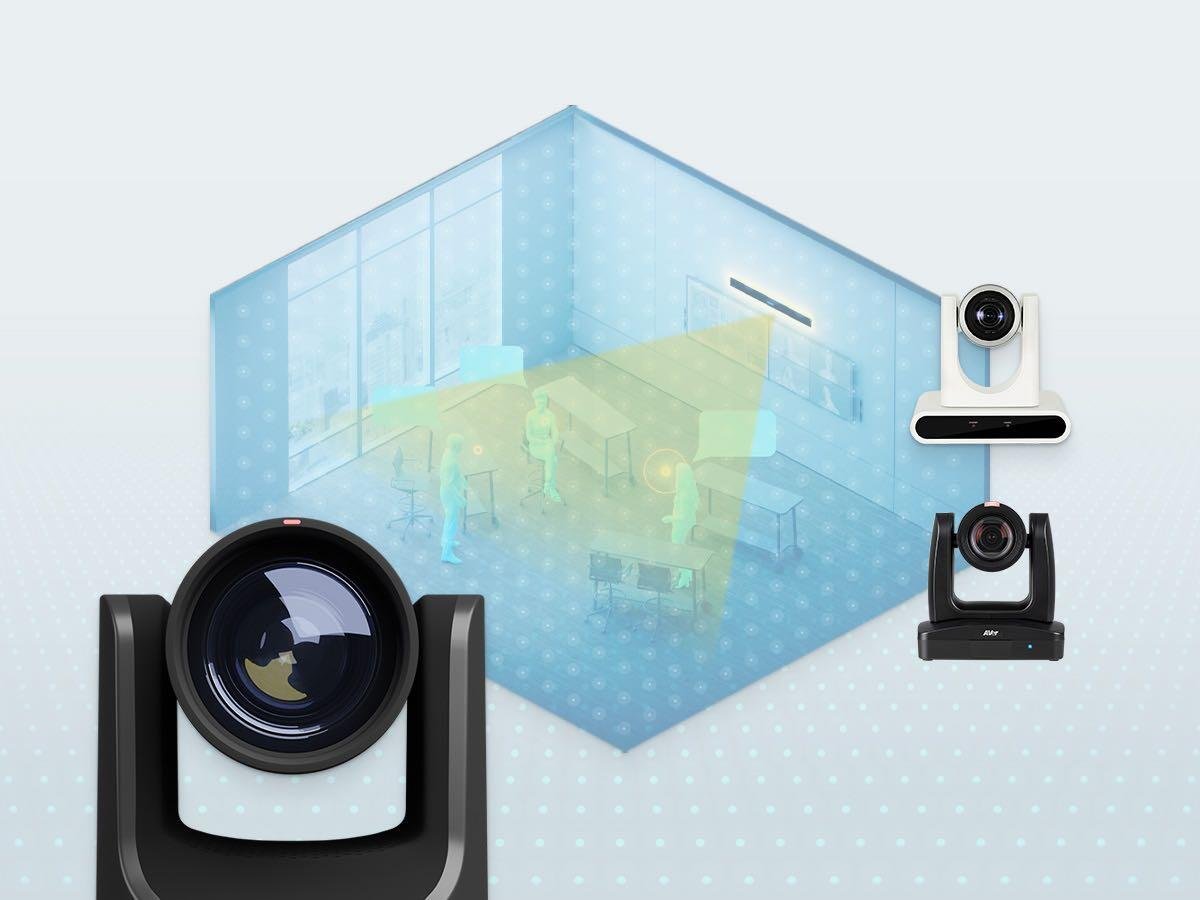
Easy integration with third-party solutions such as cameras, displays, lecture capture systems, external speakers and headset microphones (for Adaptive Voice Amplification)
OPERATING
System requirements
Windows 10 and 11
macOS 14 and 15
(Sonoma and Sequoia)
Power
Power rating: universal switching 100–240 V AC, 50–60 Hz
Power consumption: <30 W
Environmental
Operating temperature: 0° C to 40° C
(32° F to 104° F)
Storage temperature: -20° C to 70° C (-4° F to 158° F), humidity 5–90% (noncondensing)
MANAGEABILITY
Includes Console Direct, which provides a continuous and secure connection to Nureva Console, our cloud-based device management platform
Console Direct security features
Secure IoT OS and system software with device-specific X.509 certificates and external services encrypted using 256-bit Transport Layer Security (TLS)
Information security management system (ISMS) that is ISO/IEC 27001:2022 certified
Built with Microsoft Azure, all data at rest is encrypted using 256-bit AES encryption, and data in transit uses TLS 1.2
Auth0 by Okta for all identity and access management (IAM) services with OAuth 2.0 protocols to identify and authorize users
CERTIFICATIONS AND COMPATIBILITY
Electromagnetic
FCC Part 15, Class A; ICES-003, Class A; CISPR 32 (EN 55032), Class A; CISPR 35 (EN 55035); CISPR 24 (EN 55024)
Safety
UL 62368; CAN/CSA-C22.2 NO.62368; IEC/EN 62368; AS/NZS 62368; UL 60950; CAN/CSA-C22.2 NO.60950; IEC/EN 60950; AS/NZS 60950
Compliance
RoHS, REACH, POPs (Persistent Organic Pollutants), WEEE, California Proposition 65, EPA (TSCA — Toxic Substances Control Act) Restrictions
DIMENSIONS
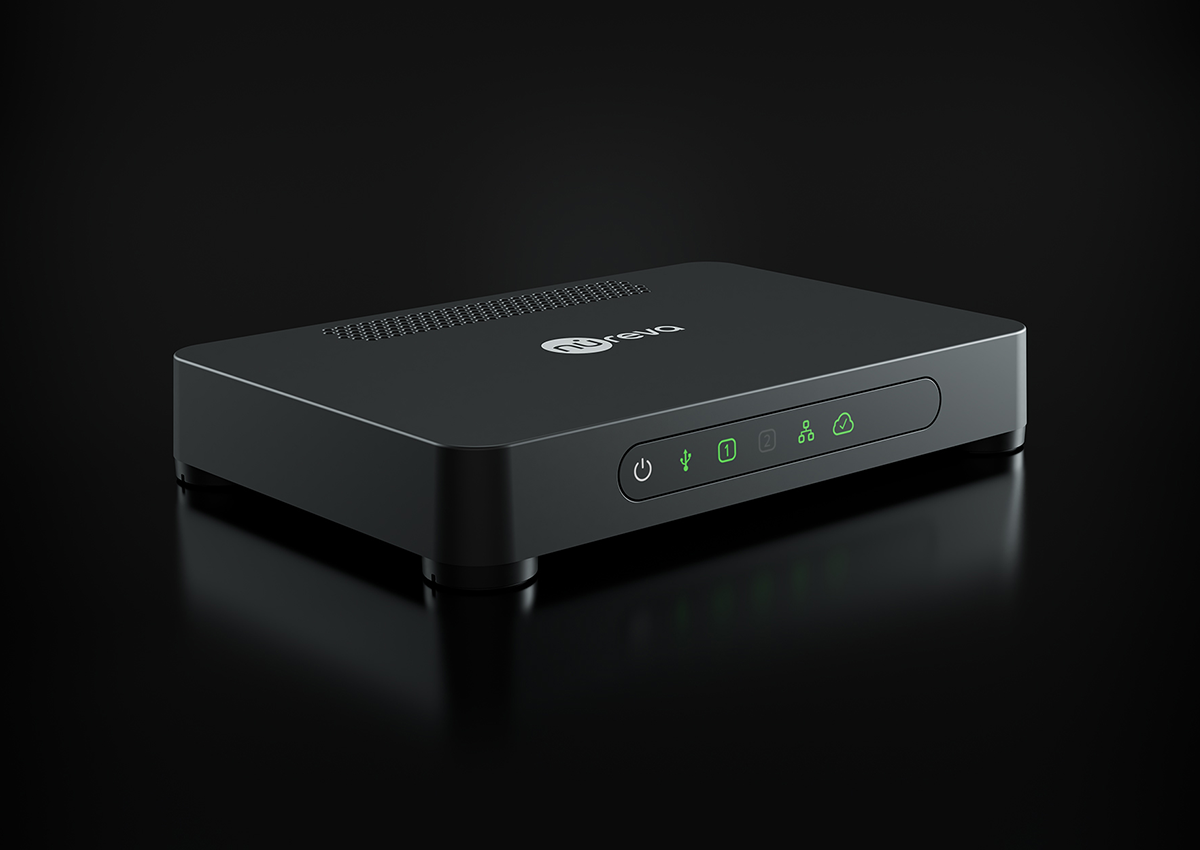
Integrated microphone and speaker bar
Width: 60.0" (152.4 cm)
Height: 5.91" (14.9 cm)
Depth: 3.5" (9.0 cm)
Weight: 18.0 lb. (8.2 kg)
Connect module
Width: 8.7" (22.2 cm)
Height: 1.46" (3.7 cm)
Depth: 5.91" (15.0 cm)
Weight: 0.97 lb. (0.44 kg)
Shipping
Width: 64.75" (164.4 cm)
Height: 10.63" (27.0 cm)
Depth: 9.5" (24.1 cm)
Weight: 28.0 lb. (12.7 kg)
INCLUDES
Integrated microphone and speaker bar
Connect module, dark gray
Connect module mounting bracket, dark gray
Country-specific power cable, 6' (2.5 m), black
Ethernet cable, CAT6 SSTP, 50' (15 m), Class 3 rated, black
USB Type A-B cable, 10' (3 m), VW-1 rated, black
Infrared remote with 2 AAA batteries
Documentation
WARRANTY
Integrated microphone and speaker bar and connect module — standard 2-year limited hardware
Accessories and cables — 30 days
Extended warranties are available through Nureva Pro subscriptions
PART NUMBERS
Black: HDL310-B
White: HDL310-W
Nureva Pro extension (1 year): NP-1Y
Nureva Pro extension (2 years): NP-2Y
Nureva Pro extension (3 years): NP-3Y
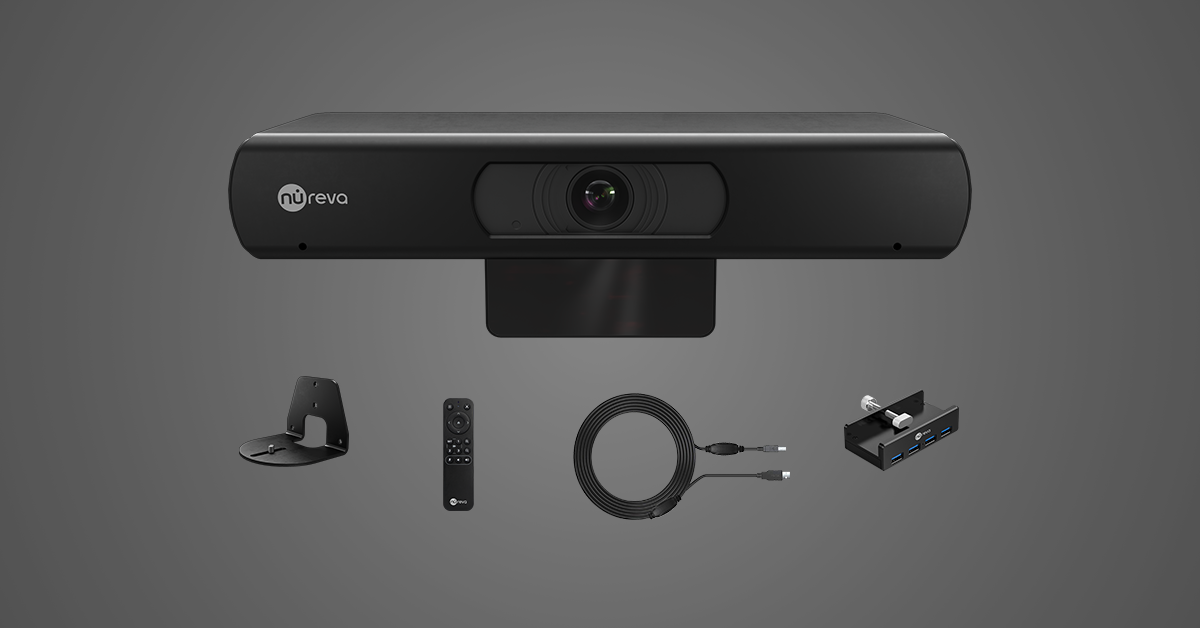
CV30 camera
Set the stage for IT-friendly videoconferencing with a cost-effective 4K camera that features advanced auto tracking and presets.
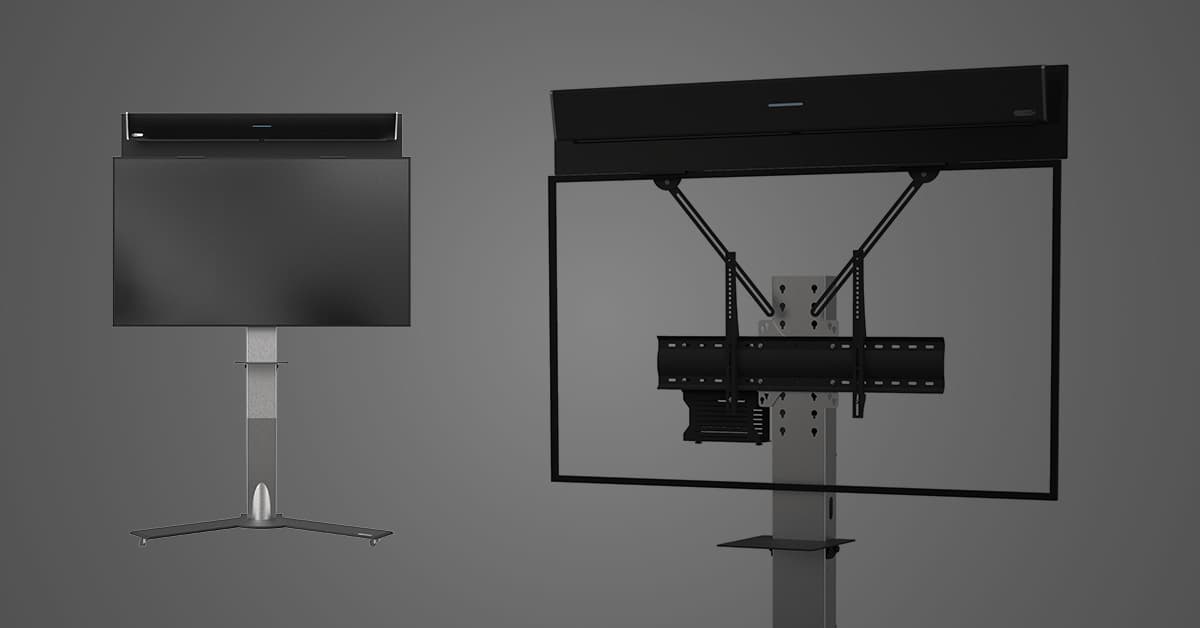
Axeos display mount
Create a mobile conferencing solution with an Axeos display mount designed specifically for the HDL310 system.