SOLUTIONSSPACESMicrosoft Teams Rooms


Microsoft Teams Room audio

Teams certified and Copilot ready

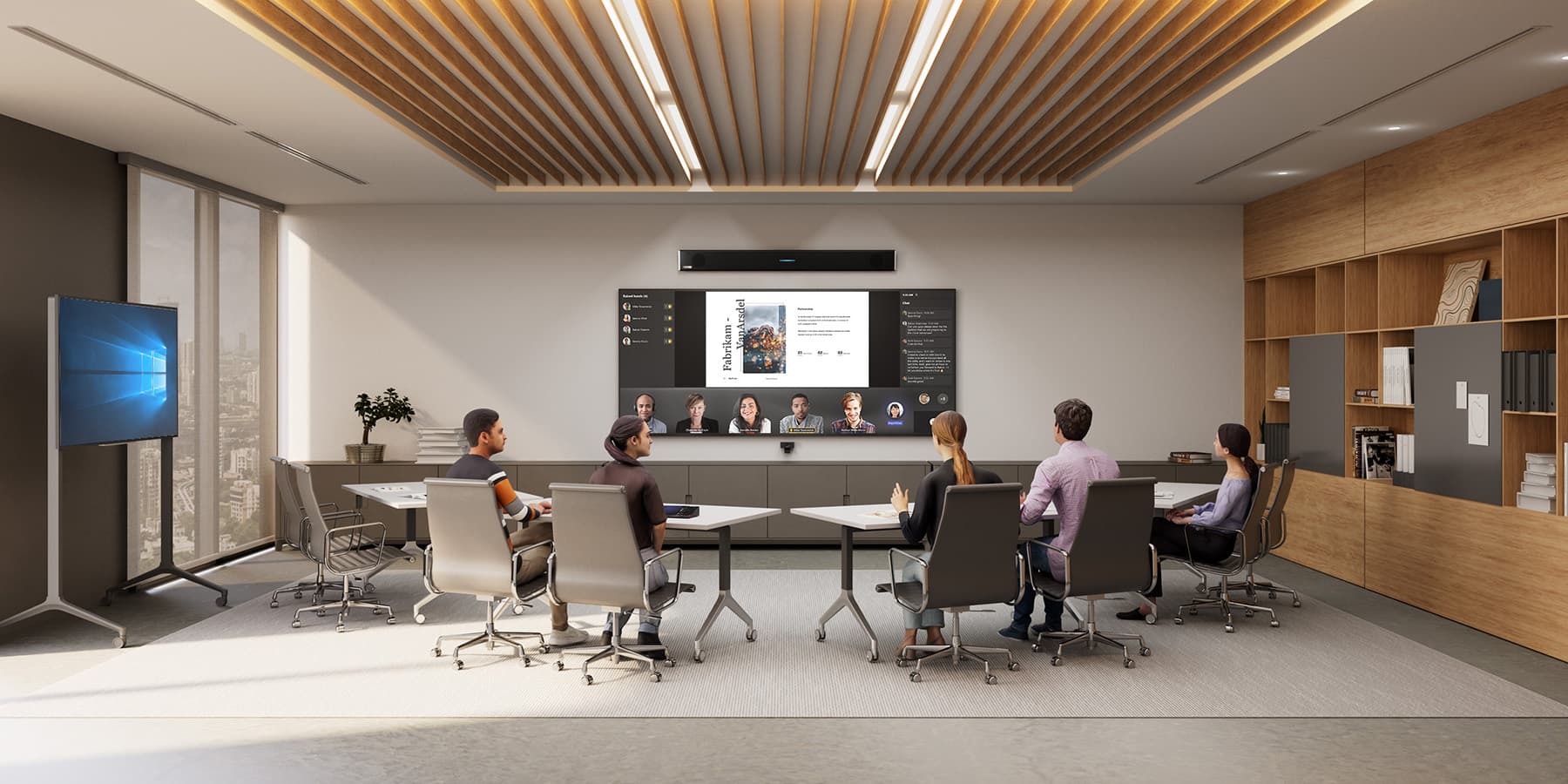
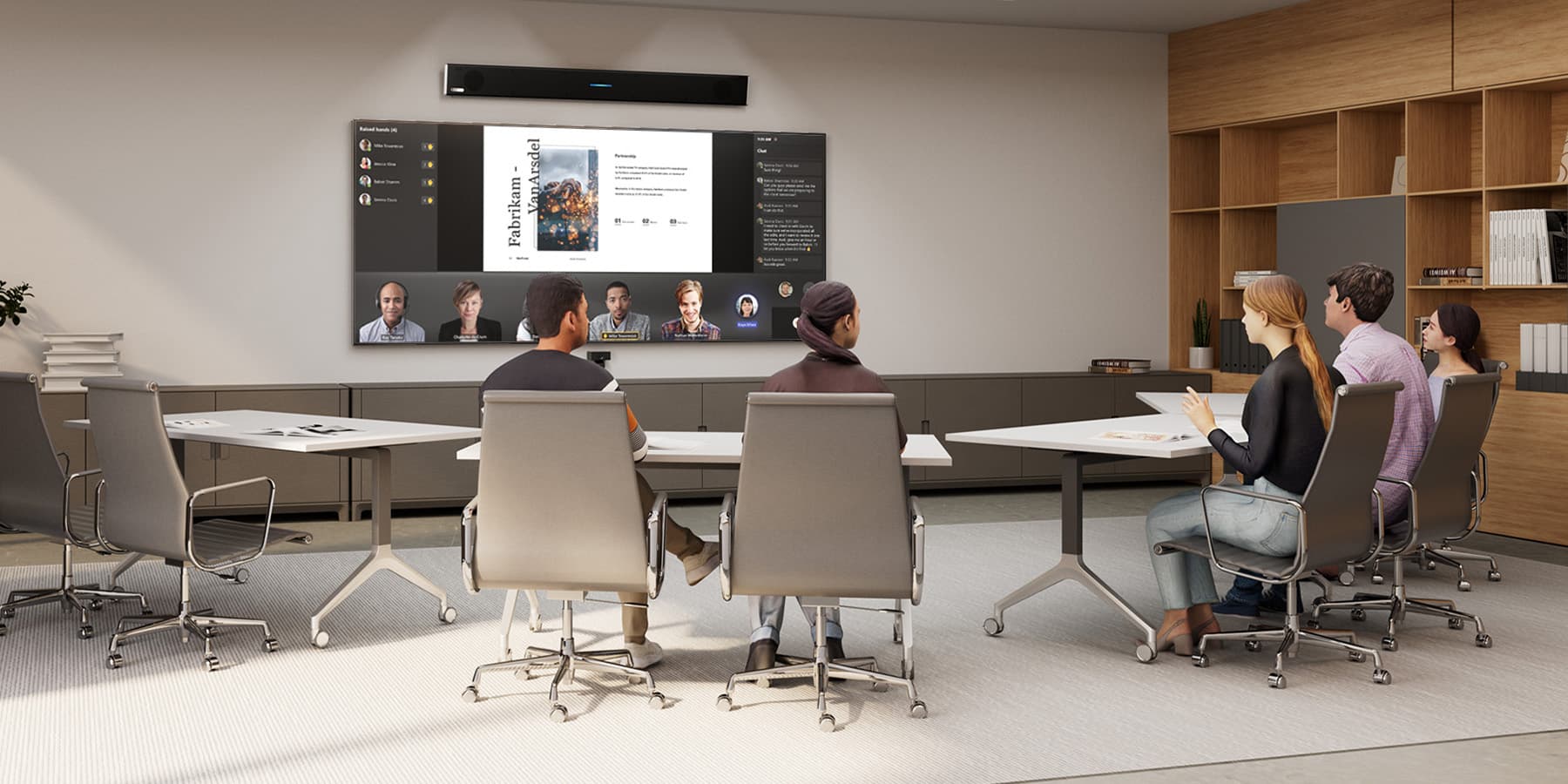
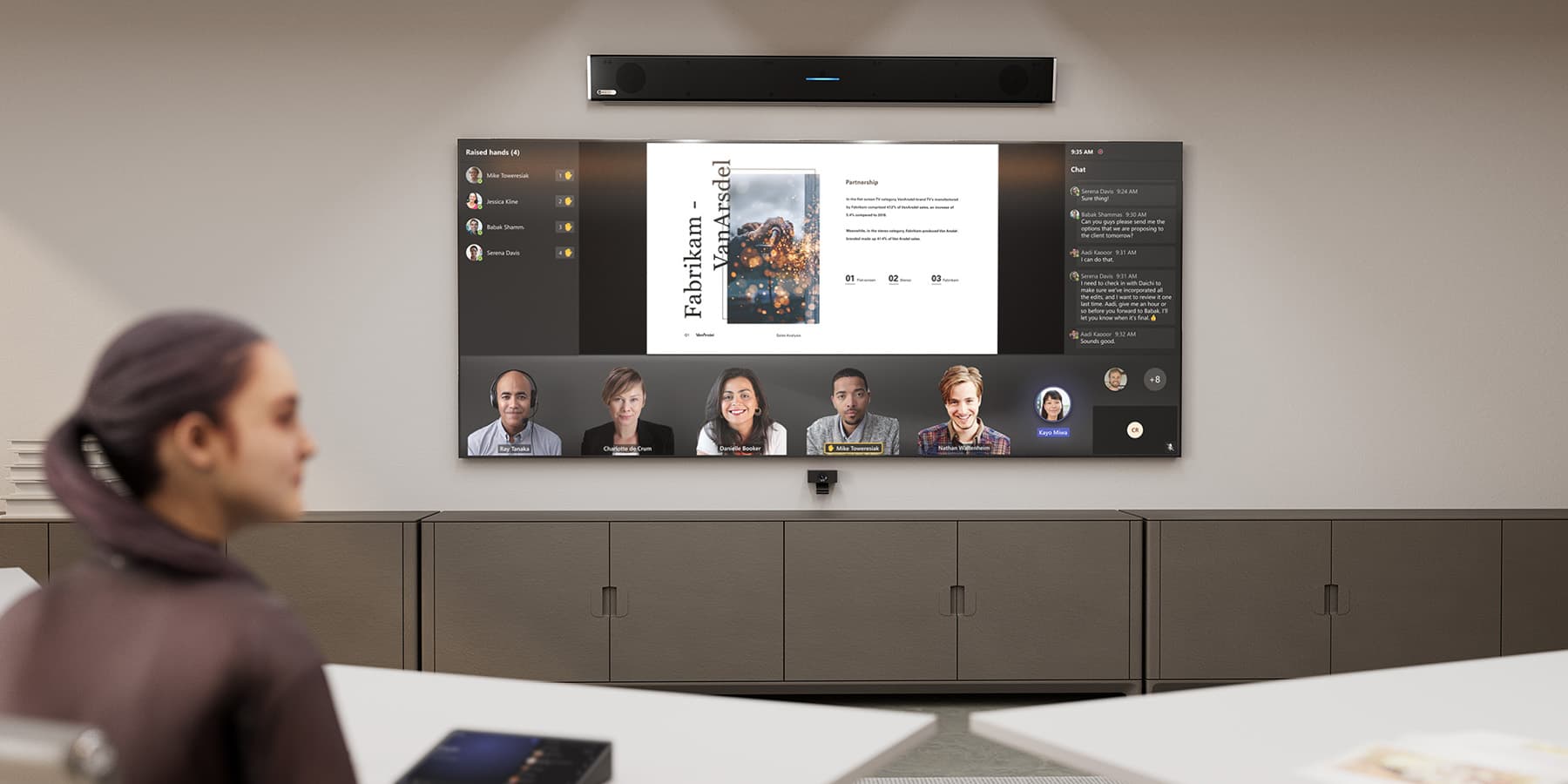
Enhance meetings in your Microsoft® Teams Rooms with audio systems that lay the foundation for inclusive collaboration. We have solutions that support spatial audio and Intelligent Recap in Copilot — and you won’t need a complex technical setup.

Explore the lineup

Find the right fit for your space and use case.

FAQs

How is a Nureva system better than typical Teams Room audio setups?

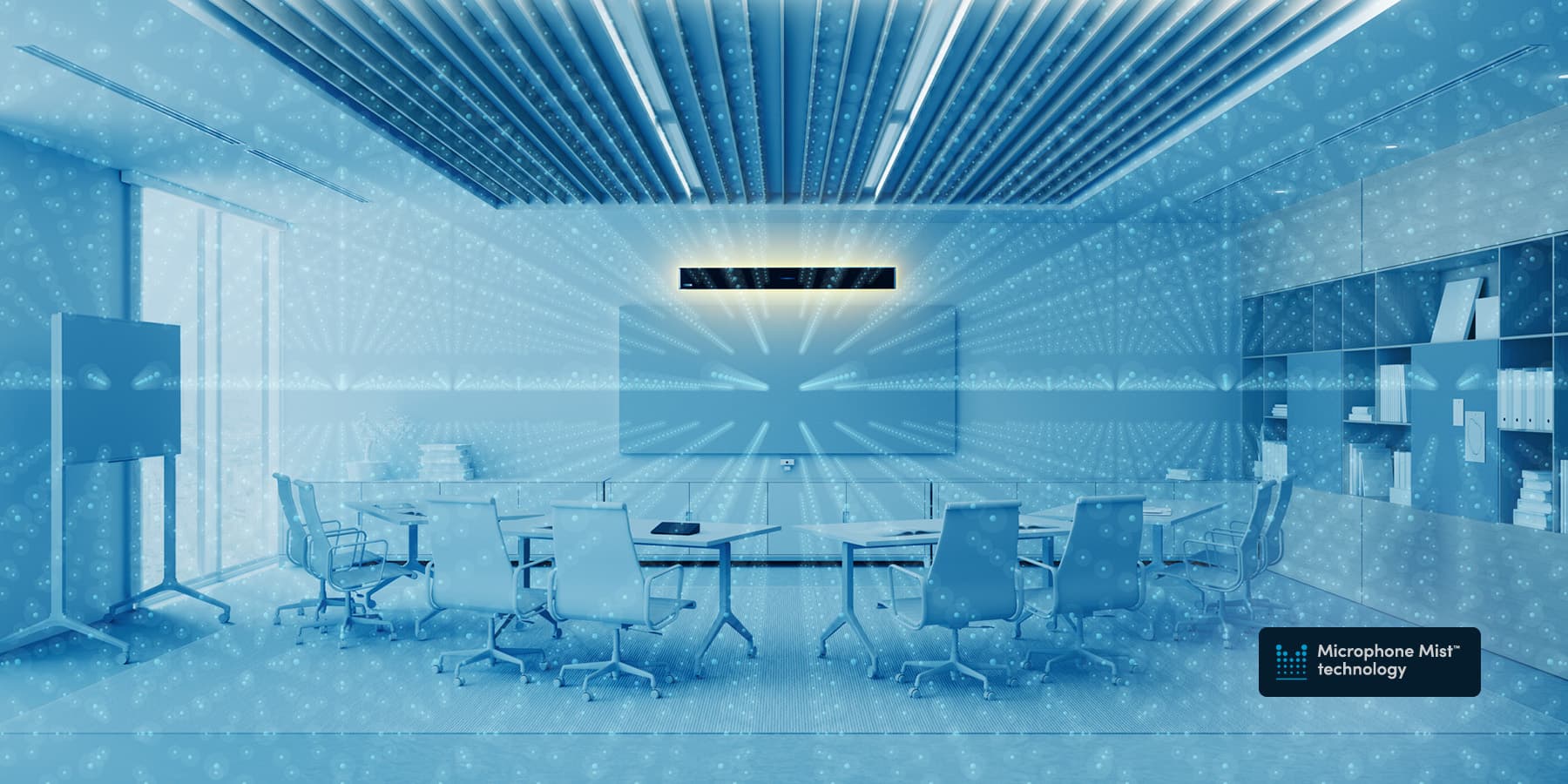
Many conference rooms rely on fixed mic arrays or beamforming systems that only pick up sound from predetermined zones, leaving people outside those zones poorly heard. Nureva’s Microphone Mist technology fills the entire space with thousands of virtual microphones instead, so the audio quality is consistent regardless of where people sit or move. There are no dead spots, no need for frequent manual calibration and no specialists required.

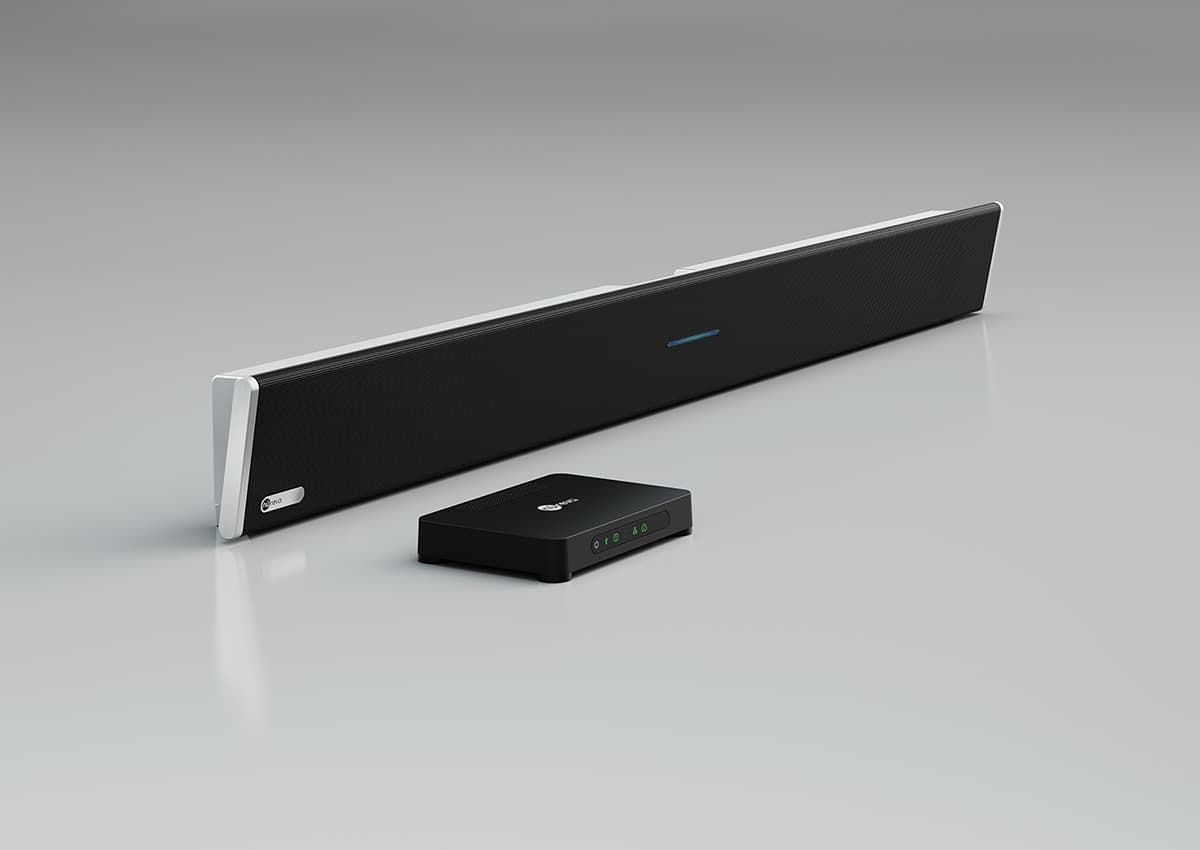
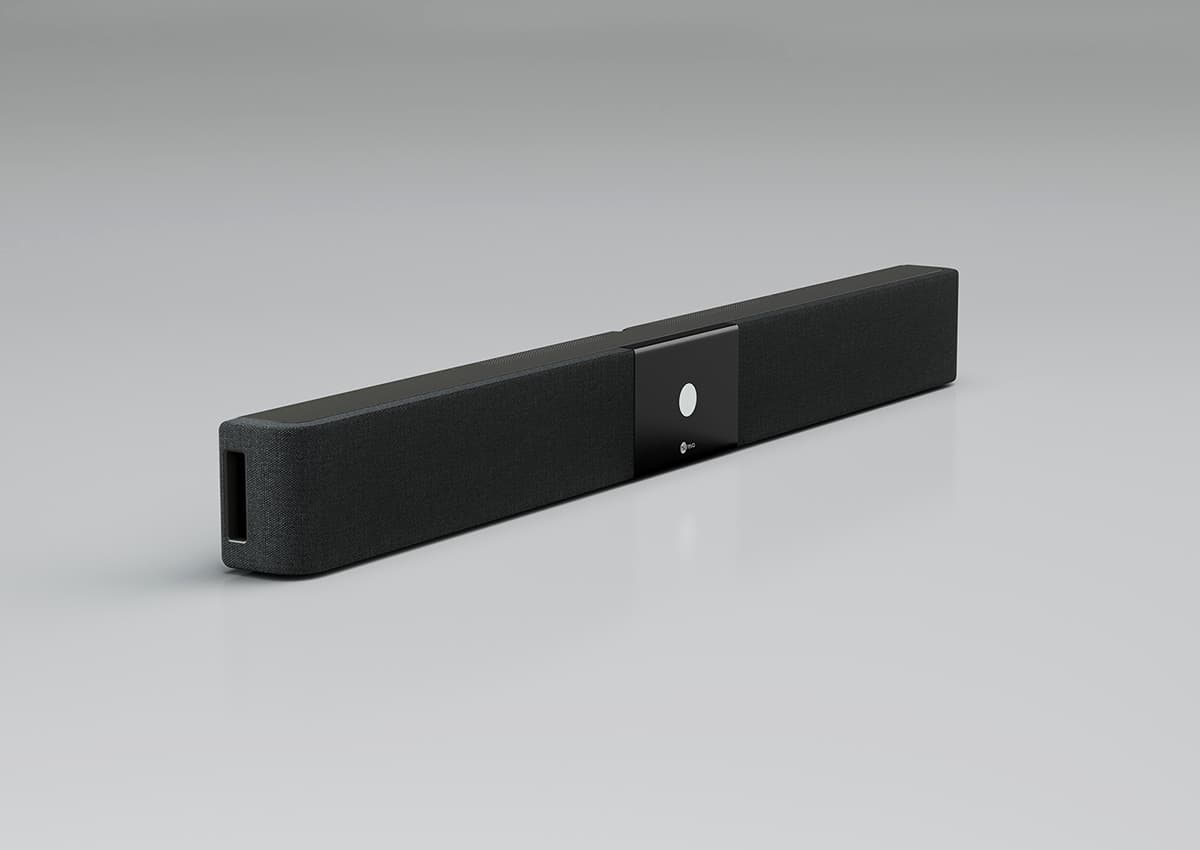
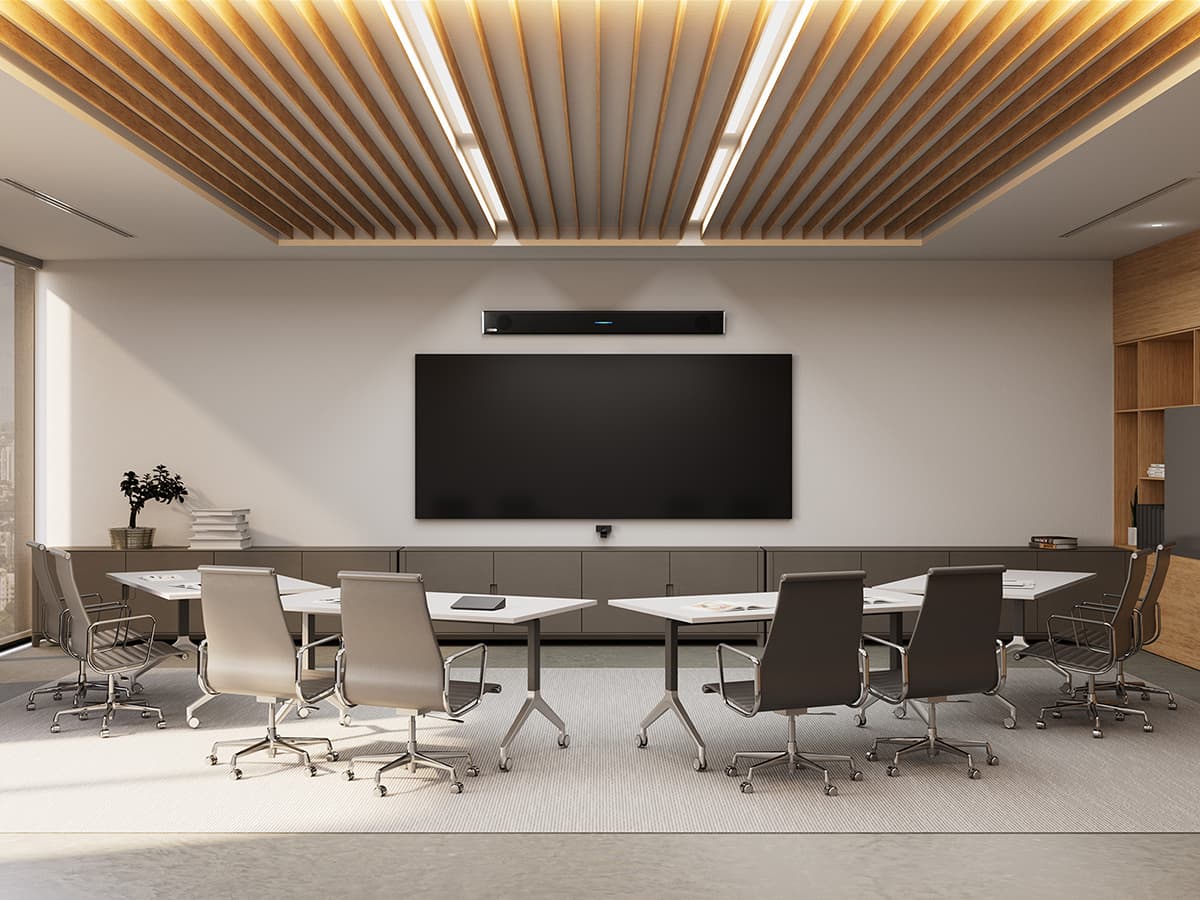
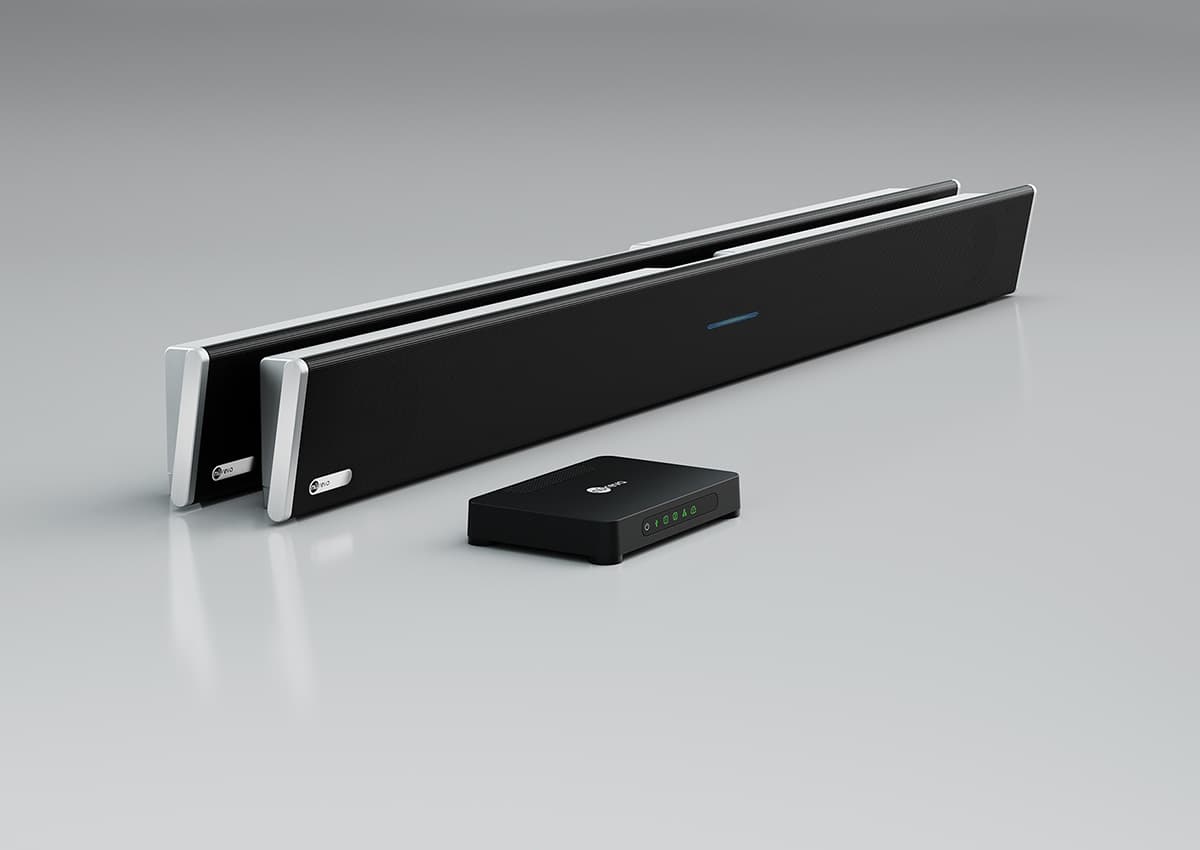
The Nureva® HDL310 and HDL410 systems are also the first integrated mic and speaker bar solutions to be certified for large Teams Rooms and extra-large Teams Rooms. And all Nureva systems are built to work seamlessly with Microsoft Teams and AI-powered features like Copilot Intelligent Recap, with spatial audio capabilities provided with the HDL310. Most installations take as little as 30 or 60 minutes, and ongoing management happens through a secure, cloud-based platform at no extra cost, making Nureva audio a stronger choice for IT teams deploying across multiple meeting spaces.

Are Nureva audio systems certified for Microsoft Teams Rooms?

Yes. Nureva’s HDL310 and HDL410 are among the few mic and speaker bar solutions to be certified for large and extra-large Microsoft Teams Rooms (MTR). They have been validated to work seamlessly with Teams approved peripherals and deliver the full MTR audio experience, including AI-powered features like Copilot Intelligent Recap. That certification removes compatibility guesswork for IT teams running standardized Microsoft Teams deployments.

At the core of Nureva audio is patented Microphone Mist technology, which fills the entire room with thousands of virtual microphones so every participant’s voice is picked up clearly, without complex DSP tuning or extra components needed in your meeting spaces.

What room audio options does Nureva offer for different room types?

Nureva offers audio systems sized to match your space. The HDL200 system covers meeting rooms up to 18' x 18' (5.5 x 5.5 m). The HDL310 system is built for large rooms up to 30' x 30' (9.1 x 9.1 m) and the HDL410 system handles extra-large Teams Rooms up to 35' x 55' (10.7 x 16.8 m). For organizations with more complex needs, the new HDX series extends coverage further, with configurations that reach up to 40' x 60' (12.2 x 18.3 m) and features like full-range distributed audio, Adaptive Voice Lift, built-in divisible room automation, assistive listening with Auracast™ broadcast audio and 3D sound location data for more precise camera tracking. All Nureva systems are designed to deliver full-room mic pickup with minimal setup in a space.

How does Nureva support spatial audio in Signature Microsoft Teams Rooms?

The HDL310 system supports spatial audio, a Microsoft Teams feature that associates each participant’s audio output with their video placement on the screen. In practice, this makes Teams meetings feel more natural because the sound appears to come from where the speaker is positioned visually. Having a Microsoft Teams Room audio setup with spatial audio is one of the more effective ways to close the gap between in-room and remote participants without adding complexity to your conference rooms.

Do Nureva audio systems support Microsoft Copilot?

Yes. All Nureva audio systems work smoothly with AI-powered audio tools like Microsoft Copilot Intelligent Recap. Because these systems deliver accurate, full-room mic pickup through Microphone Mist technology, Copilot has cleaner audio to work with when generating meeting summaries, action items and transcripts. For organizations leaning into AI-driven productivity tools, Nureva audio is a strong foundation for your Signature Microsoft Teams Rooms investment.

How long does it take to install a Nureva MTR audio system?

Nureva systems support Express Install for Teams Rooms, and a standard deployment takes as little as 30 minutes for HDL310 and HDL200 systems and roughly 60 minutes for HDL410 systems. The new HDX series maintains that same commitment to simplicity, with automatic component detection and automatic calibration that adjusts the system to room changes without manual programming. Once any Nureva system is installed, continuous autocalibration keeps the audio optimized over time with no manual adjustment required. There’s no additional DSP hardware to configure, and the setup process is designed so that IT teams can handle it directly without specialized AV contractors.

How do I monitor and manage Nureva audio devices across multiple conference rooms?

With Nureva Console, a secure, cloud-based platform included at no extra cost, you can monitor device statuses, push firmware updates and manage settings across your entire fleet of audio devices. The Nureva App handles initial setup and you can use it to configure each system from a mobile device. For teams managing Microsoft Teams Rooms at scale, the open APIs in the Nureva Developer Toolkit can be used to integrate monitoring into existing IT workflows without adding support overhead.

What is Microphone Mist technology and how does it improve Microsoft Teams Room audio?

Microphone Mist technology is Nureva’s patented approach to room audio that fills your space with thousands of virtual microphones rather than relying on a small number of physical mics to cover the room. The result is true full-room pickup that adapts automatically as people move, speak or change position during a Teams meeting. There are no dead spots, no manual calibration and no need to ensure in-room participants stay in a fixed zone.

Both the HDL series and the new HDX series are powered by this technology. The HDL410 system and the HDX series also have a unified coverage map that processes all physical mics from the components together, creating a single giant array that spans the entire space for even more precise targeting in large and complex rooms.

Can Nureva systems support both audio and video in a Teams Room?

Nureva handles the audio side of your Teams Room and our systems are designed to work alongside the video and display components you already have or plan to deploy. The HDL310 system, HDL410 system and new HDX series support camera zones, and you can assign up to three zones in your room. Nureva’s sound location data is used to activate the camera that’s mapped to where someone is talking so remote meeting attendees always get the right view. The new HDX series features 3D sound location data in most configurations for automated camera tracking and switching. Nureva also publishes reference designs that pair its systems with third-party devices from MAXHUB, AVer, Avocor and other brands, so you can select a validated audio and video combination without starting from scratch.

What comes included when you purchase a Nureva system?

Every Nureva system includes 2 years of the Nureva Pro service plan, which offers extended warranty protection, advance hardware replacement and enhanced Nureva Console features. Management tools, software and firmware updates and access to the Nureva Developer Toolkit are also included. For IT teams deploying across multiple conference rooms or meeting spaces, the resources needed to maintain and scale your MTR audio environment are included at no additional cost.

What support does Nureva offer for hybrid learning and collaboration in meeting spaces?

Nureva’s systems are built for the full range of hybrid environments, from conference rooms and boardrooms to classrooms and divisible training spaces. The new HDX series specifically addresses the collaboration challenges that come with dynamic, multiuse rooms, including Adaptive Voice Lift (offered with the HDX 4 bar + 2 pod configuration) with which anyone in the room can speak at a natural volume, without wearing a microphone, and be heard clearly by everyone else in the room. For organizations with both working and learning spaces that run on Microsoft Teams, Nureva offers a consistent audio platform that scales across room types and use cases without requiring a different approach for each space.