
Nureva and AudioCodes logo for integrated audio conferencing and collaboration solutions

Built for Teams on Android

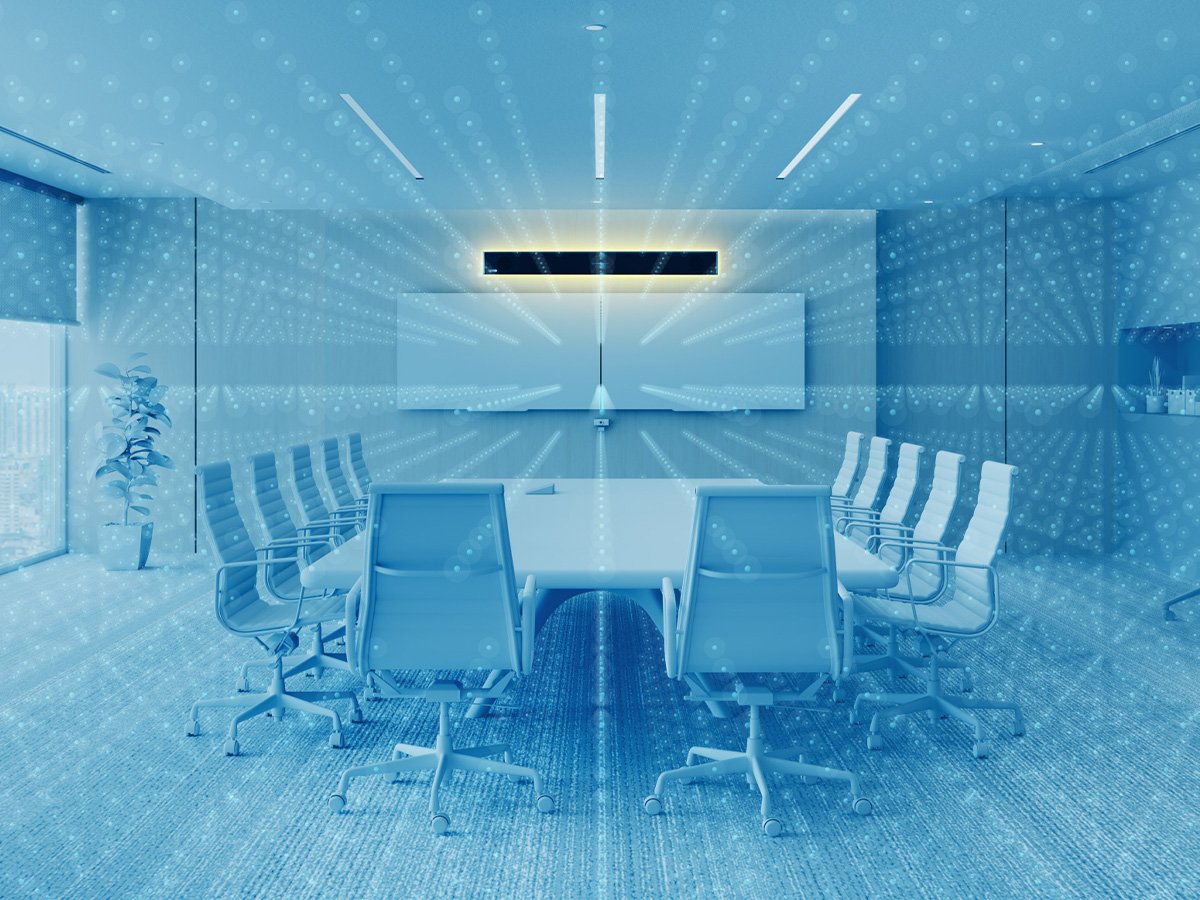
Equip Microsoft® Teams Rooms with certified solutions designed for simplicity and scale. Our advanced audio systems pick up voices everywhere, while intuitive AudioCodes solutions running on the Android platform keep meetings working smoothly.

Certified for Microsoft Teams

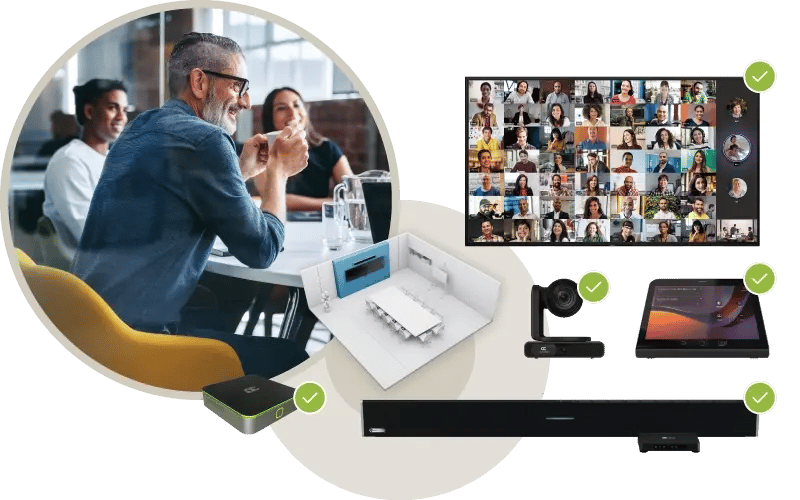
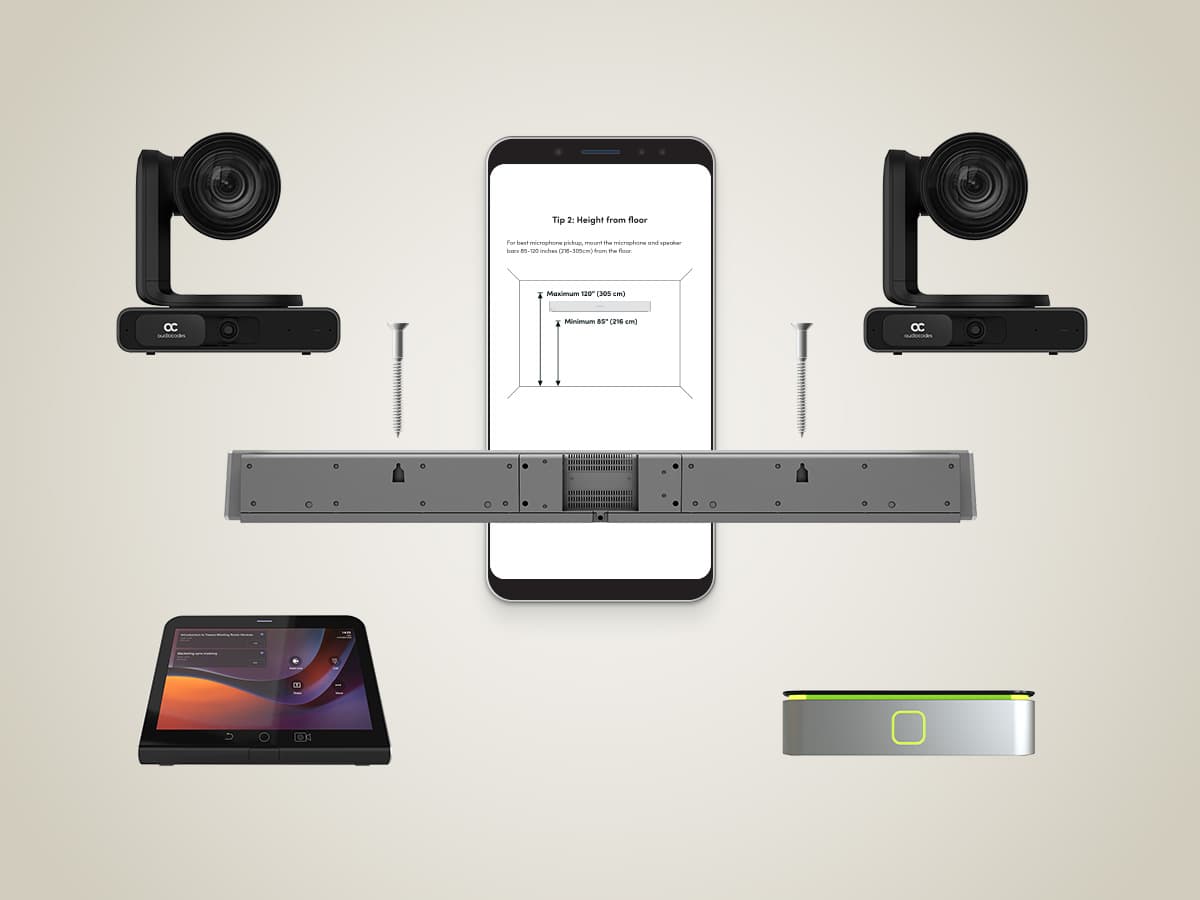
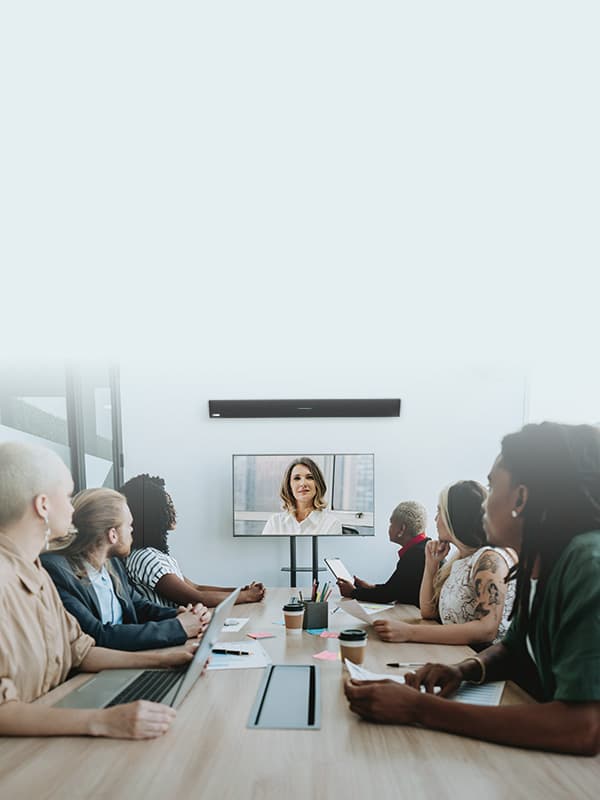
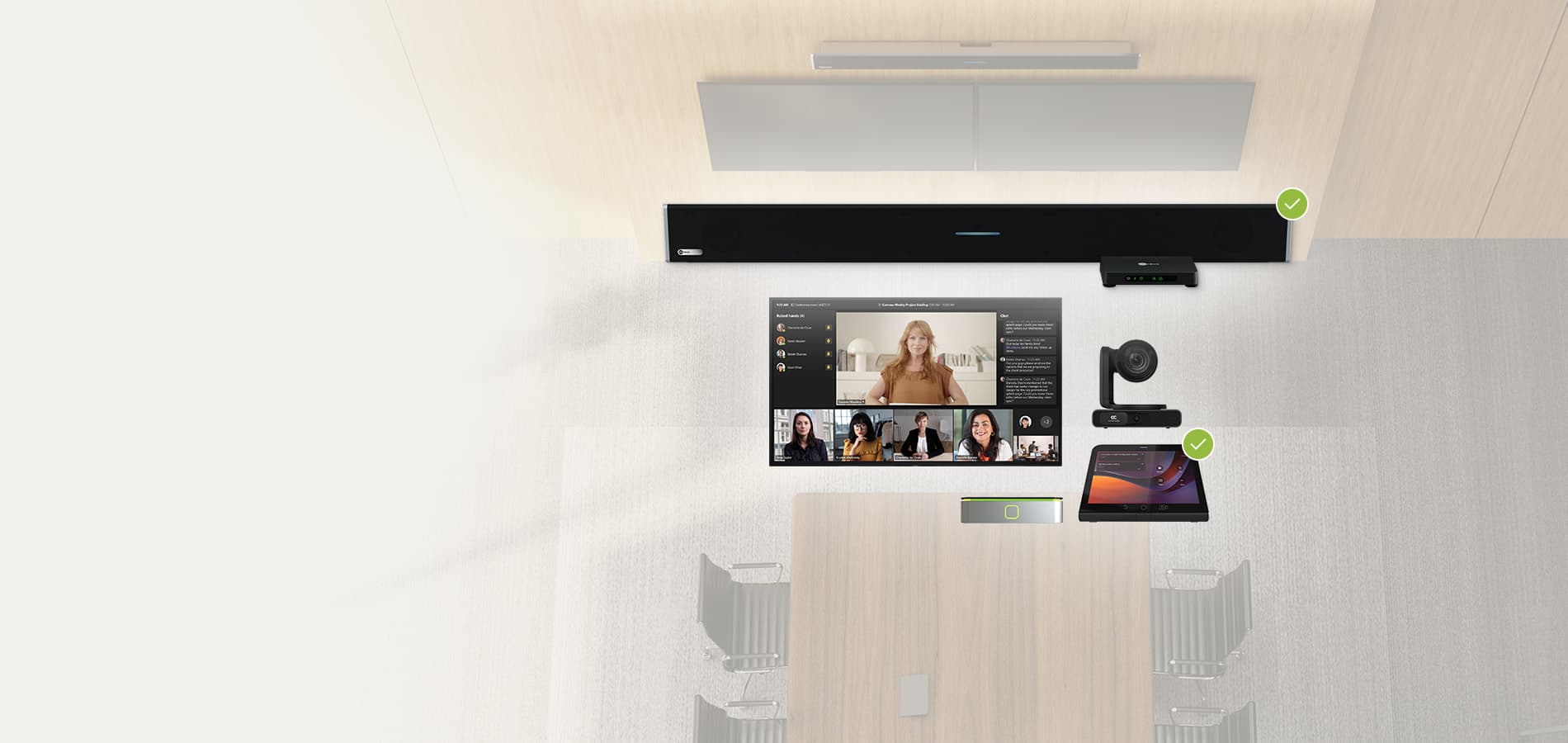
AudioCodes room kit for audio conferencing with cameras, tablet controller and display for hybrid meetings

Explore our joint solutions

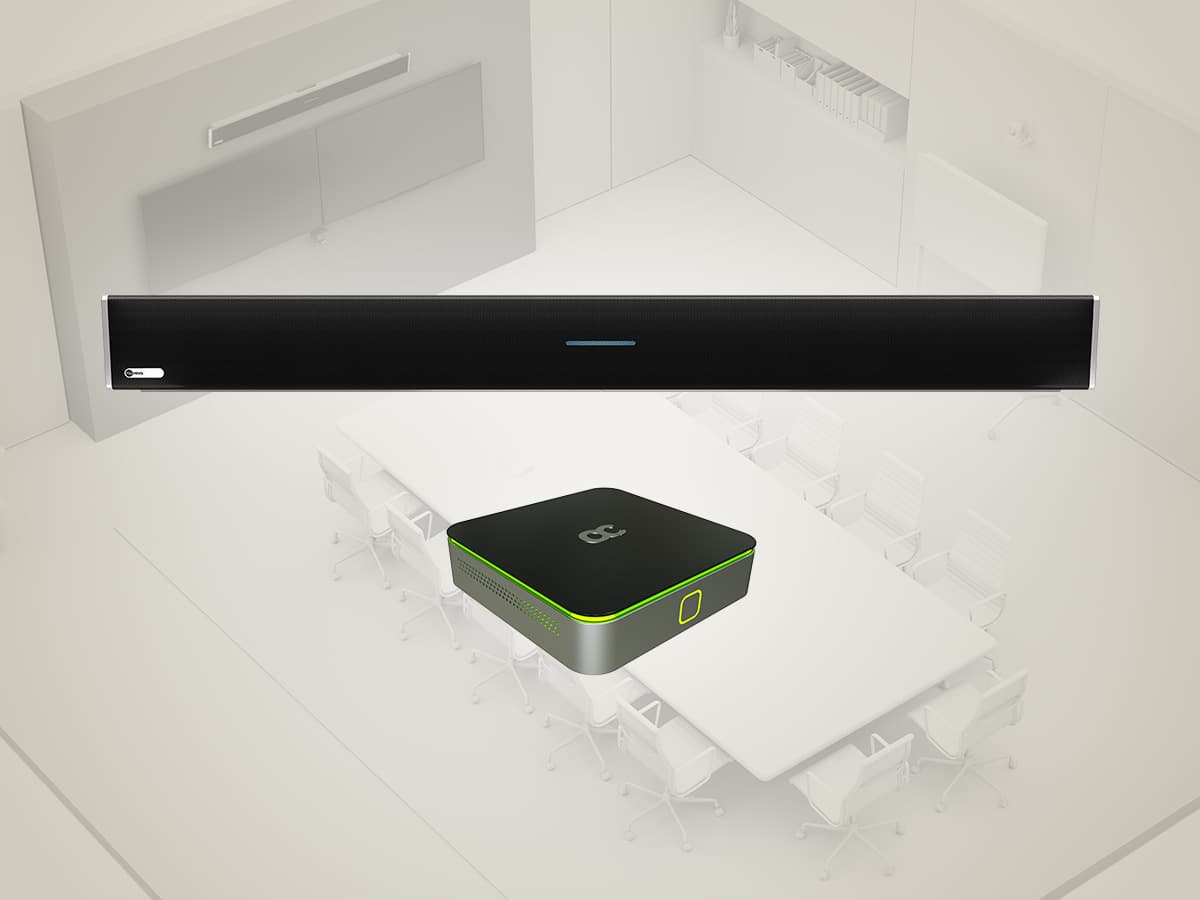
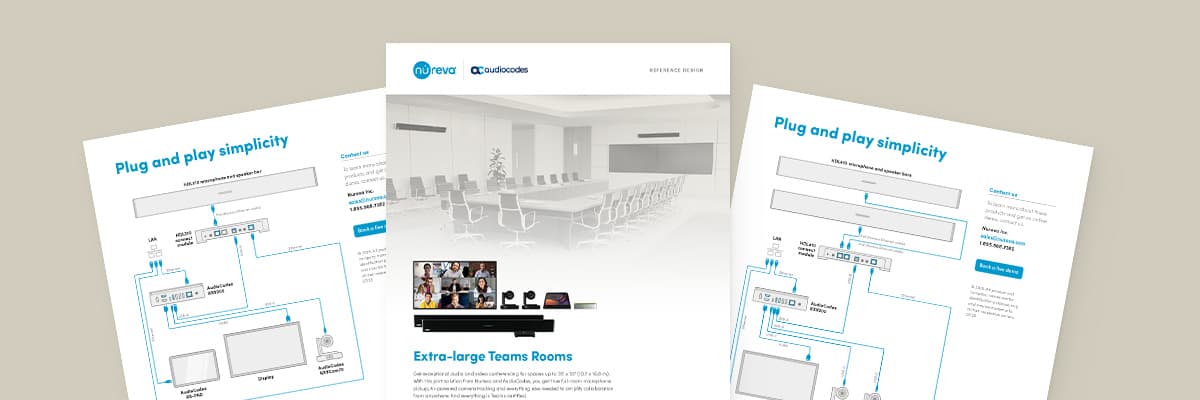
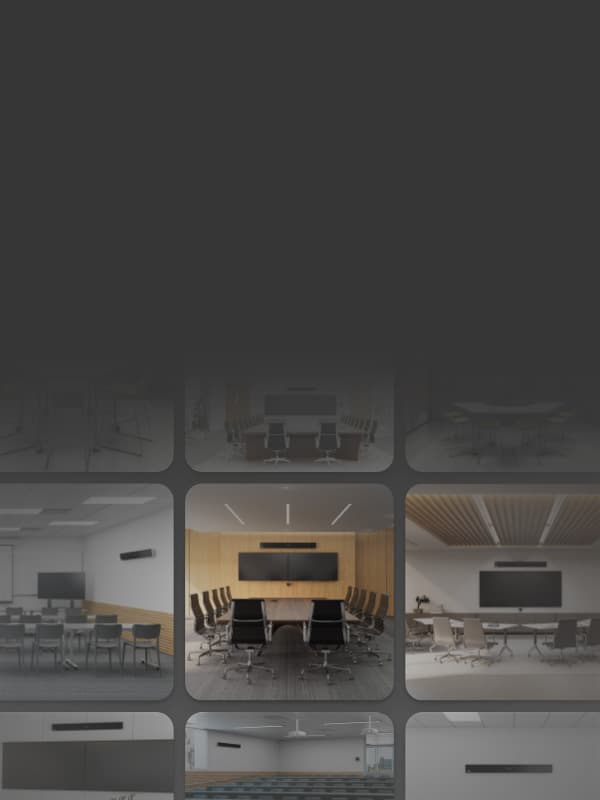
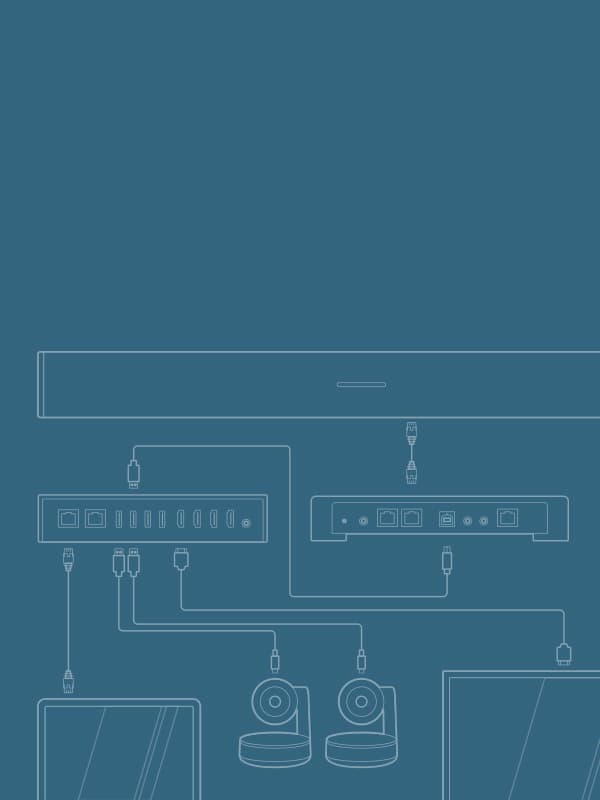
Nureva and AudioCodes pair perfectly for an Android platform setup in Teams Rooms. Browse our reference designs for connection diagrams and recommended configurations.

AudioCodes reference room design showing hybrid meeting layout and AV setup for conference space

Nureva® audio products

Ideal for AudioCodes meeting rooms

Bring simplicity and performance to your Teams Rooms that run on Android devices with plug and play audio systems. Intuitive tools for setup and device management also help IT teams save valuable time.

HDL series

Advanced audio
conferencing

Nureva HDL series systems with four black audio bars, and a system hub for large meeting spaces.

New HDX series

Full-featured audio

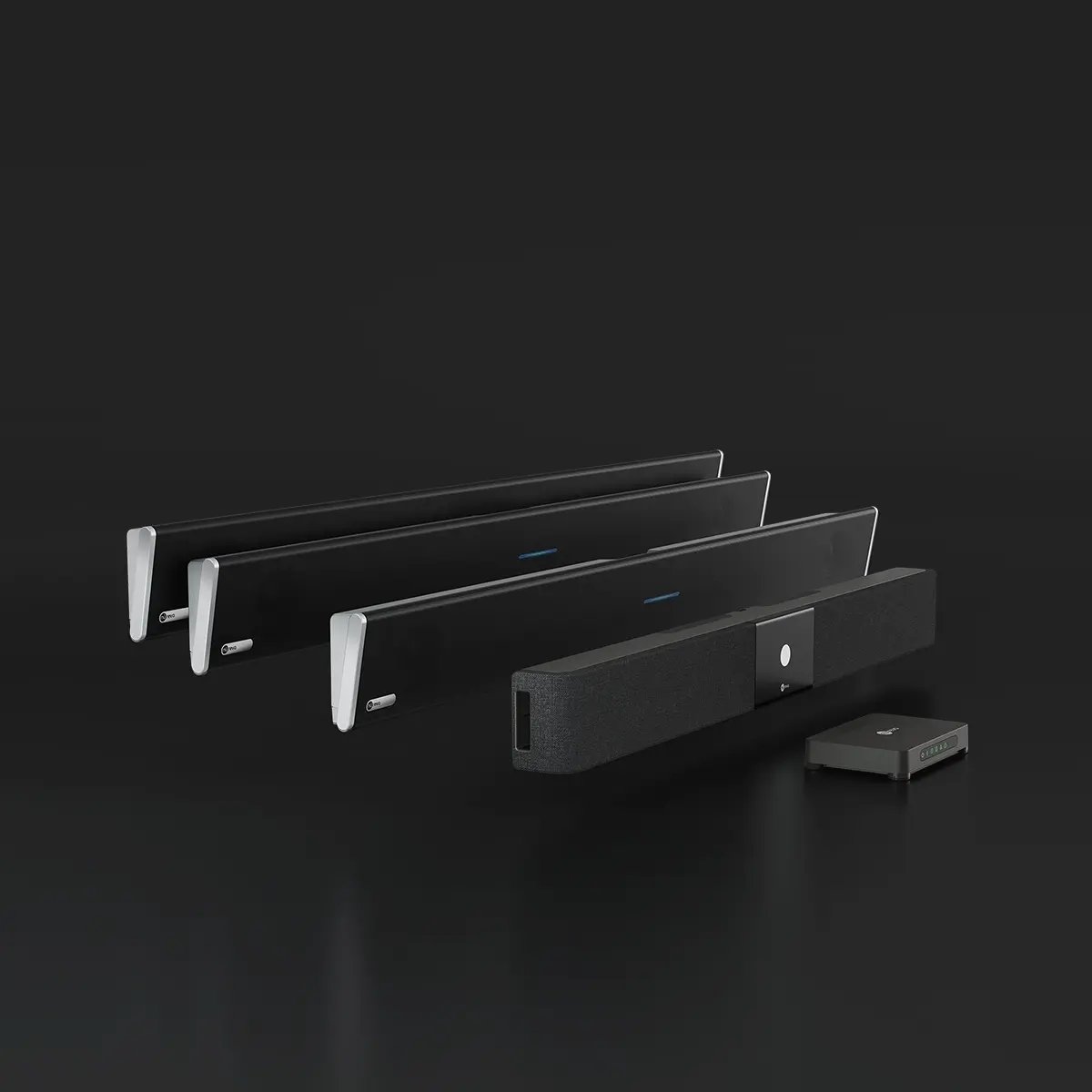
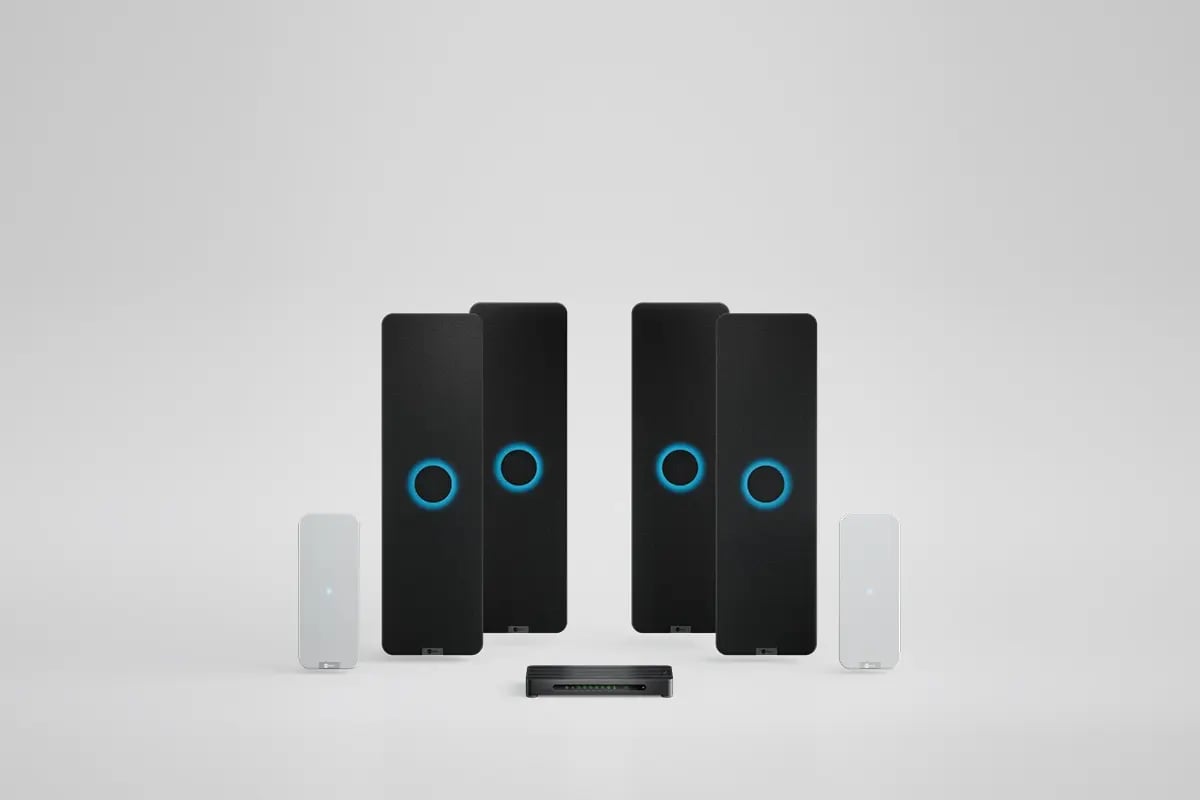
Nureva HDX system with four black audio bars, two white microphone pod and a system hub for large meeting spaces.

Included

Management tools
and services

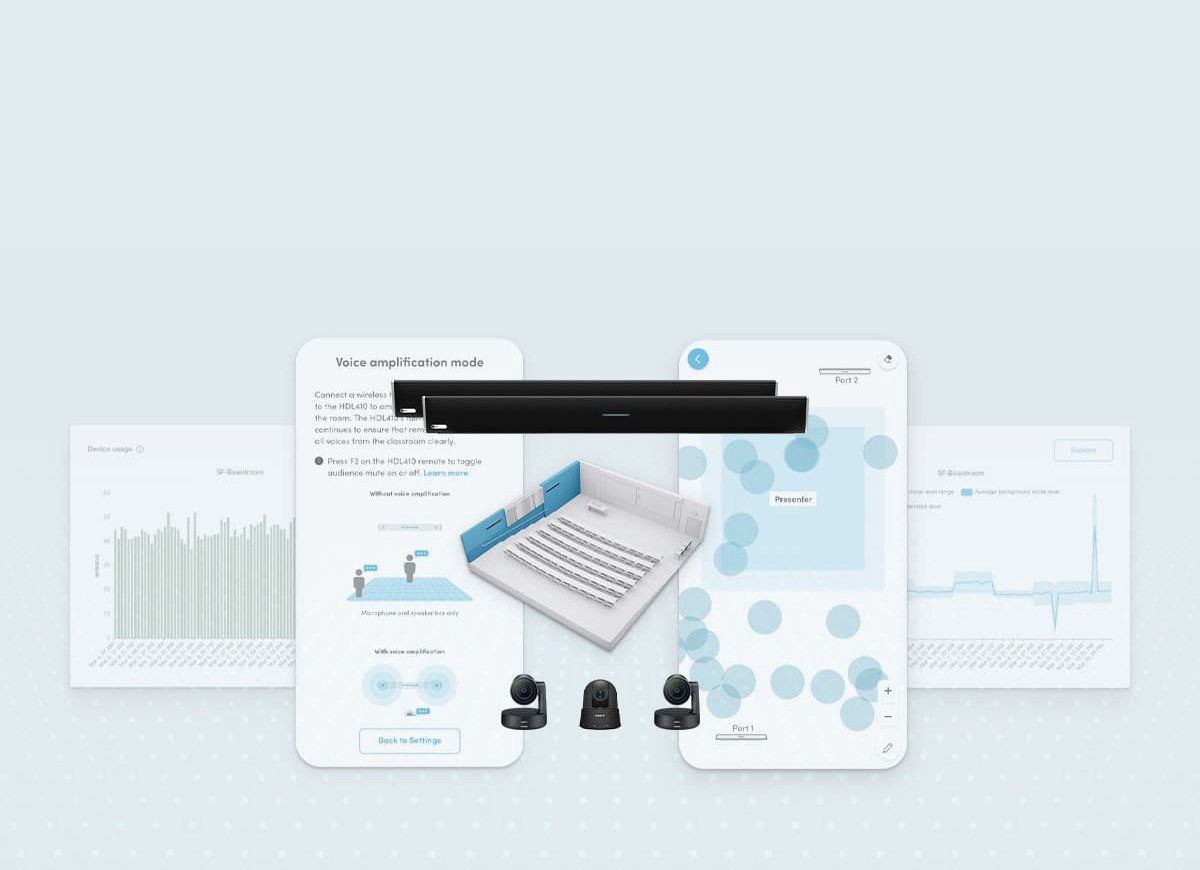
Nureva software and services

AudioCodes solutions for Teams Rooms

Pair your Nureva audio systems with a range of AudioCodes devices, including the RX-PAD controller, the RXVCam70 PTZ camera and the RXV200 Android Intelligent AV hub.

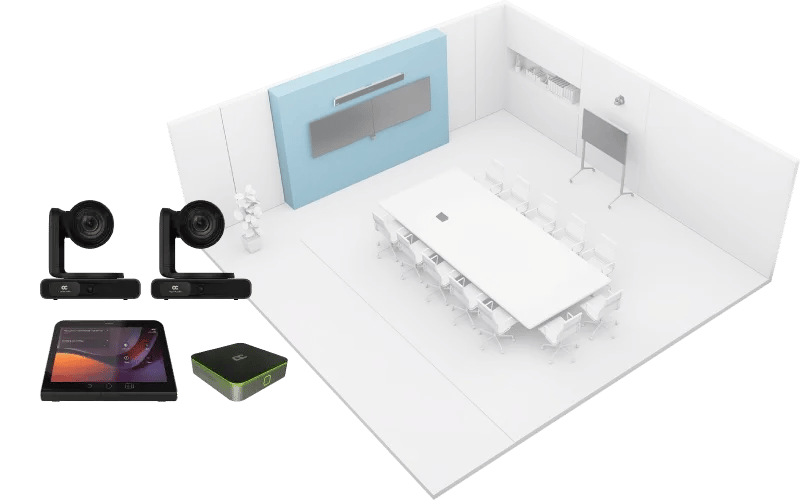
AudioCodes conference room hardware including cameras, controller and compute unit for AV deployments
Nati Davidi

Nureva’s groundbreaking audio technology provides the consistent, high-quality input necessary to power AudioCodes’ intelligent meeting room solutions.

Nati Davidi
VP Devices Business Line, AudioCodes

Nureva’s groundbreaking audio technology provides the consistent, high-quality input necessary to power AudioCodes’ intelligent meeting room solutions.

Nati Davidi
Nati Davidi
VP Devices Business Line, AudioCodes

Nureva product selector

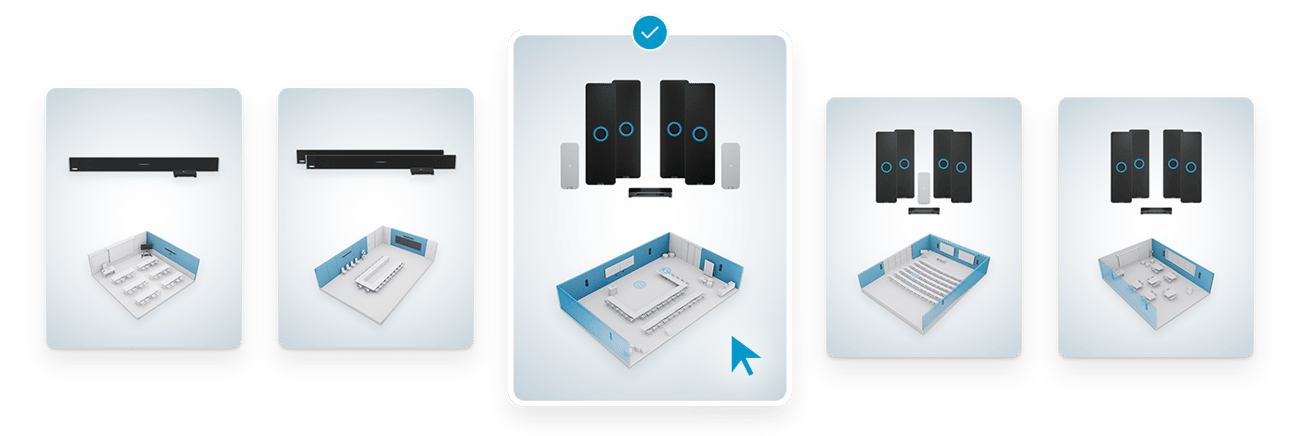
Choosing the right audio system doesn’t have to be complicated. Give us a few details about your room and how it’s used, and we’ll point you to the solution that’s right for you.

Meet my match

Nureva product selector showing multiple HDL and HDX series options, with one configuration highlighted and displaying included components for the HDX 4 bar + 2 pod system.

Missouri University
CANA
HubSpot
UNC School of Media and Journalism
Bristol Community College
rti

FAQs

How does Nureva work with AudioCodes solutions for Teams Rooms?

Nureva systems work seamlessly with AudioCodes solutions for Teams Rooms running on the Android platform, providing full-room audio coverage with no DSPs, programming or complex wiring required.

Are Nureva audio systems certified for Microsoft Teams Rooms?

Yes, the Nureva HDL310 and HDL410 systems are the first and only integrated microphone and speaker bar solutions certified for large and extra-large Teams Rooms on the Windows® operating system. They also work seamlessly with AudioCodes devices running Teams on the Android platform.

Do Nureva systems work in Teams Rooms based on the Android platform?

Absolutely. Nureva audio is fully compatible with the Android platform in Teams Rooms, including when using the AudioCodes RXV200 Android Intelligent AV Hub and RXPAD controller.

Which AudioCodes products are compatible with Nureva audio?

Nureva audio is fully tested to work with AudioCodes controllers, AV hubs and cameras. Our products that are certified for Teams integrate seamlessly in a range of Teams Rooms running on the Android platform.

Why pair Nureva audio with AudioCodes AV devices based on the Android platform?

Together, Nureva and AudioCodes provide plug and play setups, full-room mic pickup, simplified room control and consistent performance across larger Teams Rooms running on the Android platform.

What room sizes do the HDL310 and HDL410 support?

Nureva has a range of products that work in Teams Rooms that use the Android platform. The HDL310 system is designed for large meeting rooms up to 30' x 30' (9.1 x 9.1 m), while the HDL410 system is ideal for extra-large meeting rooms up to 35' x 55' (10.7 x 16.8 m).

How does Nureva support Microsoft Copilot in Teams Rooms?

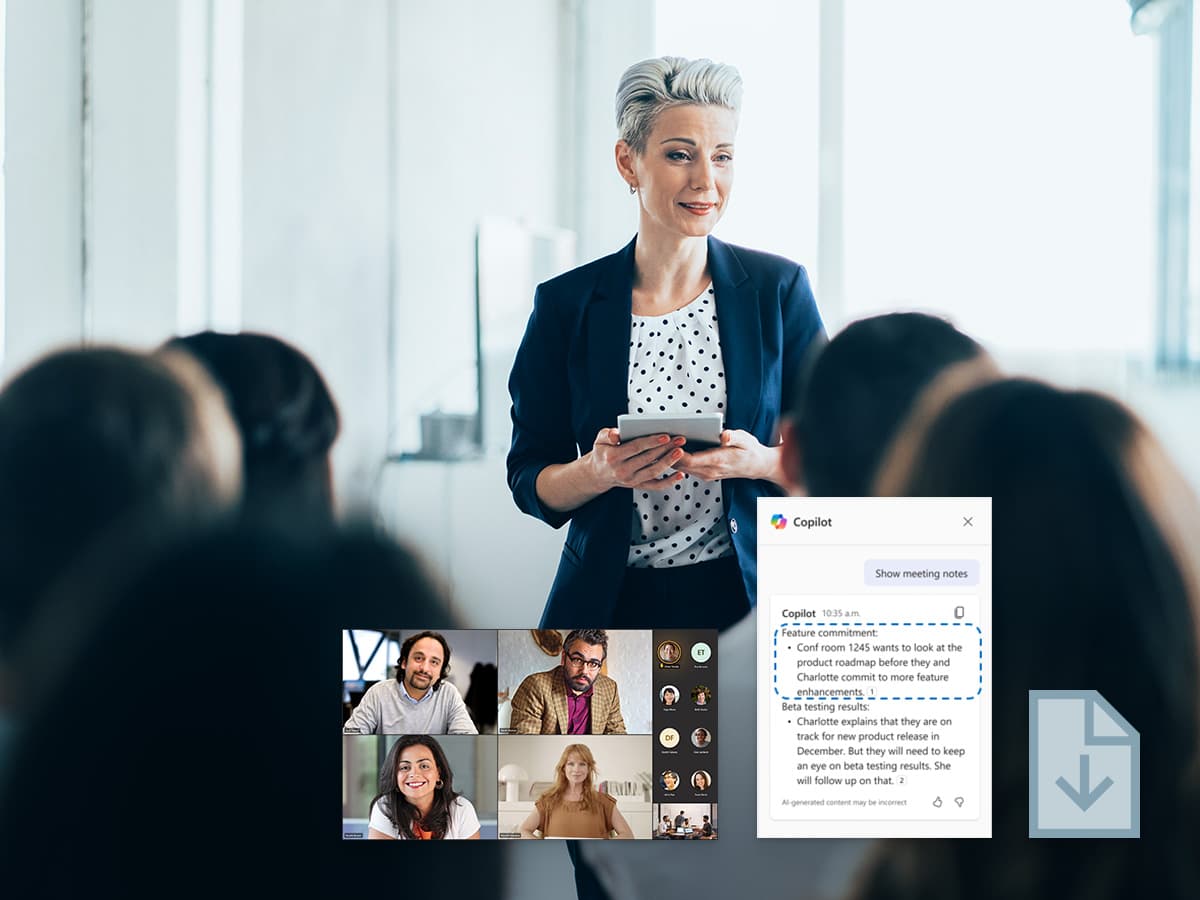
Nureva audio supports voice attribution, which enables Copilot to distinguish between speakers and generate more accurate Intelligent Recap summaries, action items and other insights.

Can Nureva support large Teams Rooms running on the Android platform?

Yes. Nureva audio delivers full-room mic pickup, complementing AudioCodes’ solutions for Teams Rooms and enabling reliable hybrid collaboration in large Teams Rooms on the Android platform.

How fast can Nureva systems be installed in AudioCodes environments?

Most Nureva audio systems can be installed in as little as 30 or 60 minutes with no specialized tools. There’s no need for ceiling arrays, complex wiring or DSP tuning, making deployment fast for IT teams managing multiple Teams Rooms.

Are Nureva systems suitable for multi-room Android platform deployments?

Yes. Nureva audio is ideal for IT teams standardizing across buildings or campuses, offering remote monitoring, a consistent user experience and easy scalability.

What benefits do Android devices from AudioCodes provide in Teams Rooms?

AudioCodes’ devices for Teams Rooms provide reliable performance, simple room control, one-touch start, AI-powered camera features and easy integration with Nureva audio.

Are reference designs available for Nureva and AudioCodes solutions for Teams Rooms?

Yes. Reference designs show recommended layouts, connection diagrams and product combinations for large and extra-large Teams Rooms based on the Android platform.

Your audio, your way

Prefer to browse by space, industry or ecosystem product? No matter your room type or AV setup, our audio solutions let you standardize with confidence.

×

Nureva HDL pro series
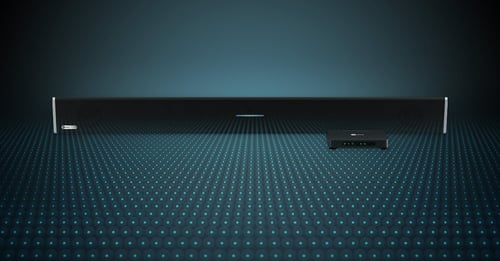
Nureva HDL310 audio conferencing system

HDL310 system

 
  • Microphone and speaker bar providing full-room pickup with thousands of virtual mics, thanks to next-gen Microphone Mist™ technology
  • Connect module with advanced processing power and pro AV features (no DSP required)
  • Easy wall-mounted installation in as little as 30 minutes with no specialized skills needed
  • Includes Nureva Console and the Nureva App — intuitive tools that simplify setup and enable device monitoring, management and more
  • Available in black (HDL310-B) or white (HDL310-W)
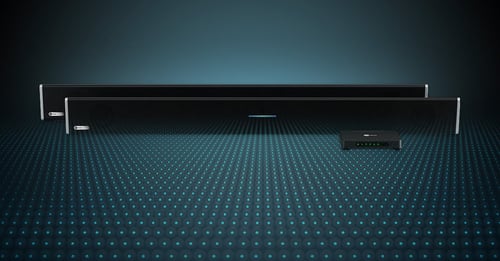
Nureva HDL410 audio conferencing system

HDL410 system

 
  • Two microphone and speaker bars providing full-room pickup with thousands of virtual mics, thanks to next-gen Microphone Mist technology
  • Connect module with advanced processing power and pro AV features (no DSP required)
  • Easy wall-mounted installation in as little as 60 minutes with no specialized skills needed
  • Includes Nureva Console and the Nureva App — intuitive tools that simplify setup and enable device monitoring, management and more
  • Available in black (HDL410-B) or white (HDL410-W)
×

AudioCodes RX-PAD controller

  • Proximity sensor and one-click start functionality
  • Ergonomic design and 8" high-resolution display
  • Simplified connection with a single PoE cable
  • Easy access to camera settings and other features
  • Integrated calendar for easy collaboration
×

AudioCodes RXV200 Android Intelligent AV hub

  • Microsoft Teams Room hub for Android applications
  • Multiple device connections for mix-and-match adaptability
  • Dual-screen support
  • Advanced AI capabilities
  • HDMI-in for participants to share their desktop
×

AudioCodes RXVCam70 PTZ camera

  • Dual lens with 4K sensors for total room coverage
  • High-resolution 12x optical zoom and wide field of view
  • AI-powered auto framing and speaker tracking
  • Smart gallery to display all participants in separate close-up frames

Get unbiased advice

Need to know exactly how we work with AudioCodes and Android devices? Audio advice is just a call away. Get technical guidance and options for equipping your Teams Rooms.

  Schedule a call