SOLUTIONSSPACESTRAINING ROOMS


Training room audio system

Training rooms built for learning — without disruptions

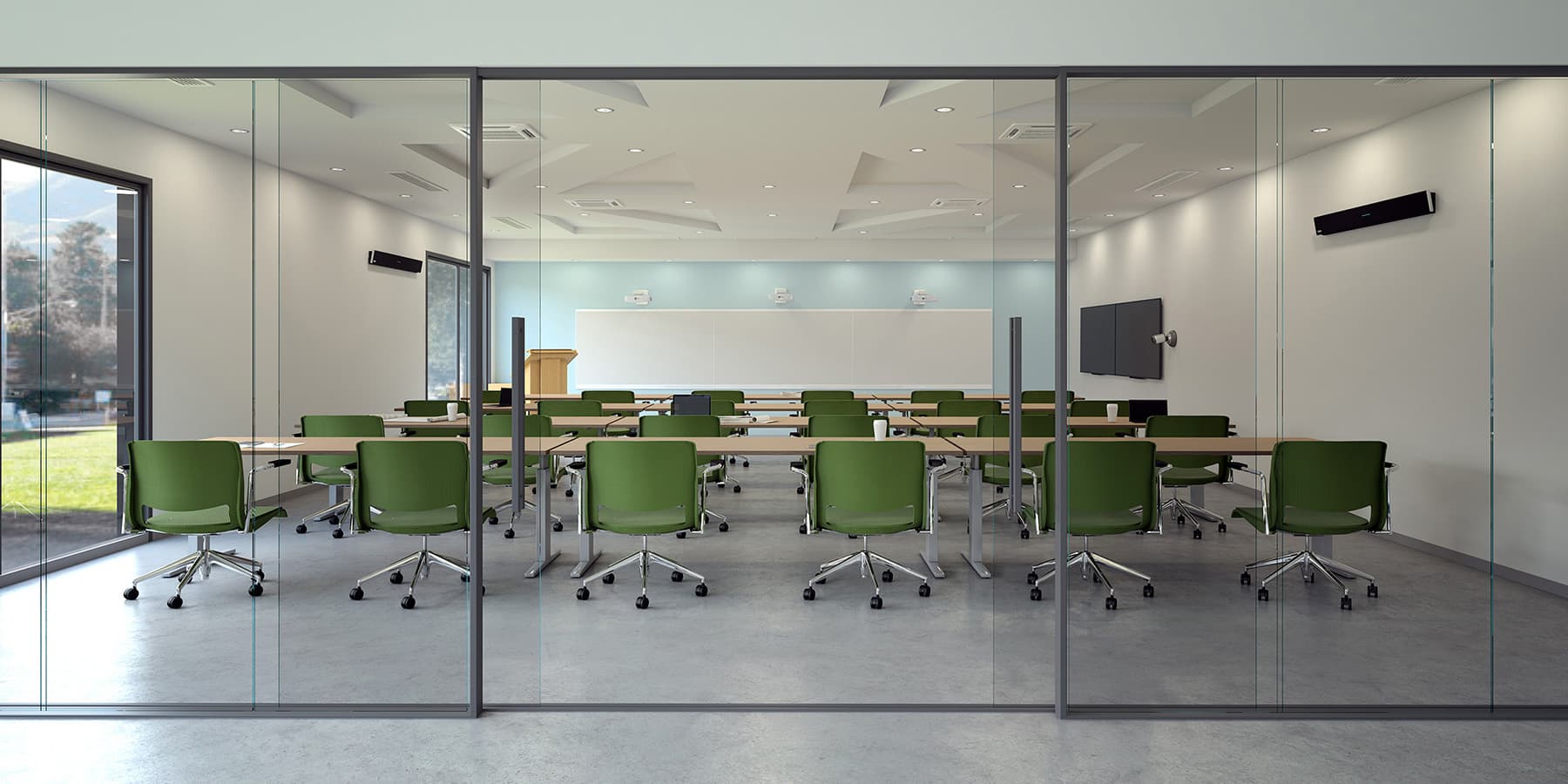
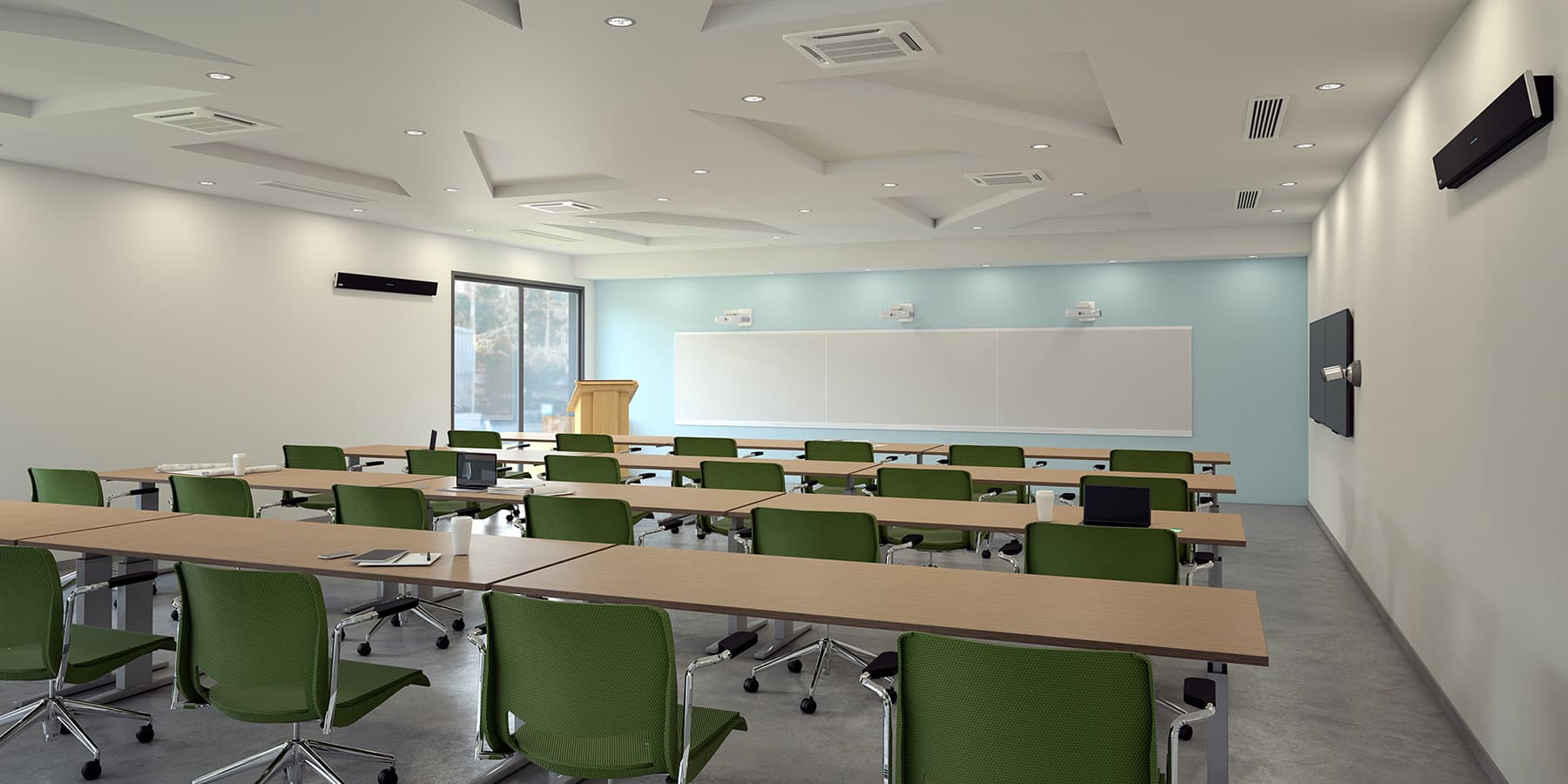
Create training rooms that strengthen skills development in your organization. Our training room audio systems ensure that when team members or outside experts join sessions remotely, they hear everything clearly. And technical setup is kept to a minimum.

Explore the lineup

Find the right fit for your space and use case.

FAQs

What does Adaptive Voice Amplification actually do in a training room?

Most audio systems treat in-room and remote audio as separate problems. Adaptive Voice Amplification addresses both at once. When a trainer speaks, the system amplifies their voice so every person in the room can hear clearly, including those seated at the back of larger rooms. At the same time, it maintains microphone pickup in the rest of the space, so remote participants still hear all the voices in the room. In practical terms, this means a trainer can move freely, speak at a natural volume and be heard equally well by everyone in the room and everyone joining remotely. It also means that during Q&A or group discussions, remote participants can hear questions and comments from people in the room without the trainer needing to repeat what was said. Adaptive Voice Amplification includes an audience mute option that can easily be toggled on and off as needed.

How does automated camera tracking work in a Nureva training room?

The sound location data provided by Nureva® audio systems enables your camera to follow the conversation rather than remain fixed on one section of the room. As the trainer moves or participants ask questions from different positions, Nureva’s system tracks the locations of voices and passes that information to compatible cameras. The best-positioned camera then automatically cuts or pans to the active speaker, so remote participants always see who’s speaking without anyone manually controlling the shot. For training sessions with presentations, Q&A segments or multiple in-room contributors, this keeps the videoconferencing experience coherent and professional without adding complexity to your setup.

Do I need ceiling speakers, wireless microphones or audio mixers?

Traditional sound system setups often require ceiling speakers, wireless microphones, audio mixers and amplifiers working together, which means more equipment, more complex setups and more potential points of failure.

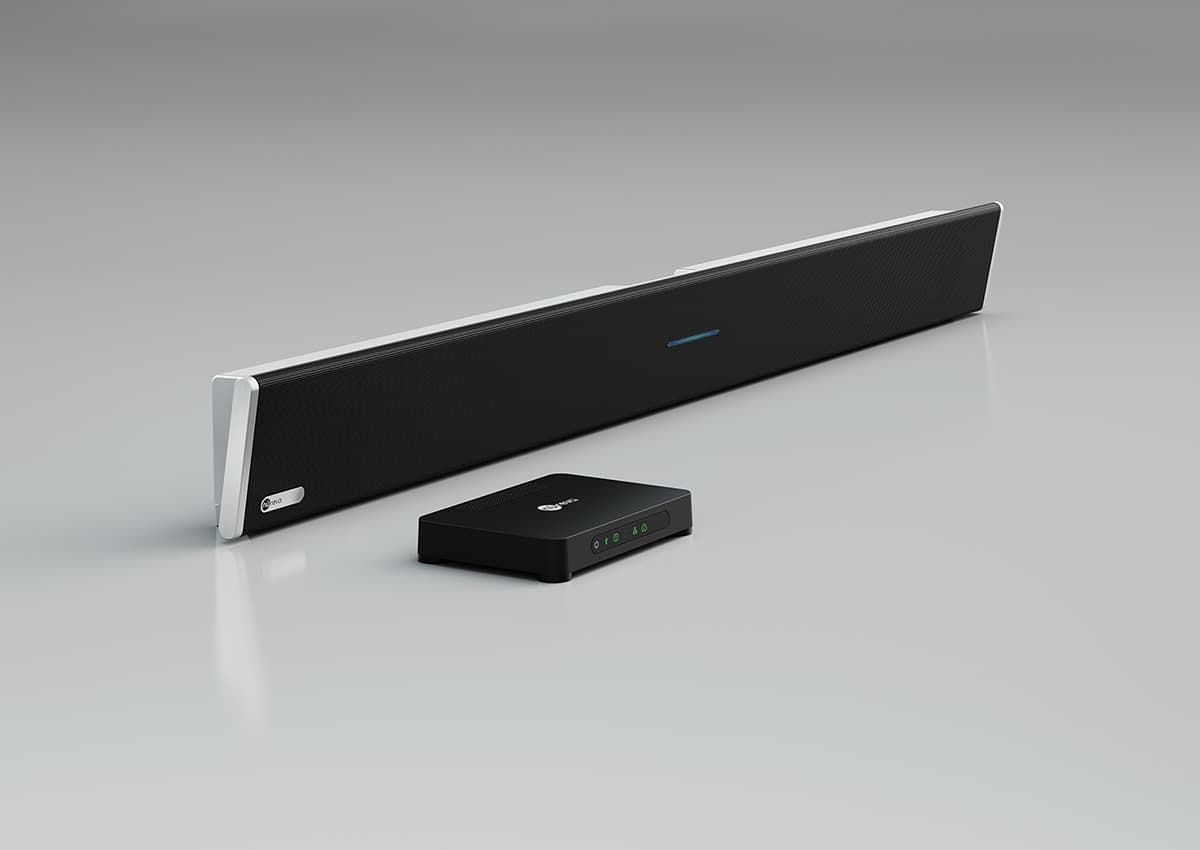
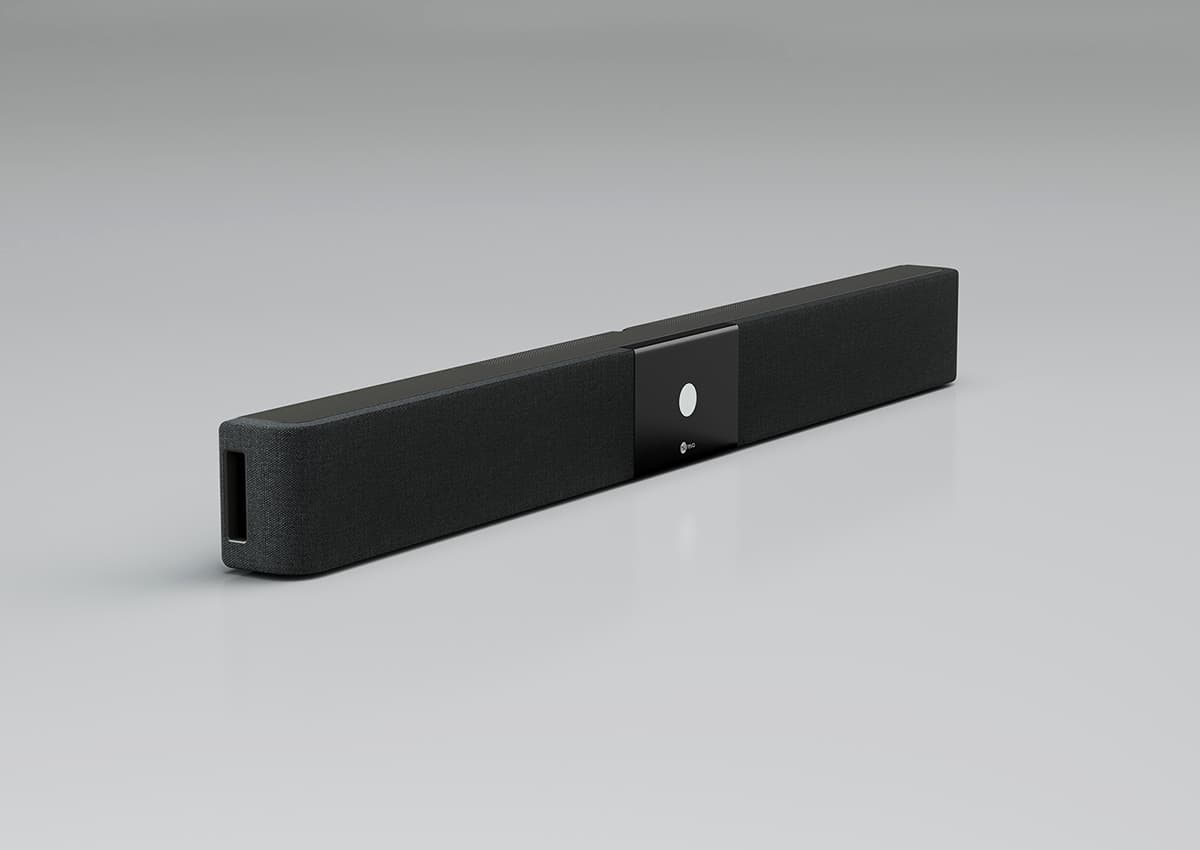
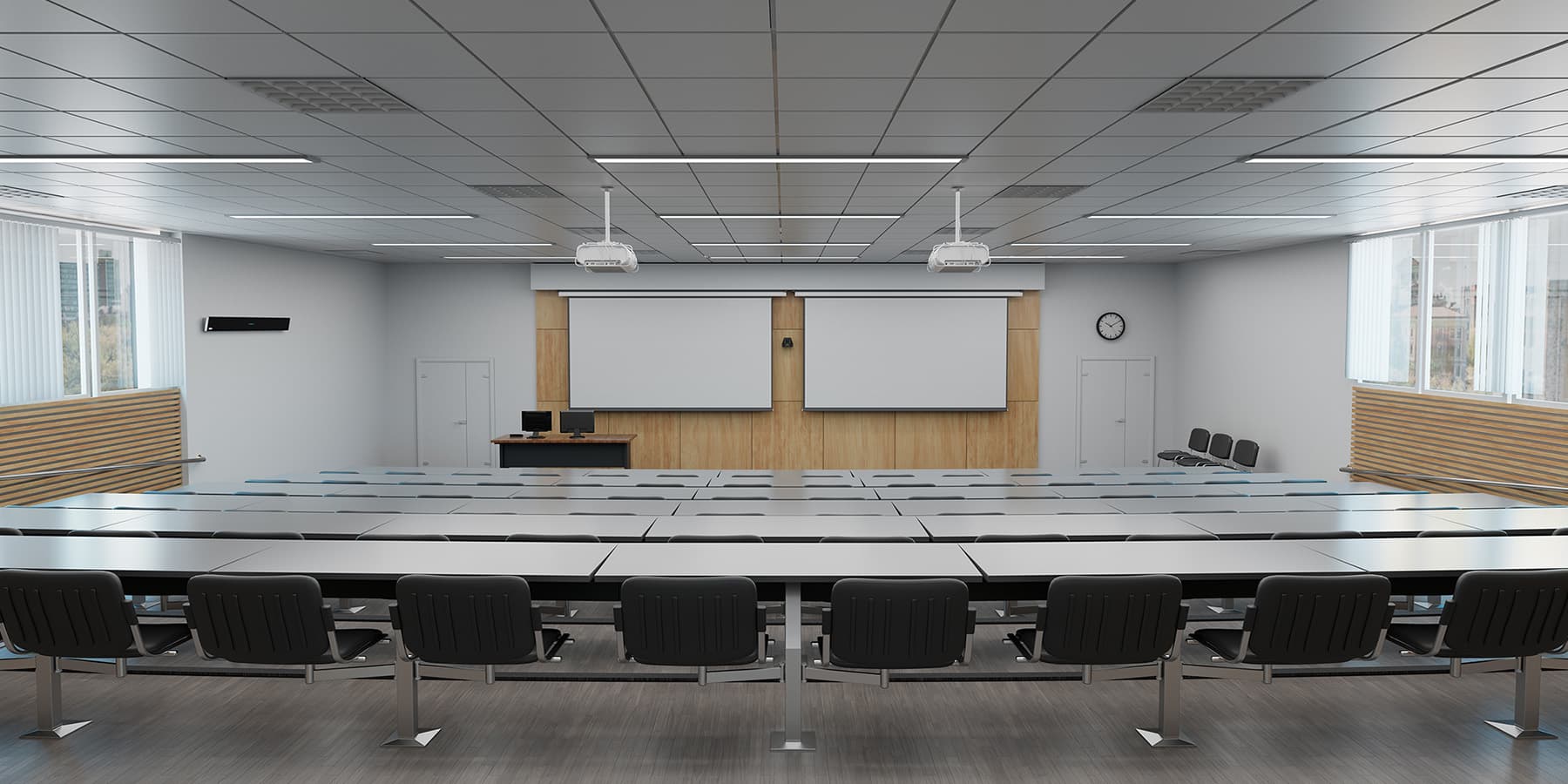
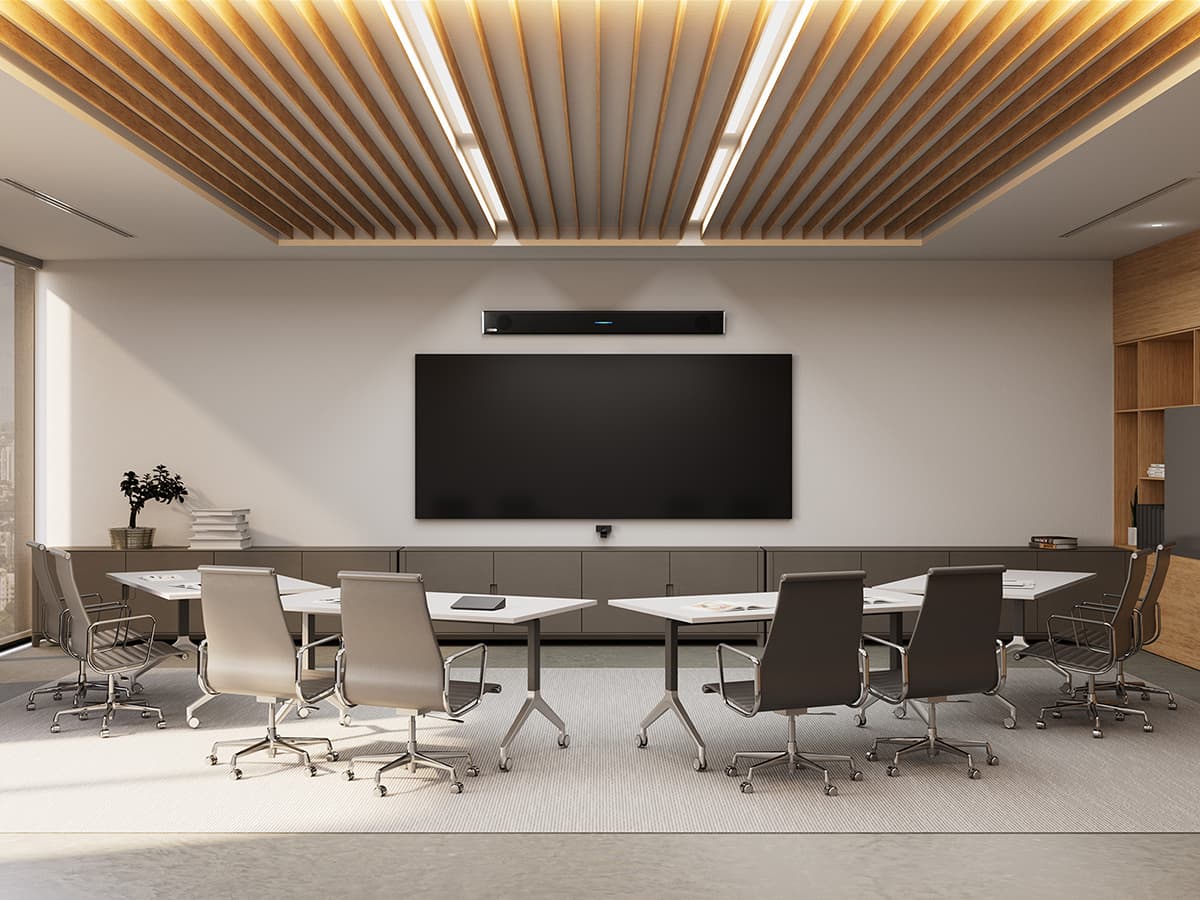
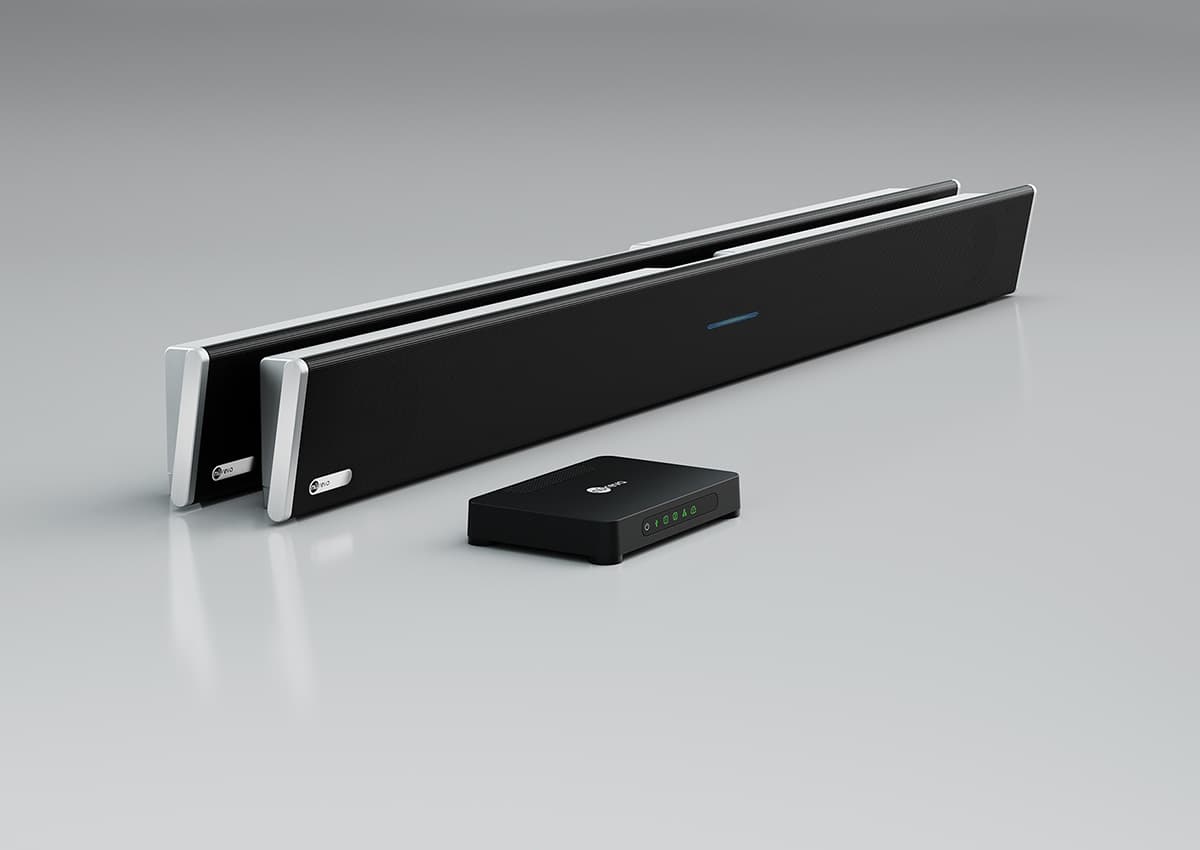
Nureva takes a different approach with its HDL audio conferencing solutions that combine microphones and speakers in one or two integrated bars. There’s no need for separate ceiling speakers, wireless microphones or additional audio mixers to distribute sound evenly. The result is a dramatically simpler installation and far fewer things that can go wrong during a training session or seminar.

How does Nureva reduce background noise and enhance echo cancellation in training rooms?

Background noise and echoing of voices are two of the most common complaints in training rooms, especially in larger rooms where sound bounces off walls and hard surfaces.

Nureva systems include acoustic echo cancellation and noise reduction built into the platform. Echo cancellation prevents the feedback loop that makes calls hard to follow, while noise reduction keeps the focus on the trainer’s voice rather than the hum of an HVAC system or shuffling in the room.

The new HDX series takes this further with noise suppression AI that actively distinguishes human voices from transient room sounds like keyboard typing, paper rustling and chair scrapes, without affecting the audio quality for anyone having a conversation. The result is high-quality sound that stays consistent throughout the session without any need for manual intervention.

What room sizes do Nureva systems cover?

Nureva offers systems to match your room size. The HDL200 covers spaces up to 18' x 18' (5.5 x 5.5 m). The HDL310 handles rooms up to 30' x 30' (9.1 x 9.1 m), a popular choice for large spaces. For extra-large conference room audio needs, the HDL410 covers spaces up to 35' x 55' (10.7 x 16.8 m). In those larger rooms, the HDL310 and HDL410 systems are certified for both Teams Rooms and Zoom Rooms environments. For the most demanding training rooms, the new HDX series covers up to 40' x 60' (12.2 x 18.3 m) with modular configurations that can be tailored to your specific space and in-room audio requirements.

How do Nureva systems integrate with Microsoft Teams and Zoom?

Integration with your existing videoconferencing platform is one of the most crucial factors when selecting a sound system. The Nureva HDL310 and HDL410 systems are certified for Microsoft® Teams and Zoom, meaning they’re tested and validated to deliver high-quality audio without workarounds or third-party adapters. All the systems in Nureva’s product family work with Teams and Zoom. They also integrate seamlessly with leading camera brands, as seen in these reference designs, so your video and audio work together out of the box. If your IT team manages devices at scale, they can use Nureva Console to monitor and adjust the entire fleet remotely, which makes ongoing performance management straightforward.

How hard is it to install a Nureva training room audio system?

Ease of installation is one of the many reasons customers choose Nureva. Most of our systems can be set up in as little as 30 or 60 minutes. There’s no invasive ceiling work and no need for a specialist integrator on-site. The setup app walks your team through connection and configuration step by step. Continuous autocalibration handles everything after that, so your rooms stay optimized without anyone needing to revisit the audio settings. That simplicity has real value: less time spent on installation, fewer IT support calls and more money directed toward the training itself.

Can Nureva audio distribute sound evenly across a large training room?

Distributing sound evenly is one of the most common gaps with traditional conference room audio systems. Conventional sound system setups rely on ceiling speakers and a limited number of microphones positioned at fixed points, which often leave parts of the room underserved.

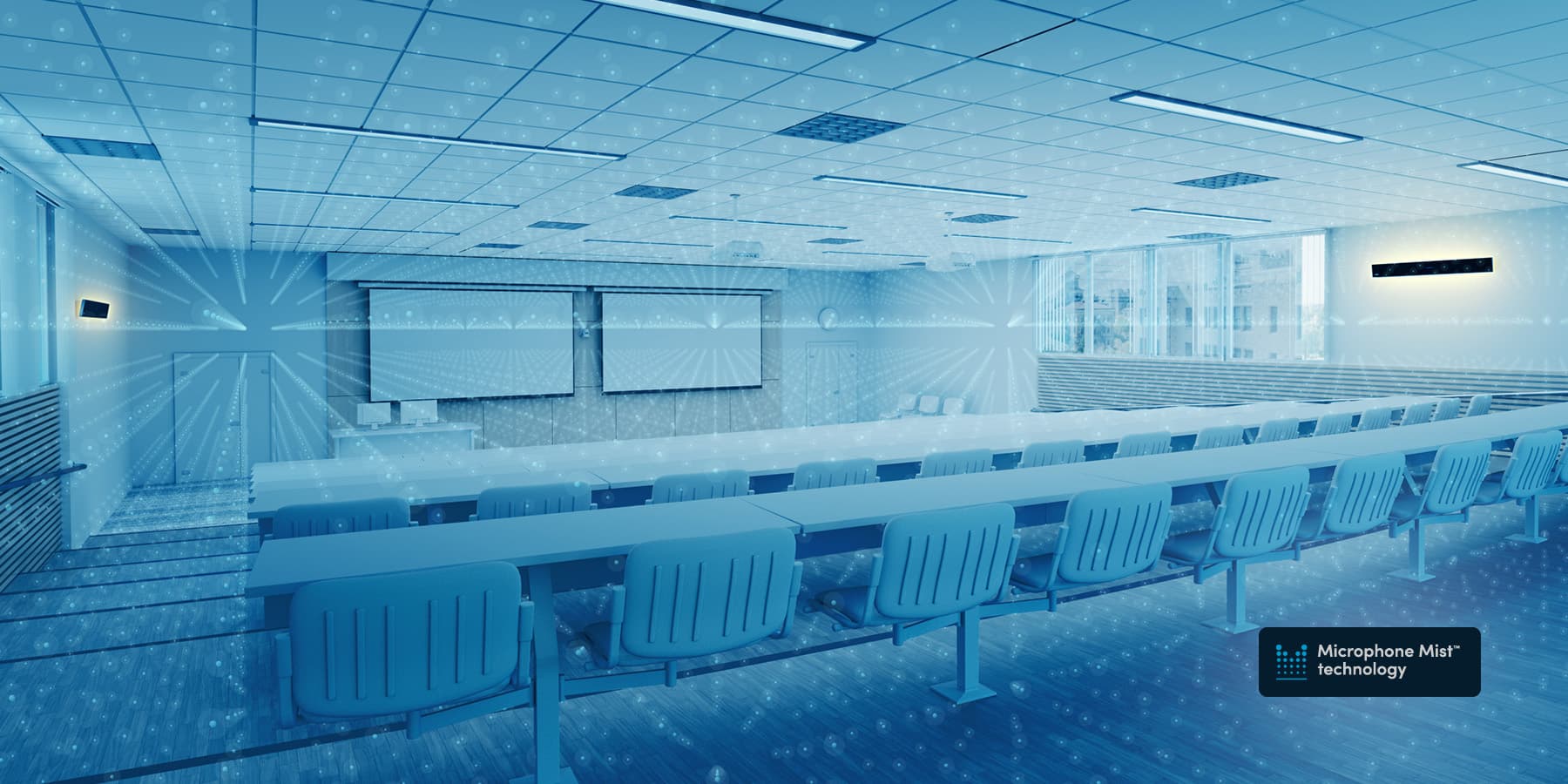
At the core of Nureva’s audio systems is Microphone Mist technology, which creates a dense grid of thousands of virtual microphones to cover the entire space and pick up sound evenly regardless of where the trainer or participants are positioned, so remote participants hear clearly. The new HDX series has full-range distributed audio with dedicated drivers across the entire frequency spectrum, so participants sitting at the front and back of the room get the same listening experience. For larger rooms and open-plan training spaces, that consistency matters more than almost any other feature, since uneven audio quality is one of the leading causes of communication breakdowns in hybrid sessions and in-person presentations.

How does Nureva’s price compare to other audio systems for training rooms?

Traditional conference room audio setups that require audio mixers, ceiling speakers, wireless microphones and separate amplifiers can quickly exceed the cost of a Nureva integrated solution, especially once you factor in installation costs and ongoing maintenance. Nureva systems also include 2 years of coverage with the Nureva Pro service plan, fleet management tools and API access at no extra cost. For customers equipping multiple conference rooms, that adds up to meaningful savings in both time and money compared to building a sound system from individual components. For organizations that need full-featured audio with voice lift, assistive listening and full-range distributed audio in their larger rooms, the new HDX series is worth evaluating as a purpose-built solution.

What kinds of organizations use Nureva in their training rooms?

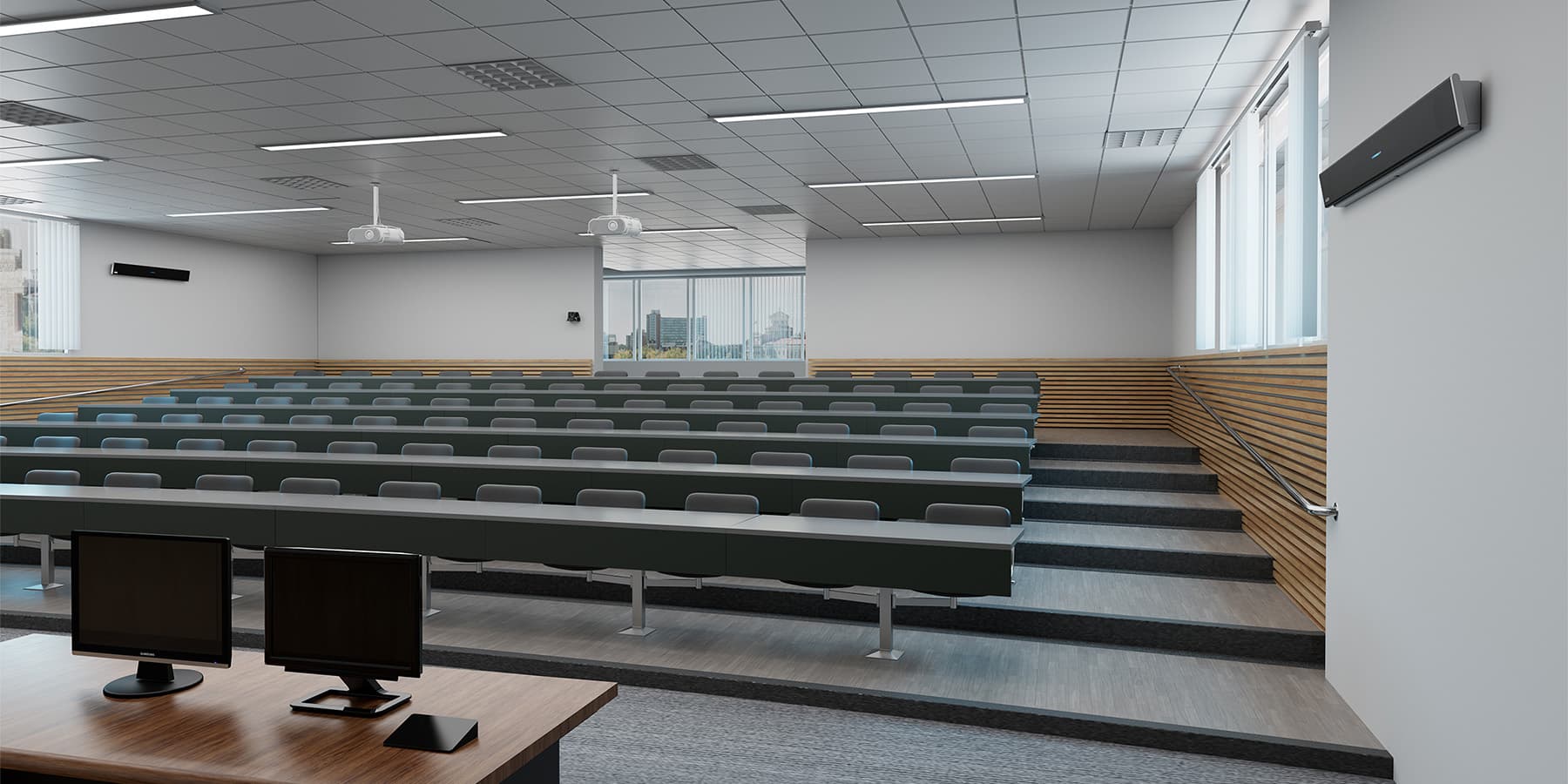
Nureva training room audio systems are used across a wide range of industries and spaces. Corporate training centers use them to run onboarding sessions and skills development programs where facilitators need to move freely and remote participants need to follow along without audio drop-offs. Higher education institutions deploy them in lecture halls and hybrid classrooms where instructors teach in large rooms and students join from off-campus. Healthcare organizations use them for continuing education and clinical training sessions, where clear communication and accurate voice capture are a priority. Professional services firms rely on them for client-facing presentations and internal knowledge-transfer sessions, where the audio quality directly reflects on the organization. What these use cases share is a common need: a training room audio system that handles complex setups without burdening IT, scales across multiple rooms and spaces, and gives every participant, whether in the room or joining remotely, an equal experience.