Posted by Nureva on Nov 24, 2026, 12:33:35 PM
The latest models of audio conferencing systems do more than pick up voices. They adapt to changes in a room’s acoustic profile on their own, process speech with AI in real time and report on room conditions your IT team can act on. All of this helps to enhance the audio quality. That matters, because bad audio in meeting rooms and classrooms leads to bad outcomes for everyone working and learning in them.
Nureva builds these features into its audio systems from the start rather than treating each feature as a separate upgrade. Certain Nureva® audio systems also deliver built-in Auracast™ broadcast audio for assistive listening and voice augmentation with Adaptive Voice Amplification and Adaptive Voice Lift.
TL;DR: The latest innovations in audio conferencing
Five things worth knowing about audio conferencing technology and where it stands right now:
-
AI can now run inside the audio system itself, rather than only in the UC&C platforms. It can separate voices from keyboard clicks and chair scrapes, which helps the system locate whoever is talking for camera tracking and switching.
-
Autocalibration adjusts the audio system to a room automatically when the furniture or layout changes, without the technician reprogramming that DSP-based systems require.
-
When using Auracast broadcast audio, anyone with a compatible phone or hearing aid can stream clear audio directly, reducing the need for borrow-and-return assistive listening equipment.
-
Room management platforms are starting to report on the audio conditions inside a room, beyond basic device status.
-
Voice augmentation solves the physics problem of large rooms where people struggle to hear one another. Nureva offers two such features: Adaptive Voice Amplification and Adaptive Voice Lift (in beta).
What are the newest AI audio features?
When we think of AI tools in meetings, we often focus on transcription and note taking within UC&C platforms. AI in audio conferencing now also runs directly within the microphone system. It can listen for the difference between a voice and a chair scrape and then feed the voice’s location to a room’s camera so the framing follows whoever is talking.
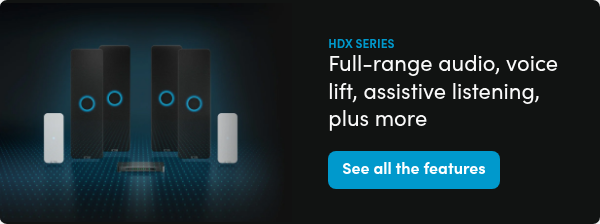
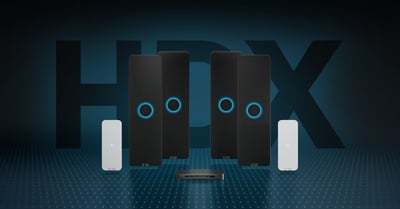
This is how Nureva HDX audio systems work. They distinguish voices from disruptive room noise such as keyboard typing, paper rustling and chair scrapes, without reducing the microphone pickup of the people talking. Plus, all Nureva audio systems work with Microsoft® Copilot and Zoom AI Companion for AI-assisted meeting summaries and follow-up notes. Cleaner audio gives those assistants a clearer signal to work from.
AI-driven noise suppression and live transcription are included with many meeting platforms, including Microsoft Teams and Zoom. What’s changed with hardware like the HDX series is where that processing happens: It takes place inside the microphone array. That means a room gets noise suppression even when UC&C platforms don’t provide it.
What makes a room auto-calibrate?
A room with autocalibration adjusts its audio coverage as the space changes, without a technician having to reprogram anything. Systems built around a separate digital signal processor (DSP) need an audio designer to map microphone placement, set coverage zones and retune the room when furniture moves or equipment gets added.
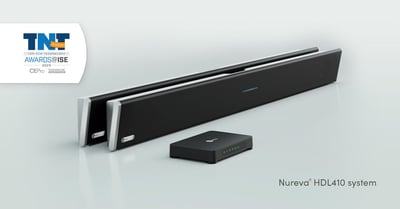
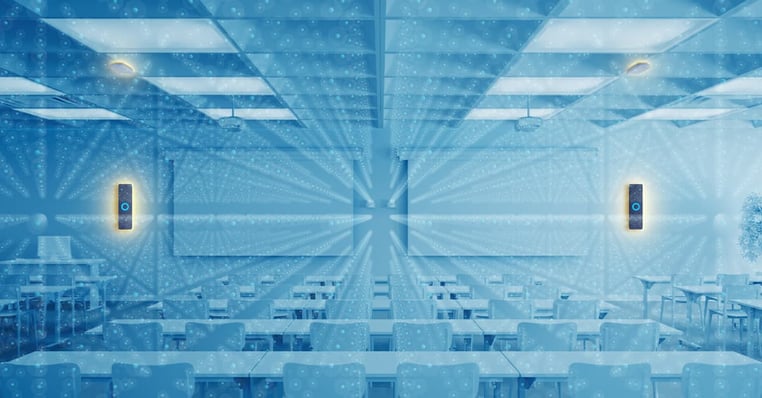
Nureva takes a different approach with its patented Microphone Mist™ technology. It fills a room with thousands of virtual microphones for a much higher-resolution audio pickup than older approaches can achieve. That’s what lets HDL series and HDX series systems automatically adjust to layout and acoustic changes and isolate individual talkers anywhere in the room, with no manual programming. Adding furniture or reorienting the room doesn’t require a new audio setup.
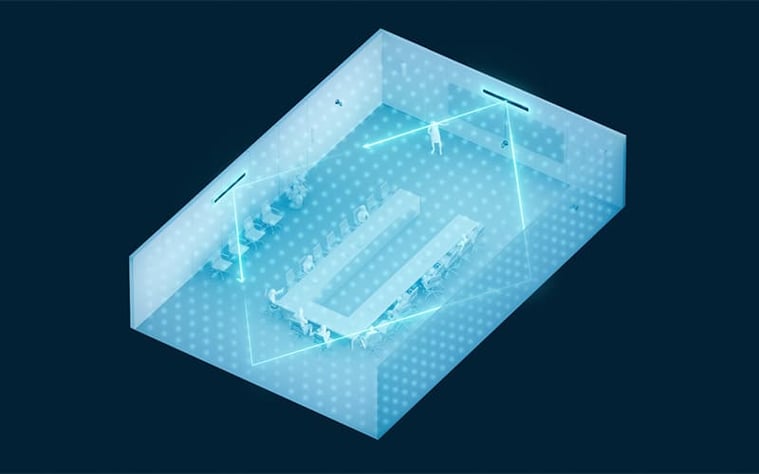
Coverage matters as much as adaptability. A system that works well enough for a few people seated near a microphone isn’t built for full-room pickup, and AI can’t clean up a voice that was never captured clearly. Reliable audio requires covering the entire space, not just the seats nearest the hardware.
Autocalibration also changes where your IT team’s time goes. A room that adapts on its own is one fewer room in the support queue, freeing up time for the rooms that actually need attention.
How does Auracast broadcast audio change assistive listening?
Auracast broadcast audio enables anyone with a compatible phone, earbuds or hearing aid to stream a room’s audio directly over Bluetooth® wireless technology without borrowing a receiver. For listeners with their own compatible device, it removes the need to request, sign out and return dedicated equipment before a meeting or event can start.
Public venues such as the Sydney Opera House and Bristol Temple Meads train station added Auracast broadcast audio in 2025, and according to Bluetooth SIG, industry analysts expect broader rollout soon across offices, transit and hospitality. Nureva built Auracast broadcast audio into every HDX series configuration, so a listener can connect with their own device instead of checking out hardware at the front desk.
Can room audio become actionable data?
Room audio is starting to generate its own operational data, separate from what gets said in a meeting. Nureva Console, Nureva’s cloud management platform, now reports background noise levels for individual rooms. It takes the quietest reading in each 1-minute period from continuous 500-millisecond captures, then averages those readings over 5 minutes to establish a room’s normal range.
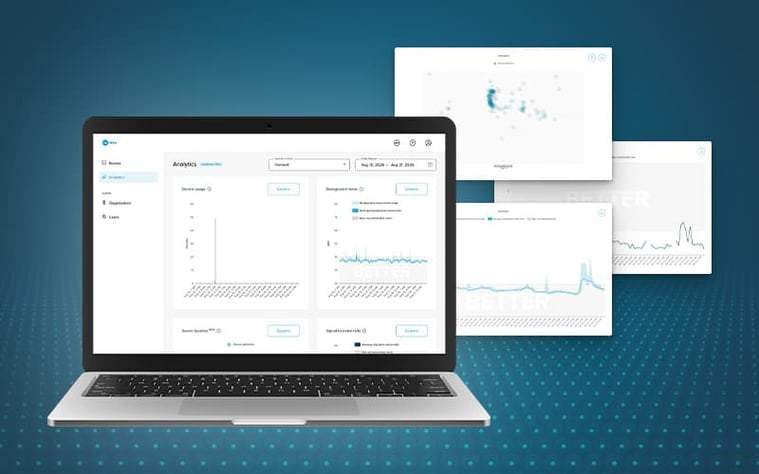
Nureva Console reports on room conditions, not on what was said in the room. This enables your IT team to check whether a room’s acoustics have drifted without a site visit. Nureva Console also reports historical usage data, sound location data and signal-to-noise ratio (SNR).
What is voice augmentation?
Voice augmentation solves a problem that will be familiar to anyone who’s had meetings or classes in a large room. As spaces get bigger, people have to raise their voices to be heard, and adding more speakers or microphones doesn’t fix that on its own.
Nureva offers two in-room voice augmentation features, each built for a different use case:
-
Adaptive Voice Amplification
-
Adaptive Voice Lift
Adaptive Voice Amplification
Adaptive Voice Amplification sends a presenter’s or instructor’s voice from an external microphone through the room’s speakers so everyone in the room can hear clearly. The system keeps full-room microphone pickup active elsewhere, so remote participants don’t miss anything. It’s available with the HDL310 and HDL410 systems and every HDX series configuration.
Adaptive Voice Lift
Adaptive Voice Lift doesn’t need an external microphone. It isolates a presenter’s or instructor’s voice and subtly boosts it through speakers at the other end of the room, so even people at the back can hear clearly. It’s available with the HDX 4 bar + 1 pod and 4 bar + 2 pod configurations (in beta).
What’s next for audio conferencing?
Through ongoing device updates, new features and enhancements can be added to audio conferencing systems months and even years after purchase. The addition of Nureva’s voice augmentation options and background-noise reporting are just two examples of how audio platforms can build new functionality with no need to replace hardware.
For a new room or one due for a refresh, Nureva’s HDX series brings audio advances together in a single plug and play system. AI-assisted processing, Auracast broadcast audio and voice augmentation are built in, and the room audio system keeps adapting rather than needing frequent reprogramming. Book a demo to hear the difference for yourself.