Software & services / Nureva App / Web based
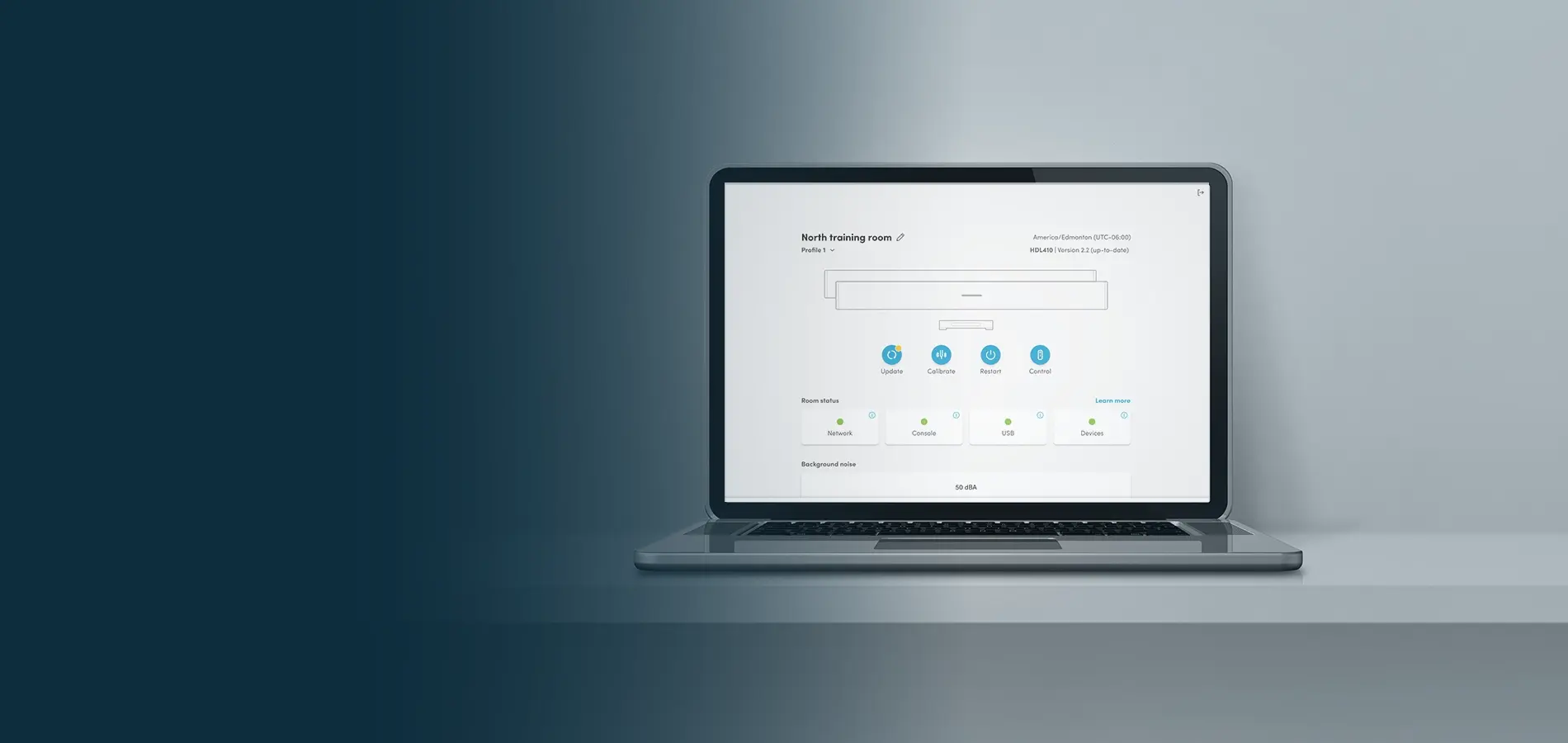
Nureva® App in your browser
Access setup, configuration and control tools directly from your browser.
No downloads • No account required
Get startedWeb-based access
How to use the Nureva App in a browser
Access the Nureva App directly from your browser using an IP address or direct connection (Ethernet or USB cable). No software installation is required.
How to connect
Choose a connection method
Direct connection
What you need
Computer
Ethernet cable or USB cable
Enrollment code (found on the device)
Steps
-
Connect your cable.
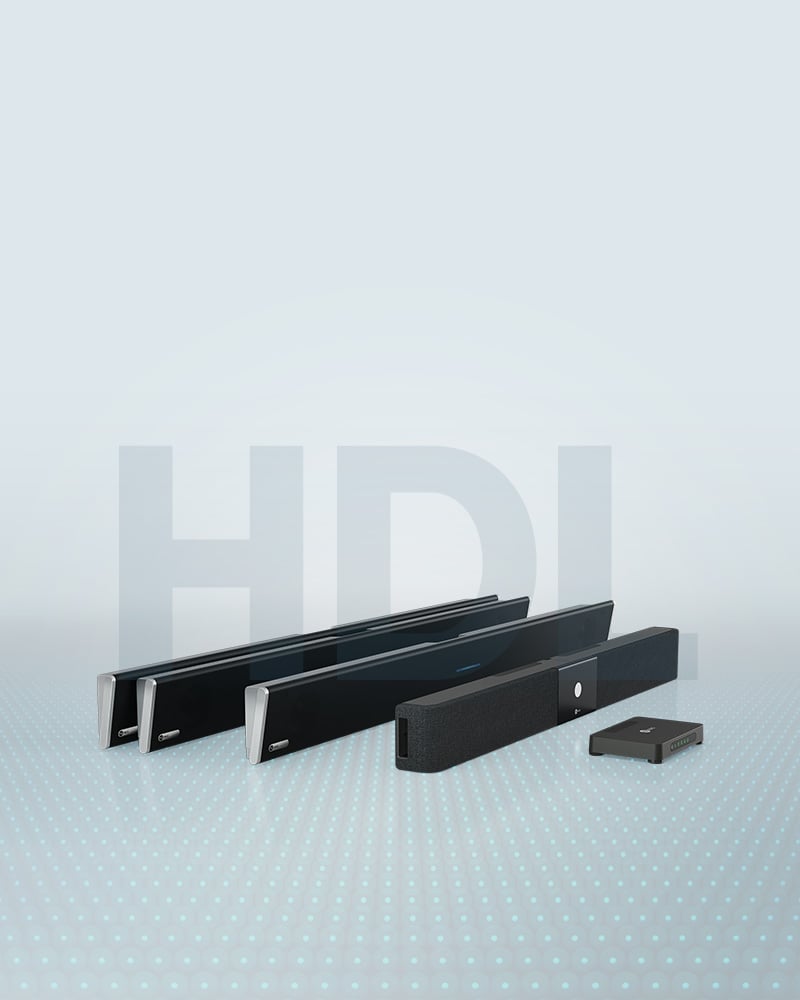
HDL series: Connect an Ethernet cable to the connect module.
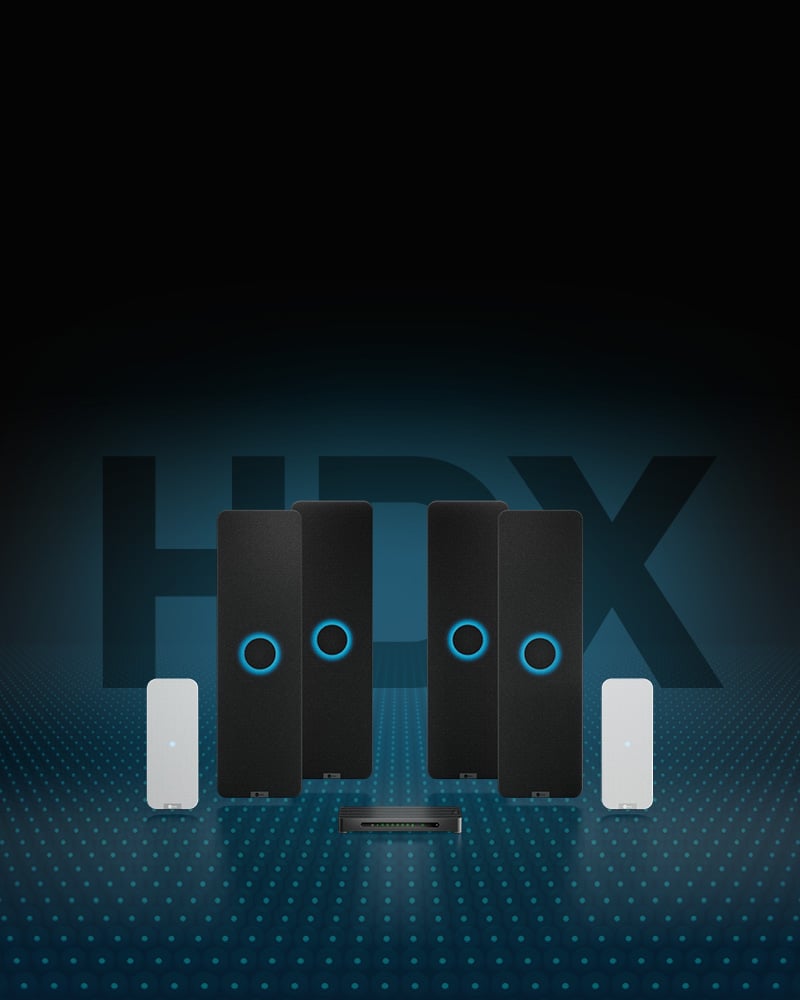
HDX series: Connect the provided USB cable to the system hub. -
Plug the cable into your computer.
-
Open a browser and enter this IP address into the address bar.
HDL SERIES: 169.254.254.254
HDX SERIES: 169.254.253.253 -
Enter the enrollment code found on the bottom of the connect module or system hub.
-
You’re ready to configure your system.
Using IP over USB with the HDX series
LAN connection
What you need
Computer
IP address (on the same network)
Enrollment code (found on the device)
Steps
-
Find the system’s IP address.
-
Open a browser and enter it into the address bar.
-
Enter the enrollment code found on the bottom of the connect module or system hub.
-
You’re ready to configure your system.
Browser support
Which browsers can be used?
With the web-based app, there’s nothing to download and nothing to update. You get the current version of the Nureva App whenever you open a new tab.
The web-based app works for:
- Chrome browser
- Safari browser
Browser access is available for the HDL310, HDL410 and HDX systems.
Security
How secure is it?
The web-based Nureva App is designed to support secure local administration without requiring software installation or cloud connection:
- Access through a local network using the device IP address.
- No software installation required.
- No account creation required.
- Supports direct Ethernet and LAN-based connections.
Resources
Dive deeper into Nureva audio
Find videos, guides, product help and other resources to save you time.
FAQs
The web-based Nureva App provides browser access to setup and configuration tools for the HDL310, HDL410 and HDX audio systems. It allows IT teams and installers to configure devices, adjust settings and manage system setup without downloading software or installing an app.
No. The web-based Nureva App runs in a supported web browser and does not require software installation. Simply connect a computer to your device through a local network or with an Ethernet cable or USB cable and launch the app from your browser.
No. You can access the web-based Nureva App without creating a Nureva account. All you need is access to the device and the enrollment code to begin setup and configuration.
Yes. The web-based Nureva App can be accessed through a local network or direct Ethernet or USB connection without using the internet. This makes it useful for installations in environments where cloud-based tools or internet connectivity are restricted.
The web-based Nureva App can be accessed on the Chrome and Safari browsers. Because the app runs in the browser, there is no software to install or manually update.
Browser access is available for Nureva HDL310, HDL410 and HDX audio systems.
You can access the web-based Nureva App by entering the device IP address into a supported browser connected to the same network. You can also connect the computer directly to the system using an Ethernet or USB cable and access the app without a LAN connection.
You need a computer, an Ethernet or USB cable and the enrollment code printed on the system hub or connect module. Once connected, enter the local access address in your browser and use the enrollment code to access the system.
Yes. The web-based Nureva App includes the setup, calibration and configuration tools needed to install and customize supported Nureva audio systems. This allows administrators to manage system settings directly from a browser without sacrificing functionality.
The web-based Nureva App supports local administration through a device IP address or direct Ethernet or USB connection. No software installation or account creation is required, which helps simplify access while keeping administration within your local environment.
Yes. A direct USB or Ethernet connection allows you to connect a computer to the system hub or connect module and access the web-based app without relying on the room network. This can simplify installation and initial setup activities.
The web-based Nureva App is a good option for organizations that prefer browser-based tools or want to avoid deploying software to mobile devices. It provides access to setup and configuration tools from an existing computer using a supported browser.
INCLUDED
What you get with every audio system
No add-on software. No complex programming. Two years of our service plan at no extra cost.
Software
Included with every HDX and HDL system.
Nureva App — Device setup tools, audio settings and one-click updates
Nureva Console — Remote management and intelligent monitoring at scale
Nureva Developer Toolkit — IT-friendly APIs plus pre-built integrations
Ongoing updates — New features added to your systems at no extra cost
Services
Two-year Nureva Pro service plan included. Extend by up to 3 extra years at time of purchase.
Live support — Access to knowledgeable experts 20 hours a day (5 days a week)
Advance hardware replacement — Units shipped to you the next business day
Enhanced analytics — Up to 12 months of data available
Standard warranty
Two-year limited warranty on HDX audio bar, HDX microphone pod, HDX system hub, HDL microphone and speaker bar and HDL connect module.
Extended warranty
Up to 3 extra years of warranty, for up to 5 years in total, when you purchase Nureva Pro at time of audio system purchase.
Other warranties
30-day warranty on accessories and cables.
*Price represents the manufacturer’s recommended selling price, in US currency, where offered for sale by Nureva and its authorized distributors and resellers. Price excludes applicable taxes and shipping. Resellers may sell for a different price. Resellers may charge additional administration and installation fees, which may vary by reseller. Please contact your local reseller or Nureva Inc. for a detailed quote. Equipment, specifications and price are subject to change without notice.