Device setup icon


Fast-track your device setup

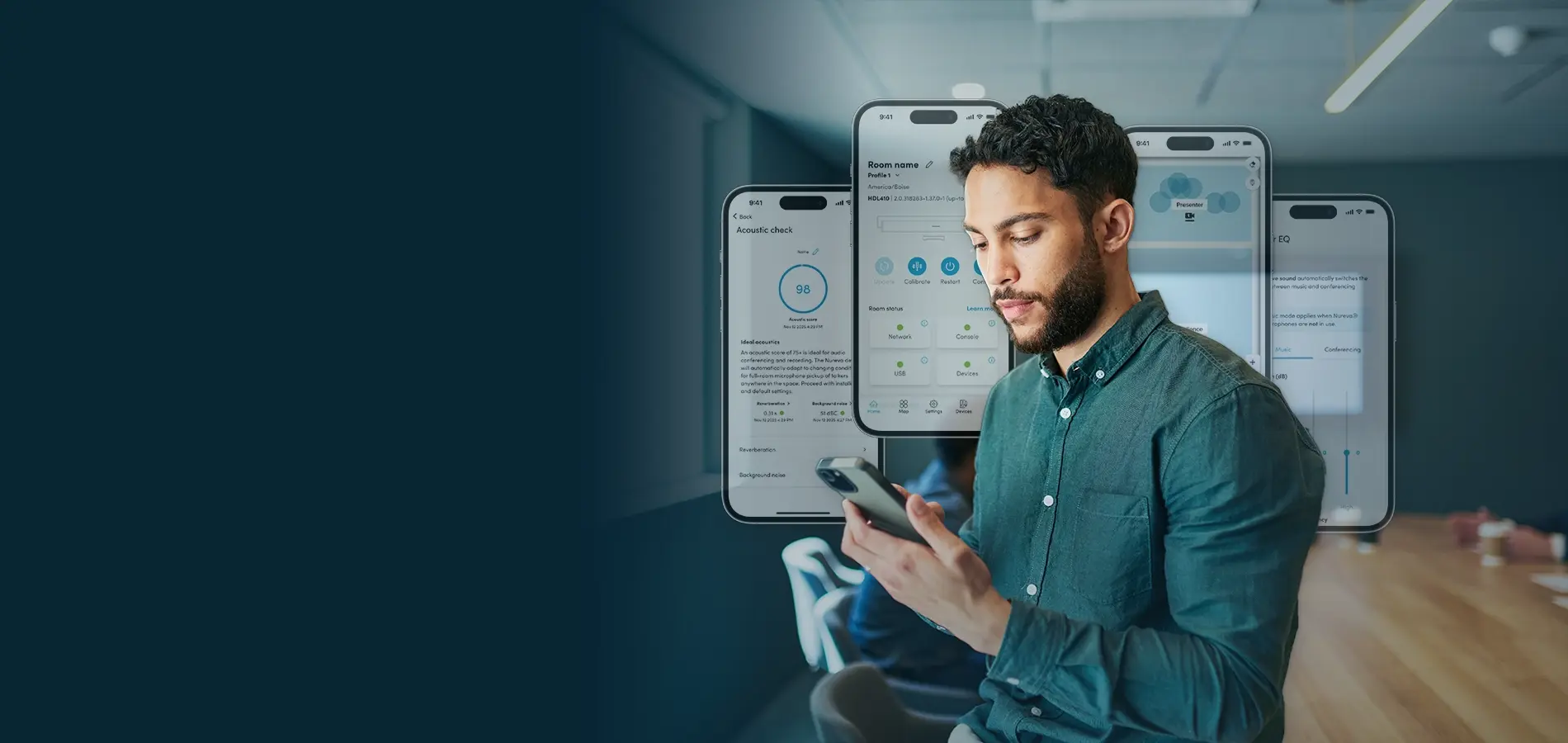
With the Nureva App, getting started is a breeze. You can quickly install your audio system, update it with one click and optimize both the in-room and remote experiences. The app gives you access to advanced audio settings for the HDL310 and HDL410 systems and all the essentials for the HDL200 system.

Key features

Streamline setup

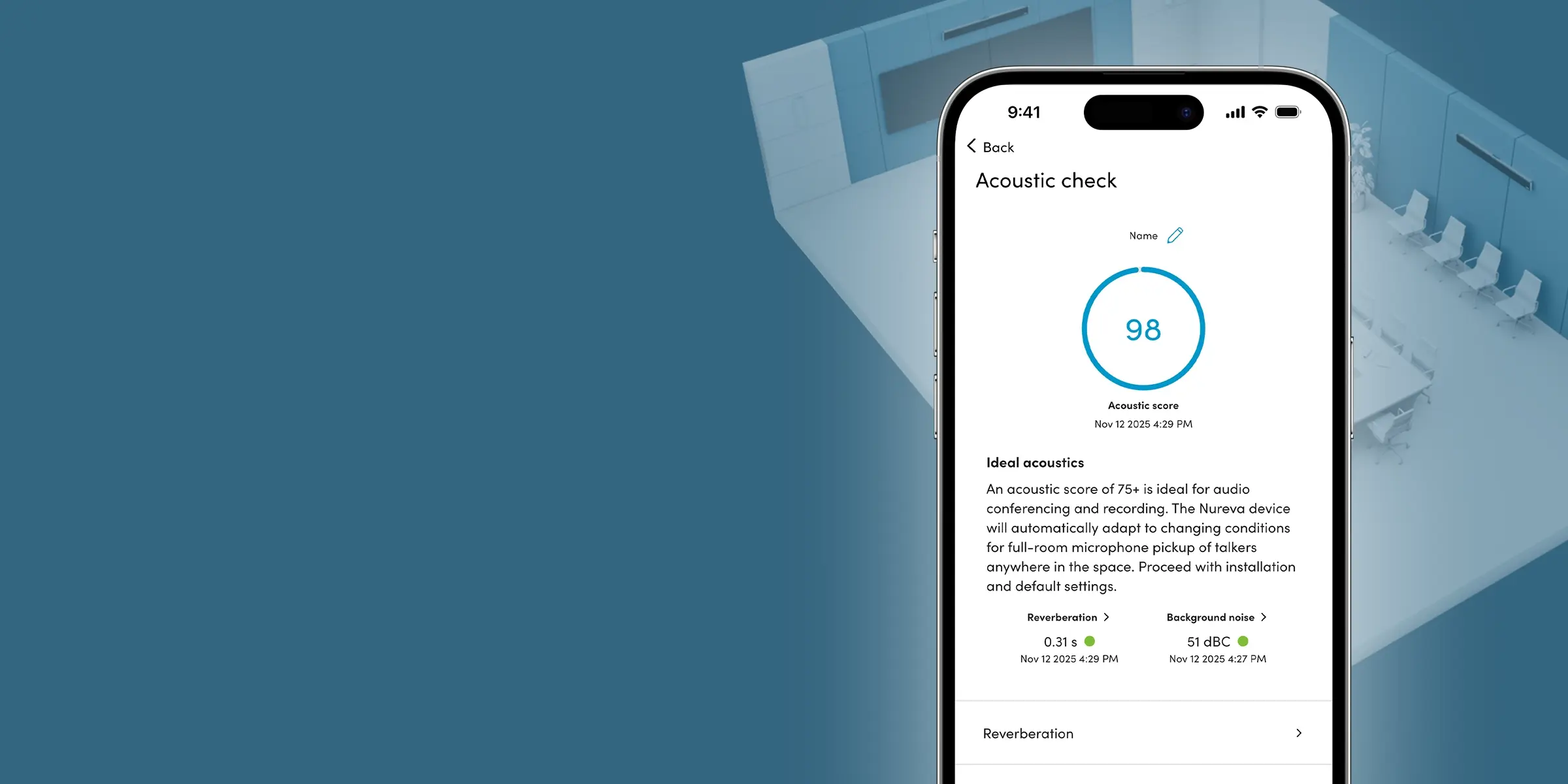
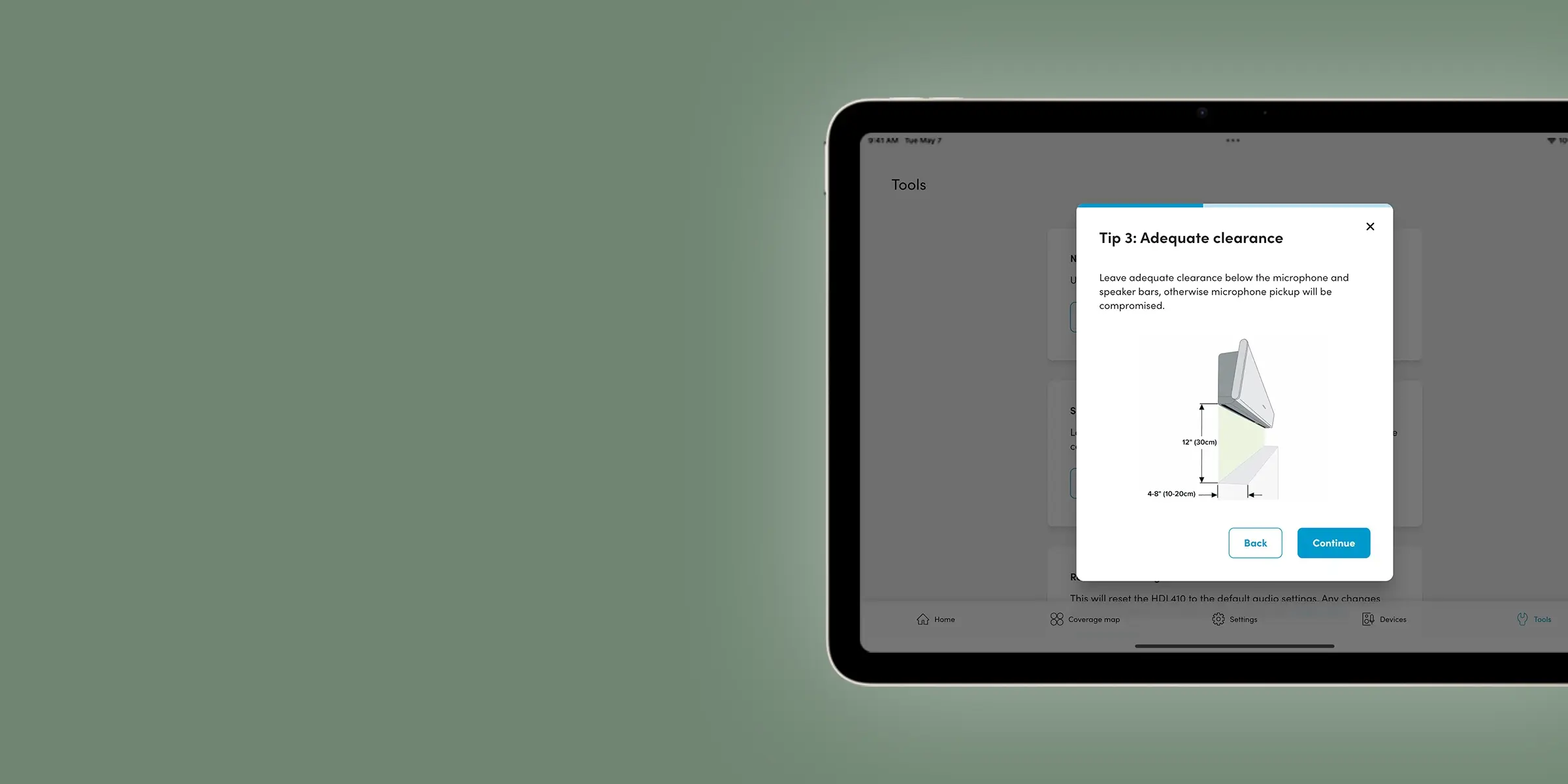
Use your iPhone® or iPad® device to measure room acoustics. The score will help you determine the ideal location for your microphone and speaker bars. Then install everything quickly with a comprehensive walk-through that offers key installation tips, including mounting requirements.

Nureva App key features - Streamline setup

Nureva App key features - Customize and optimize

Customize and optimize

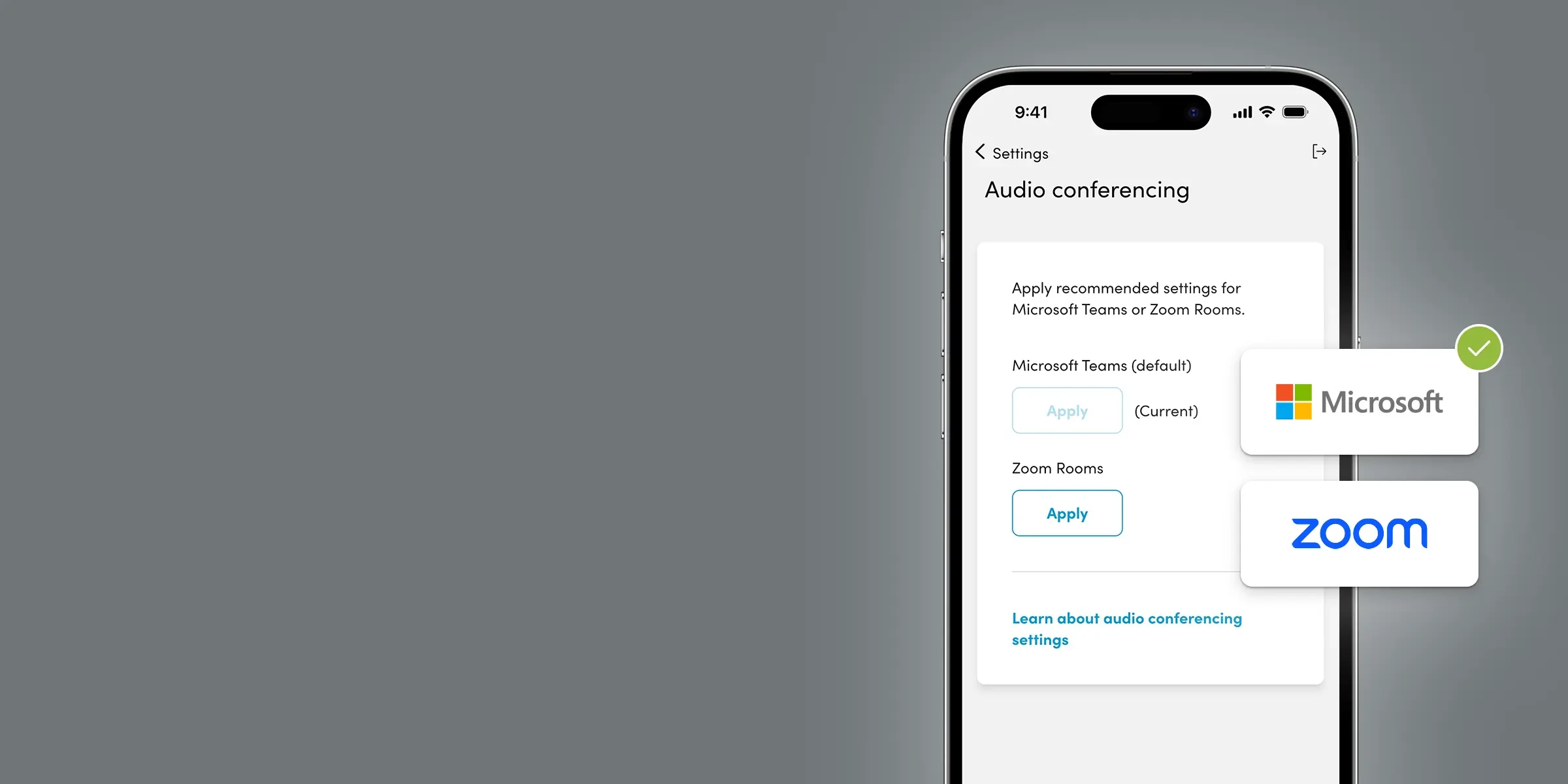
Tailor your audio system with simple settings and controls. Maybe you’d like to optimize for Teams or Zoom. Or strengthen your speaker output. Or turn on Adaptive Voice Amplification. These are just some of your options.

Stay up to date

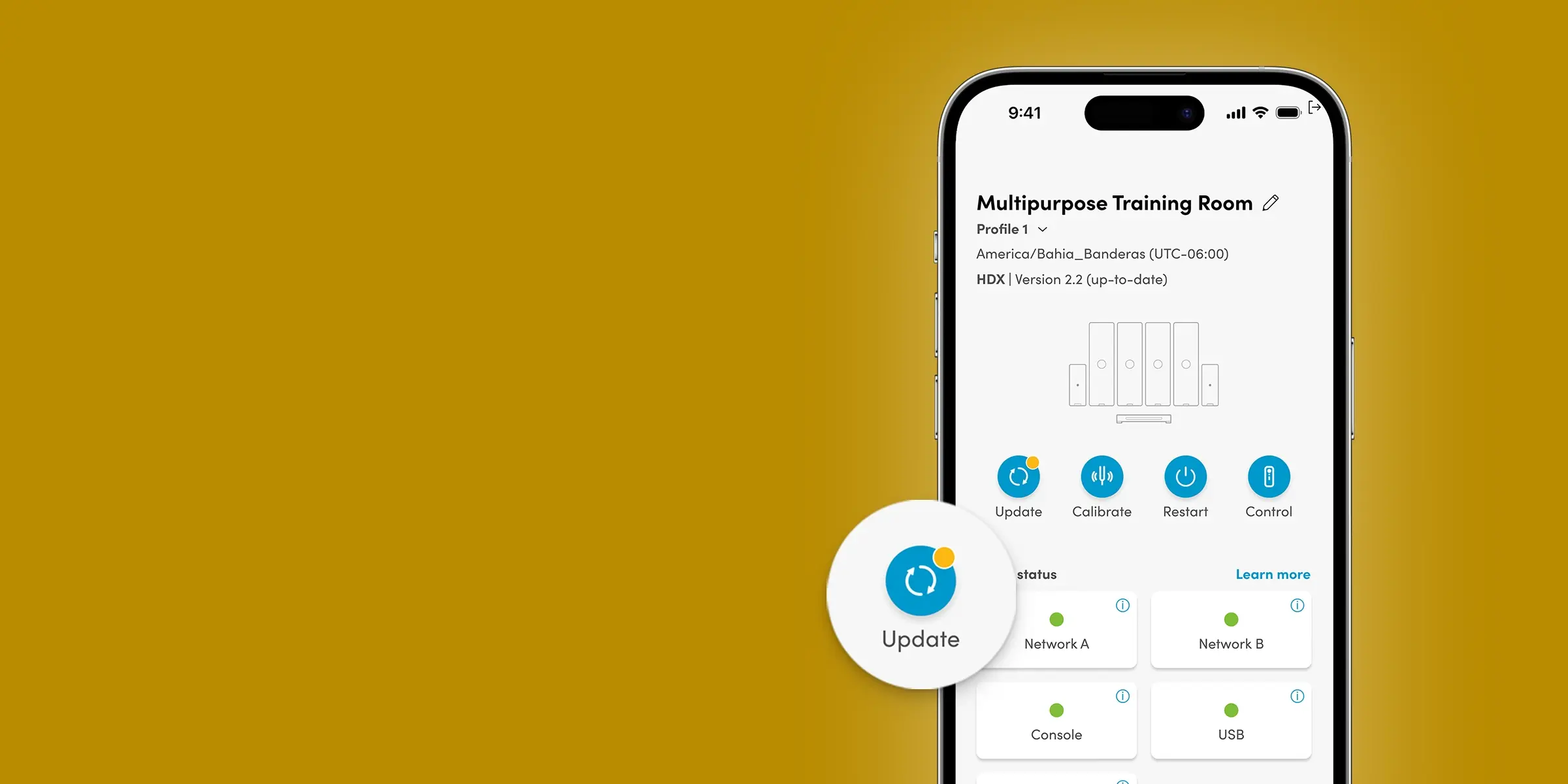
Update your device with a single click, without having to put it on your network. With ongoing feature updates, your audio system will only get better with time.

Nureva App key features - Stay up to date

Nureva App key features - Automate camera switching

Automate camera switching

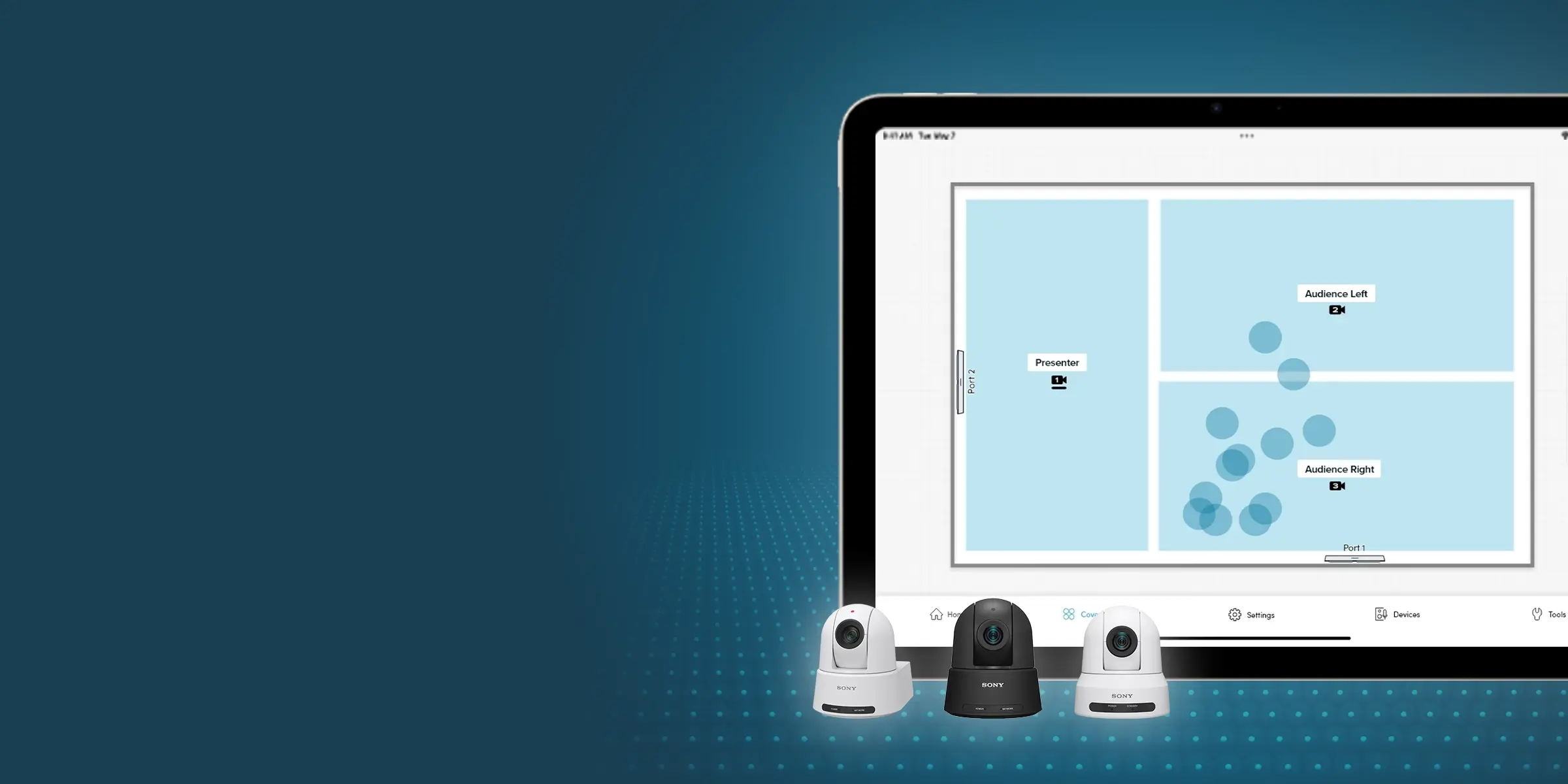
Make camera switching in larger rooms simple and effective, thanks to sound location data and AI-enabled voice detection. Remote participants won’t miss a thing.

Ideal for LAN-only environments

With the Nureva App and the HDL310 and HDL410 systems, there’s no need to download software or create accounts. You can access everything over your local area network. Simply use an Ethernet cable to connect directly or set a static IP address.

Full feature list

*The features listed are for the HDL310 and HDL410 systems. Essential device management features are available for the HDL200 system.


Acoustic check

Use an iPhone or iPad to test potential microphone and speaker bar locations before hanging your system on the wall.

Explore acoustic check
 
Device setup tool

Follow a helpful guide when installing and configuring your audio system.

Device updates

Easily update your Nureva device with a single click of a button.

Teams and Zoom audio settings

Easily apply recommended settings for Teams Rooms and Zoom Rooms.

Dynamic boost

Choose a stronger speaker output for noisier spaces and improve the intelligibility of audio from a variety of sources.

Adaptive Voice Amplification

Amplify a speaker’s voice in the room with a headset, lavalier, gooseneck or omnidirectional mic while still enabling full-room microphone pickup so remote participants hear everything (audience mute is included).

Device control

Allow users to manage basic audio settings without giving them access to other app features.

Coverage map

See sound events in real time to better understand the microphone pickup in your room.

AI-enabled voice detection

Improve camera switching with an AI-enabled algorithm that better differentiates between human voices and background sounds.

Camera zones

Create up to three zones to automate switching using any brand of USB or HDMI camera.

Camera integrations

Set up tracking and switching with a variety of camera brands.

Static IP

Define a static IP address for your audio system.

Audio processing settings

Change echo reduction, adjust noise reduction or recalibrate your space.

Auxiliary port options

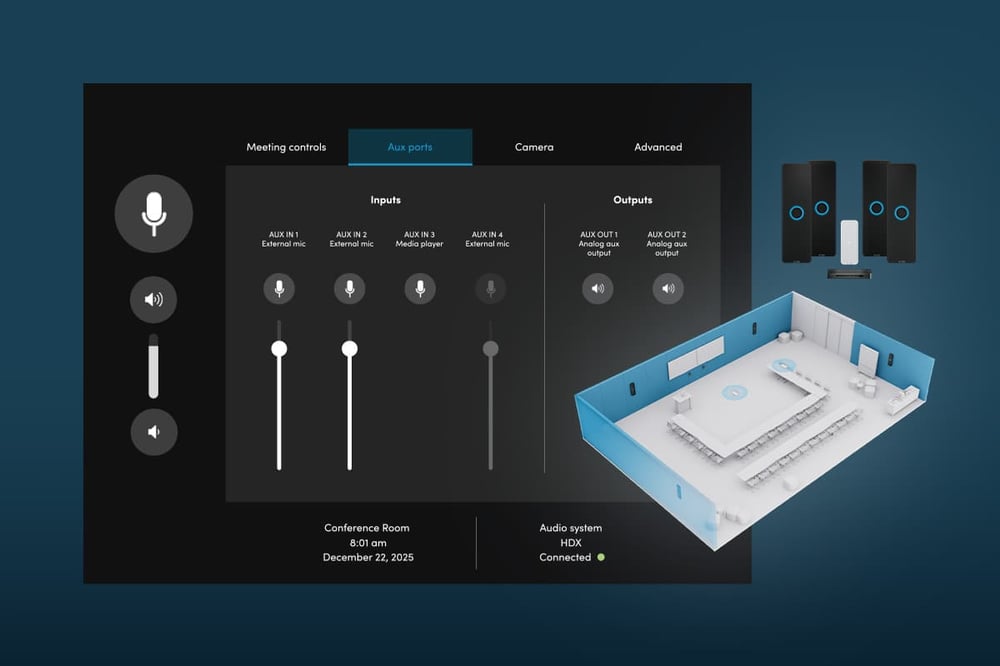
Adjust the auxiliary ports on the connect module for use with other devices.

USB port options

Select the USB speed that matches your host computer or device.

Troubleshooting

Download logs or contact support right from the Nureva App.

Network check

Quickly see if you’re experiencing any connectivity issues.

Resources


Nureva App user guide

Explore our app’s setup and configuration features and find handy tips and resources.

Nureva App data sheet

Learn about the features and benefits of our setup and configuration app.

Nureva Console data sheet

Learn about the features and benefits of our cloud-based management platform.

Nureva Pro data sheet

Learn about the features and benefits of our value-added service plan.

Introducing Nureva App

See how our intuitive app makes device setup and configuration even easier.

Support


Find resources, guides and more, or connect with our support team for more assistance.

View all support   


Nureva App

FAQs   

Guides   

Resources   

Ecosystem & integrations   

Features & updates   

Find the right answer here

Connect with us to find the right audio solution or ask about a trial in your own spaces. We’ll help you explore the options and next steps.

Get in touch
×

How our software and services work together

From cloud-based tools to warranty and support, our software and services make everything easier. Nureva Console – included with every system purchase – lets you monitor and adjust your devices remotely. With it comes Nureva Developer Toolkit, which features easy-to-use APIs that help you create seamless integrations with other products. You also get Nureva Pro free for 2 years, which gives you advance hardware replacement, enhanced management tools and more. Add up to 3 years to your subscription to keep all these great features and extend your warranty.

Nureva software and services

What’s included


Every Nureva device includes Nureva Console and Nureva Developer Toolkit, plus a 2-year subscription to Nureva Pro. 

Nureva software and services management software

Management software

Remotely install firmware, check device status, change settings and more, plus get up to 3 years of acoustic insights and usage data.

Nureva software and services easy-to-use APIs

Easy-to-use APIs

Integrate your Nureva devices with other products or use our room data API to collect data and connect it to your preferred analytic tools.

Nureva software and services expanded support

Expanded support

Access technical support 20 hours a day (5 days a week) to quickly resolve issues, plus take advantage of our comprehensive online knowledge base.

Nureva software and services advanced hardware replacement

Advance hardware replacement

Ensure your spaces get up and running quickly if a device has issues – if we can’t resolve the problem, we’ll ship you a replacement unit the next business day.

Nureva software and services warranty

Warranty

Get a standard 2-year warranty on your microphone and speaker bar, connect module and CV30 camera (30 days on accessories and cables).

Extend your subscription

Get the peace of mind that comes with knowing your Nureva devices are protected for up to 5 years. When you extend your Nureva Pro subscription, you add up to 3 years to your standard 2-year warranty. Plus, you’ll keep all the other value-added features that Nureva Pro offers.