From design to use

Four steps. No complex programming.

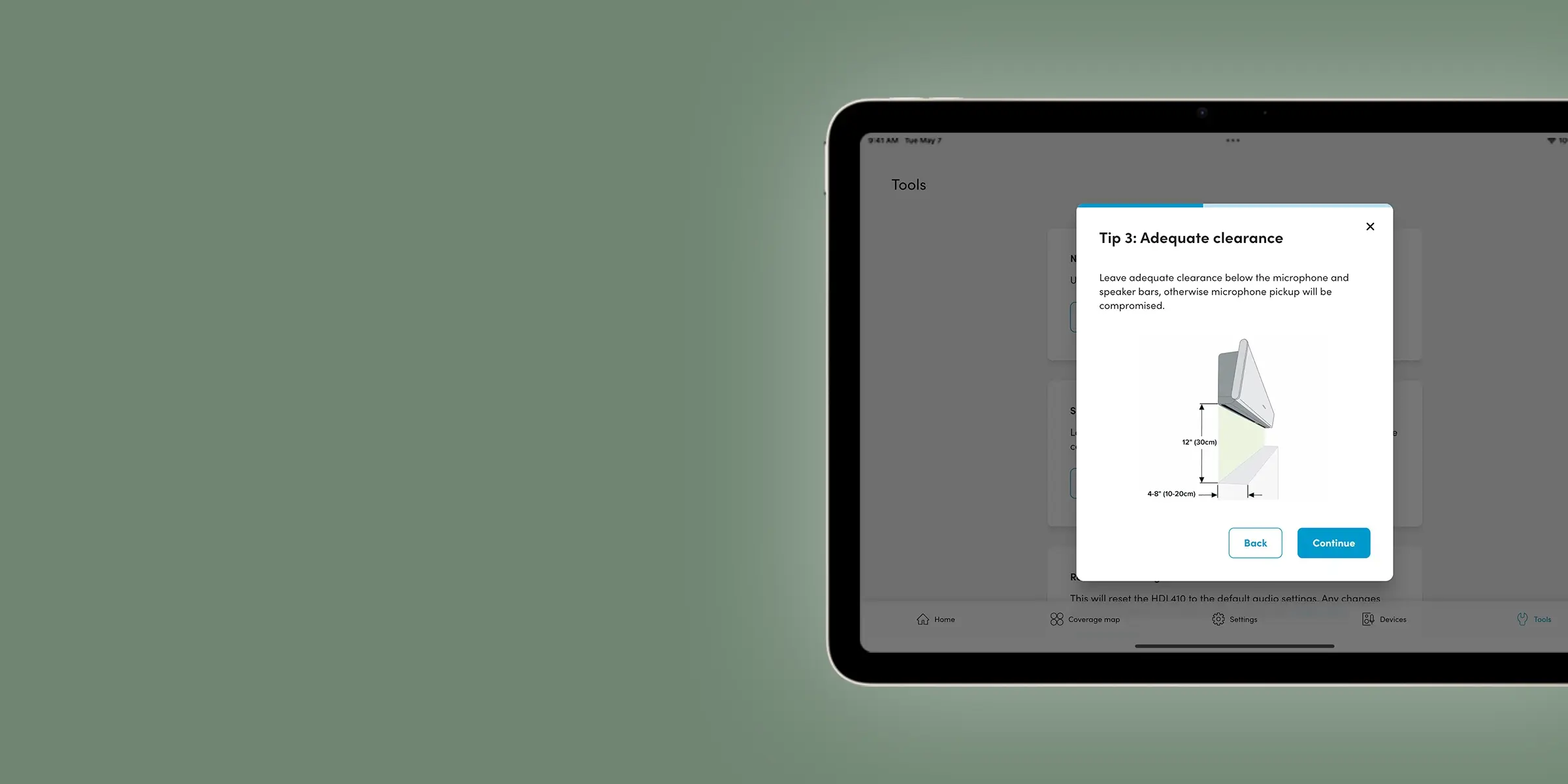
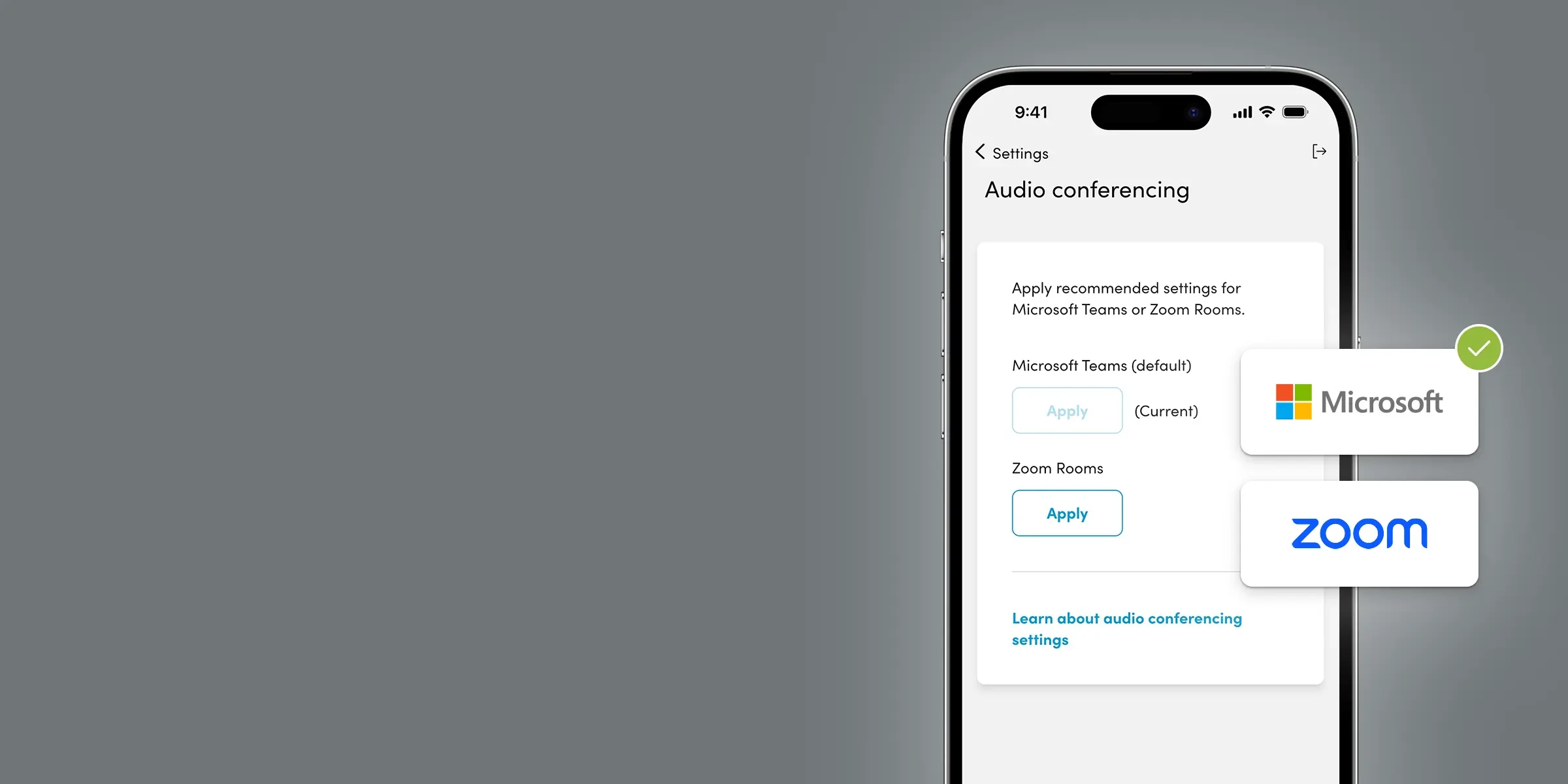
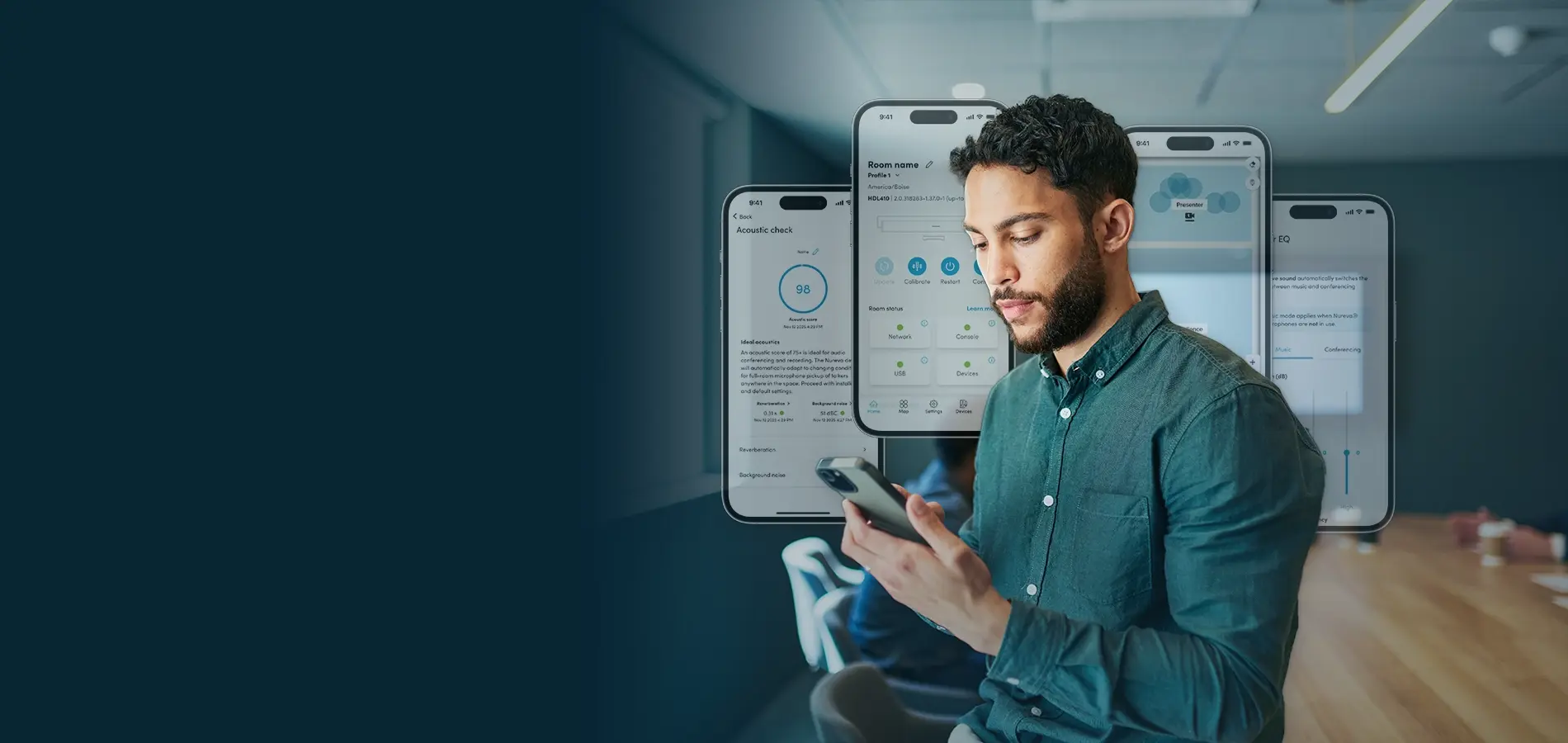
Plan your system placement, install hardware, optimize performance and configure advanced features from one app.

Key Features

Everything you need to fast-track room setup

Full feature list

Every Nureva App feature explained

Get the details on what the app delivers and what’s available for each type of Nureva audio system.

Feature comparison table.
Feature

Acoustic check

HDL310  HDL410  HDX

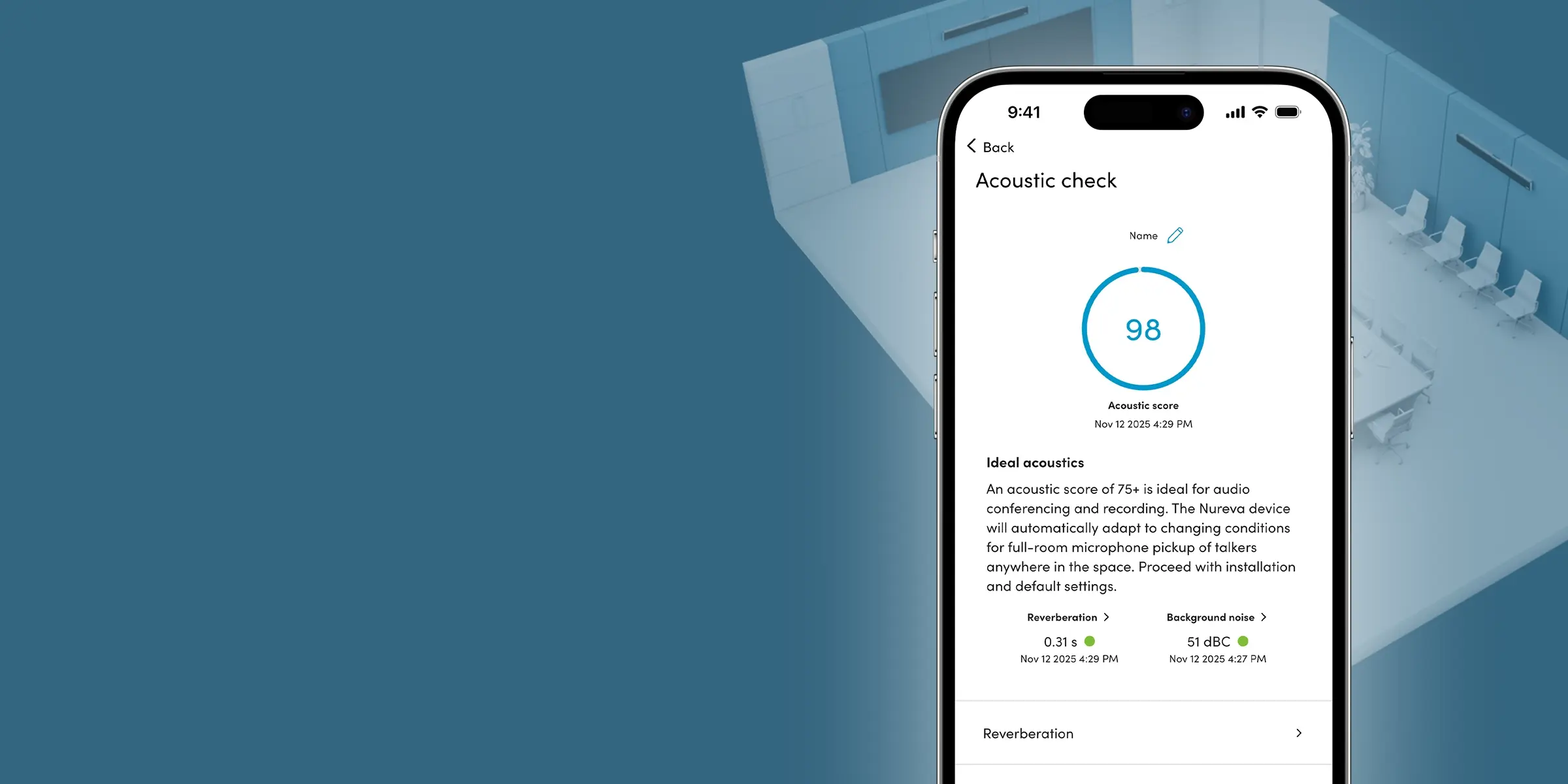
Use an iPhone or iPad device to get an acoustic score for different locations in your room before installing your system on the wall.

Room control

HDL310  HDL410  HDX

Allow users to adjust basic audio settings without giving them access to other app features.

Adaptive Voice Amplification

HDL310  HDL410  HDX

Add an external headset, lavalier, gooseneck or omnidirectional mic and set up Adaptive Voice Amplification.

Adaptive Voice Lift (beta)

HDX

Switch on to subtly boost a speaker’s voice in the room without the need for wearable or handheld mics.

Auracast™ broadcast audio (beta)

HDX

Set up Auracast broadcast audio to add assistive listening support.

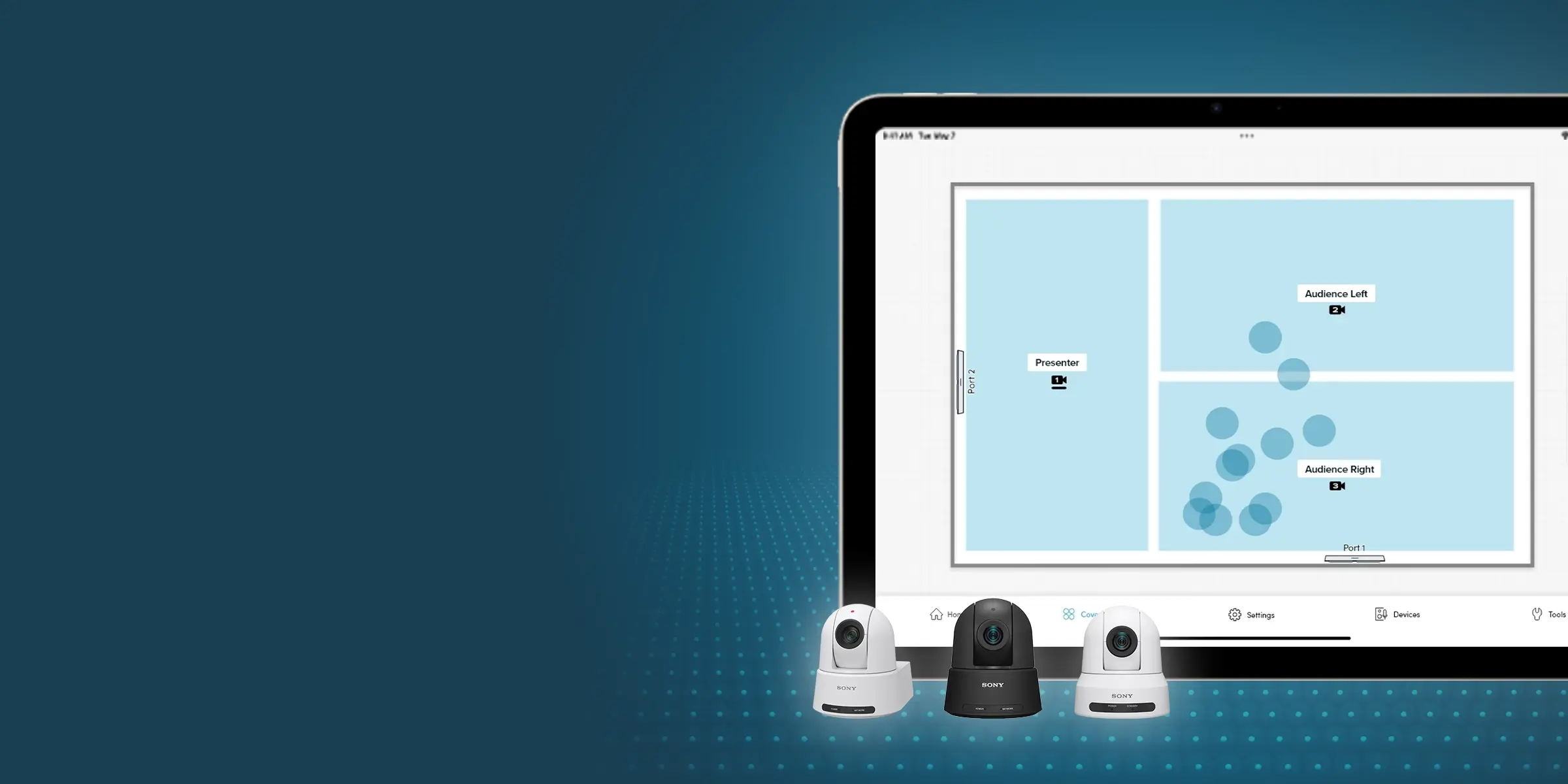
Coverage map

HDL310  HDL410  HDX

See sound events in real time to better understand the microphone pickup in your room.

Room control

Give users control. Protect settings.

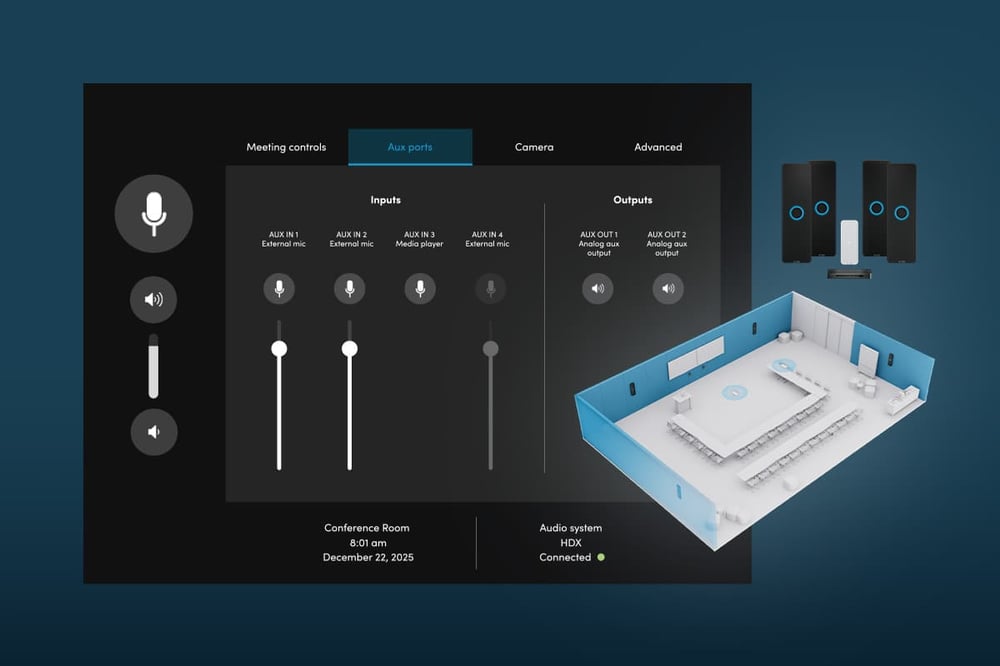
Room control gives meeting participants, instructors and trainers easy access to basic audio settings — without the need for a dedicated controller. They can:

  • Adjust volume and mute
  • Control external mics and audience mute
  • Restart and calibrate the system
  • Access Adaptive Voice Lift controls (beta)

Users have access to these room controls only, and not advanced configuration settings, so your setup stays secure.

 
Nureva HDX room control screen on the Aux ports tab with four inputs and two outputs, beside a 3D render of a room with U-shaped seating.

How to access

Options to fit every IT preference and policy

Install the app — or don’t. Use a phone, tablet or computer. The Nureva App gives you the tools you need, the way you need them.

Resources

Dive deeper into Nureva audio

Find videos, guides, product help and other resources to save you time.

FAQs

What is the Nureva App?

The Nureva App is a setup and configuration application for Nureva audio systems. It provides tools for acoustic testing, installation, audio configuration, camera switching, room control and device updates.

Do I need DSP programming to use the Nureva App?

No. The Nureva App is designed for IT teams and AV professionals who want advanced audio controls without programming a DSP. Configuration is handled through intuitive tools and settings.

Is the Nureva App free?

Yes. The Nureva App is included with all Nureva audio systems at no additional cost.

Can I use the Nureva App without an internet connection?

Yes. Depending on the system and access method, the Nureva App can be used over a local network, direct Ethernet connection or USB connection without continuous internet access.

Do I need a Nureva account to use the Nureva App?

No. The Nureva App can be accessed locally without creating a Nureva account.

Which Nureva audio systems support the Nureva App?

The Nureva App can be used with all HDL and HDX audio systems. Available features vary by model.

How do I access the Nureva App?

You can access the Nureva App through:

  • A web browser on a local network
  • The iOS app
  • The Android app
  • A direct Ethernet connection
  • USB connection for supported Windows deployments
  • Bluetooth wireless technology
Can I use the Nureva App on a phone or tablet?

Yes. The Nureva App is available for iOS and Android devices and can also be accessed through a web browser.

What is acoustic check?

Acoustic check is a tool in the Nureva App that measures background noise and reverberation in a room. It generates an acoustic score that helps predict audio performance before installation.

Can the Nureva App be used to automate camera switching?

Yes. In the Nureva App, administrators can create camera zones and use sound location data and voice detection AI to automate camera switching with USB or HDMI cameras of any brand.

Can users control room audio without accessing other settings?

Yes. Room control provides access to basic audio functions such as volume, mute and microphone controls while preventing access to advanced administrative settings in the app.

How do I update my Nureva audio system?

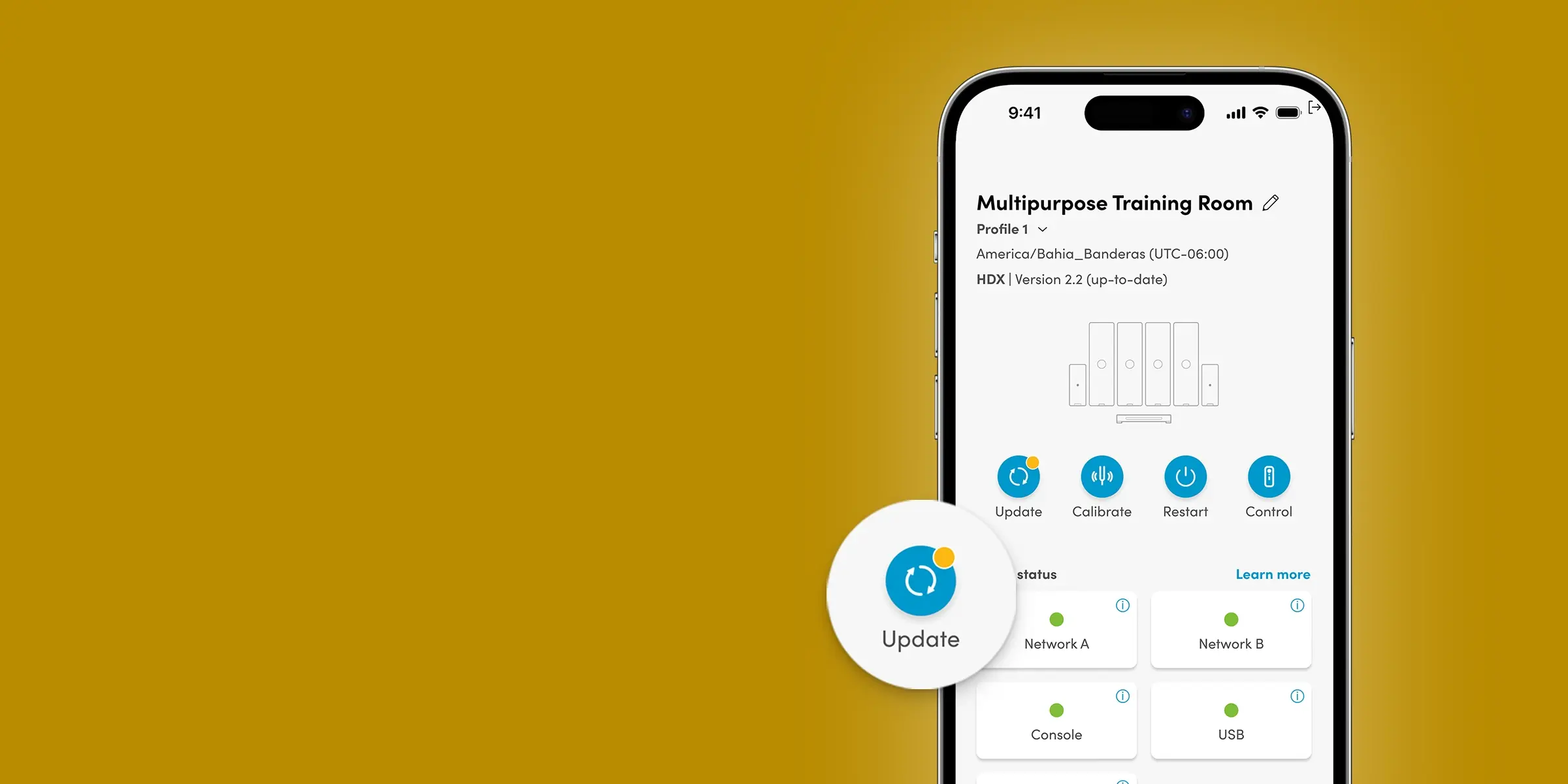
Device updates can be initiated directly from the Nureva App. Updates add new features and improvements without requiring new hardware.

What browsers work with the web version of the Nureva App?

The web version of the Nureva App can be accessed through Chrome™ and Safari® browsers using the device’s IP address on a local network.

Can I manage multiple rooms with the Nureva App?

The Nureva App is designed primarily for setup and local configuration of Nureva audio systems. For fleet management, monitoring, analytics and remote administration across multiple rooms, use Nureva Console.

What is the difference between the Nureva App and Nureva Console?

The Nureva App is used for local setup and configuration of Nureva audio systems. Nureva Console is used for remote management, monitoring and analytics across multiple rooms.

INCLUDED

What you get with every audio system

No add-on software. No complex programming. Two years of our service plan at no extra cost.

Explore Nureva audio systems

Get clear, reliable audio conferencing or add dynamic in-room features — including voice lift and assistive listening.

*Price represents the manufacturer’s recommended selling price, in US currency, where offered for sale by Nureva and its authorized distributors and resellers. Price excludes applicable taxes and shipping. Resellers may sell for a different price. Resellers may charge additional administration and installation fees, which may vary by reseller. Please contact your local reseller or Nureva Inc. for a detailed quote. Equipment, specifications and price are subject to change without notice.