Software & services / Nureva Developer Toolkit
Create and develop
Nureva® Developer Toolkit
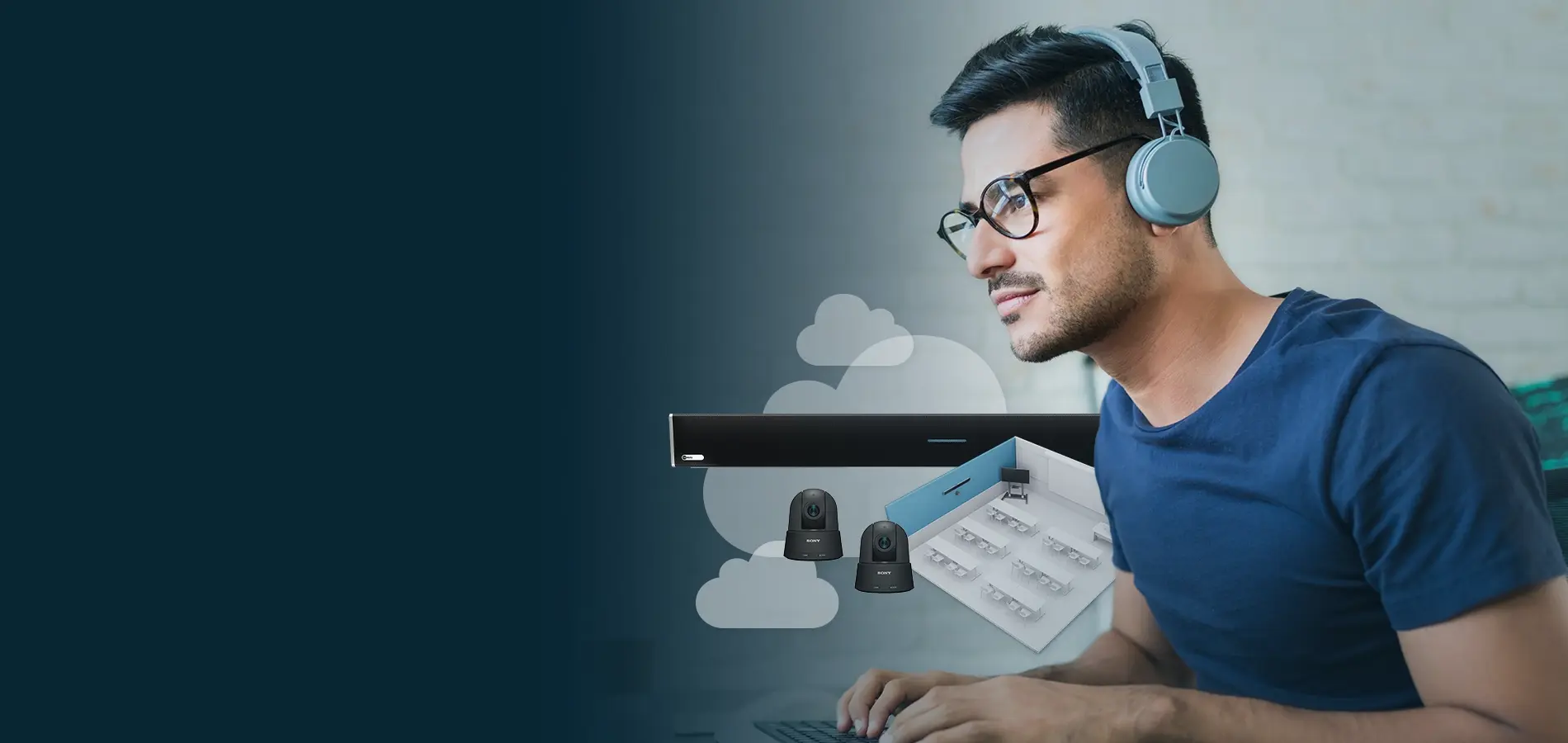
Build integrations, automate workflows and extend audio functionality with cloud-based and local APIs.
Included • APIs • Drivers • Pre-built integrations
Key features
APIs to automate and extend
Connect Nureva devices with control systems, camera platforms and analytics tools using cloud-based and local APIs.
Device management API
Manage Nureva devices from your preferred application. You can automate updates, access device information, build custom workflows and more.
Device control API
Give users access to audio controls such as volume, mute, treble and bass from the room control systems you’re standardized on.
Sound location device API
Automate camera tracking and switching with your choice of cameras so remote participants always see who’s speaking.
Room data API
Export room usage and acoustic data to analytics platforms and business intelligence tools, creating one dashboard for everything.
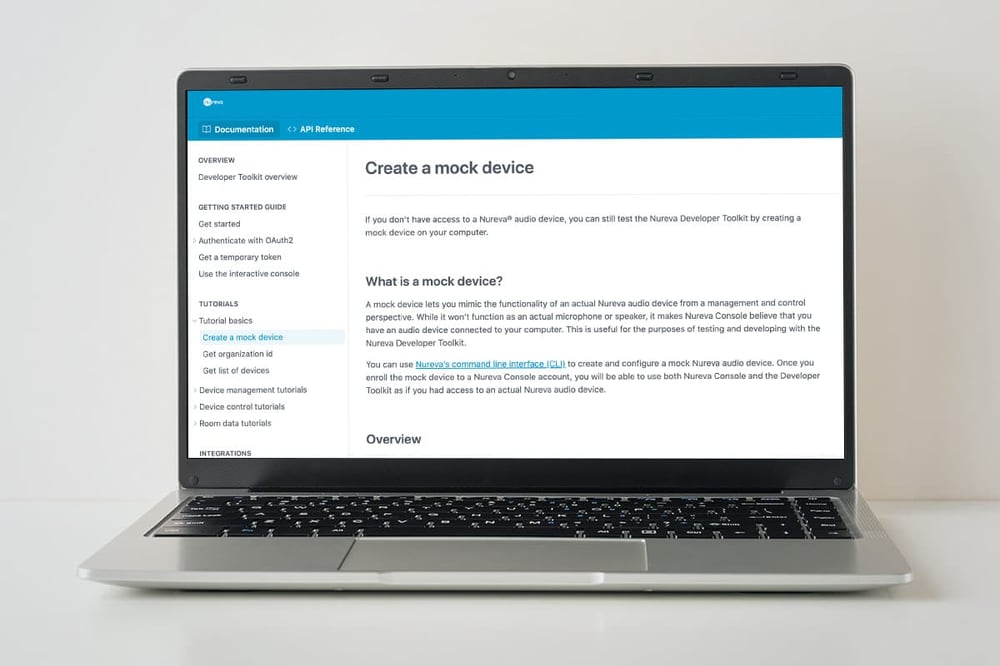
Mock device support
Build and test without hardware
Our mock device uses a command line interface (CLI) to mimic a Nureva device and all its relevant states and actions. Your team can write and test integrations before a single component is installed, with the ability to:
- Mimic the functionality of an actual Nureva device
- Access a sandbox environment for testing and validating scripts
- Support rapid prototyping with no need for installed hardware

Pre-built integrations
Connect to the platforms you already use
Integrate Nureva audio systems with leading control platforms and cameras using supported drivers, modules and plug-ins.
Extron
Enhance automated tracking for hundreds of leading cameras, plus add simplified audio controls to Extron® touch panels.
Crestron
Improve camera tracking with our sound location data, plus access audio controls like volume and mute through a Crestron® interface.
Q-SYS
Expand camera tracking functionality and simplify audio controls with this audio, video and control platform.
AVer
Combine our sound location data with AVer’s PTZ Link software for a reliable and effective camera tracking experience.
Lumens
Automatically and accurately steer and switch Lumens® PTZ cameras with CamConnect™ Pro and our sound location data.
Microsoft® Power BI
Extend analytics with Power BI
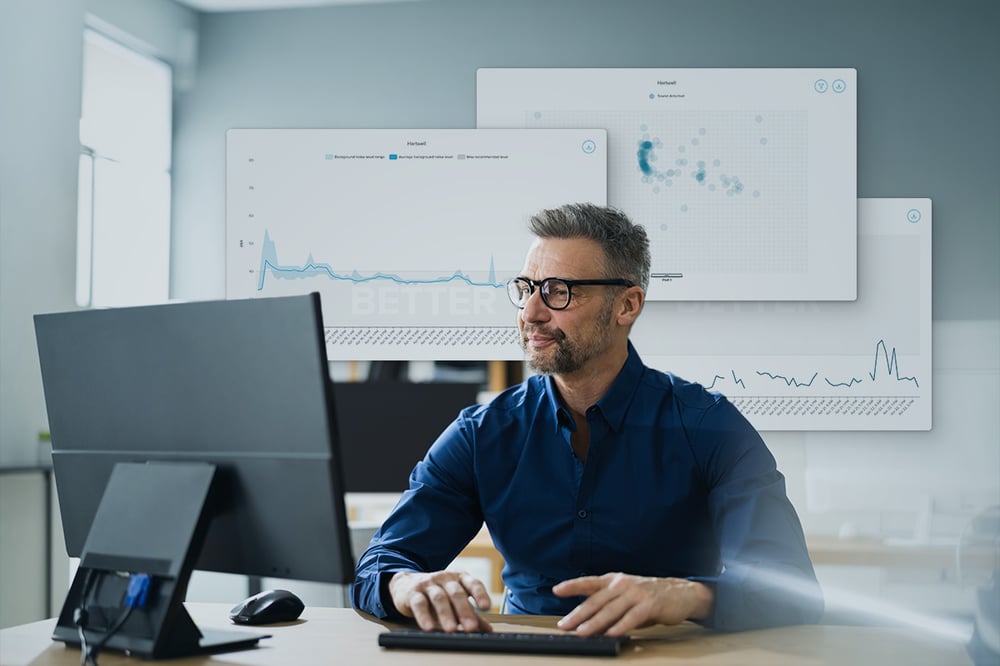
Need to visualize your data outside of Nureva Console? Our downloadable template for Microsoft Power BI connects directly to the room data API and imports data so you can easily create interactive dashboards and reports with actionable insights.
Resources
Dive deeper into Nureva audio
Find videos, guides, product help and other resources to save you time.
FAQs
The Nureva Developer Toolkit provides cloud-based APIs, local APIs, pre-built integrations and development resources for Nureva audio systems. It helps organizations connect Nureva devices with control systems, cameras, analytics platforms and custom applications.
Yes. The Nureva Developer Toolkit is included with all Nureva HDL and HDX audio systems at no additional cost. Developers and IT teams can access APIs, sample code, documentation and pre-built integrations through the developer portal.
You can automate device management tasks, control audio settings, integrate camera tracking systems, access room analytics data and build custom applications. The toolkit also has resources to connect Nureva devices with third-party AV, IT and business intelligence platforms.
Cloud APIs communicate through Nureva cloud services and are designed for remote management workflows, room control systems and analytics. Local APIs communicate directly with devices on the local network and are commonly used for room control system and camera integrations.
Yes. The Nureva Developer Toolkit includes drivers and integration resources for Extron control systems. These integrations can be used to provide audio controls, automate workflows and improve camera tracking using Nureva sound location data.
Yes. The toolkit includes modules for Crestron environments that support audio control, device management and camera tracking integrations. This allows organizations to manage Nureva devices through familiar Crestron interfaces and workflows.
Yes. The Nureva Developer Toolkit includes Q-SYS™ plug-ins that enable audio control and camera integration capabilities. These integrations help organizations include Nureva devices within broader room automation and AV control systems.
Yes. Developers and integrators can use Nureva sound location data to automate camera tracking and switching. This allows remote participants to see the active speaker without requiring manual camera operation.
Yes. Nureva provides a Power BI template that connects to the room data API. This makes it possible to import room analytics and usage data into custom dashboards, reports and organizational reporting tools.
The room data API provides access to information such as room usage, acoustic performance and device-related data. Organizations can use this information to create custom reports, identify trends and better understand how spaces are being used.
No. The Nureva Developer Toolkit includes a mock device that simulates Nureva hardware and system behavior. Developers can use it to build, test and validate integrations before physical devices are installed.
Some toolkit items, such as APIs and custom integrations, require development experience. However, organizations can also take advantage of pre-built drivers, modules and plug-ins for supported control systems and camera platforms without creating their own integrations from scratch.
Yes. The device management API can be used to automate tasks such as retrieving device information, monitoring system status and managing software updates. This can help reduce manual administration and support large-scale deployments.
Yes. The device control API allows third-party applications and room control systems to adjust settings such as volume, mute status and audio preferences. This enables users to manage Nureva devices from the platforms they already use.
The Nureva Developer Toolkit is designed for developers, AV integrators, IT teams and leading AV brands that want to extend, automate or integrate Nureva audio systems. It supports everything from simple room-control integrations to advanced analytics and custom application development.
INCLUDED
What you get with every audio system
No add-on software. No complex programming. Two years of our service plan at no extra cost.
Software
Included with every HDX and HDL system.
Nureva App — Device setup tools, audio settings and one-click updates
Nureva Console — Remote management and intelligent monitoring at scale
Nureva Developer Toolkit — IT-friendly APIs plus pre-built integrations
Ongoing updates — New features added to your systems at no extra cost
Services
Two-year Nureva Pro service plan included. Extend by up to 3 extra years at time of purchase.
Live support — Access to knowledgeable experts 20 hours a day (5 days a week)
Advance hardware replacement — Units shipped to you the next business day
Enhanced analytics — Up to 12 months of data available
Standard warranty
Two-year limited warranty on HDX audio bar, HDX microphone pod, HDX system hub, HDL microphone and speaker bar and HDL connect module.
Extended warranty
Up to 3 extra years of warranty, for up to 5 years in total, when you purchase Nureva Pro at time of audio system purchase.
Other warranties
30-day warranty on accessories and cables.
*Price represents the manufacturer’s recommended selling price, in US currency, where offered for sale by Nureva and its authorized distributors and resellers. Price excludes applicable taxes and shipping. Resellers may sell for a different price. Resellers may charge additional administration and installation fees, which may vary by reseller. Please contact your local reseller or Nureva Inc. for a detailed quote. Equipment, specifications and price are subject to change without notice.